

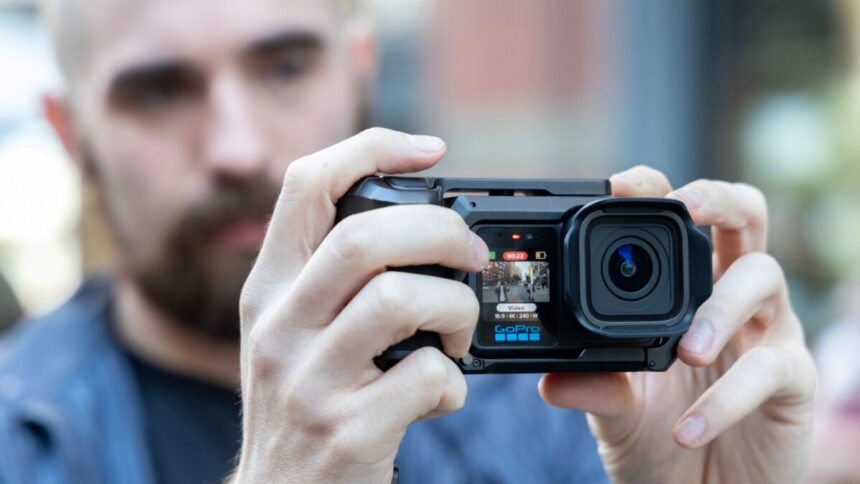
When you tell me your GoPro costs $700 ($600 for GoPro subscribers), you need to give me more than just another action camera. Unfortunately, for the brand that started the idea of mountable, rugged fixed-lens cameras, the Mission 1 Pro is still just another GoPro.
From the get-go, GoPro positioned the Mission 1 Pro as not just a larger alternative to a Hero 13 Black, but a “compact cinematic camera system,” promising to be an alternative to some less-durable, professional-ready cameras, like a Blackmagic Pocket Cinema Camera. I have no doubt a high-end videographer may have use for the Mission 1 Pro, but if you’re only flooding your Instagram feed with your latest snowboarding adventure, do you really need one that’s “pro”-level? Probably not.
GoPro Mission 1 Pro
The Mission 1 Pro takes the best footage of any action camera currently available. It’s just not a perfect camera otherwise.
- Excellent action camera video quality
- A bevy of slow-mo modes
- Easy “open gate” shooting options
- Solid battery life
- RAW photos limited to wide
- Slow photo processing
- Pricey for an action camera
That being said, is the Mission 1 Pro a good GoPro? Oh, hell yes it is. It’s easily the best action camera experience I’ve had—which it should, considering it costs close to $300 more than a DJI Osmo Action 6 or a Hero 13 Black. You just won’t use it for anything that you’re not already using your old GoPro Hero for. One day, our action cameras may be good enough that I can leave my other shooters at home, but today is not that day.
Mission 1 Pro basics
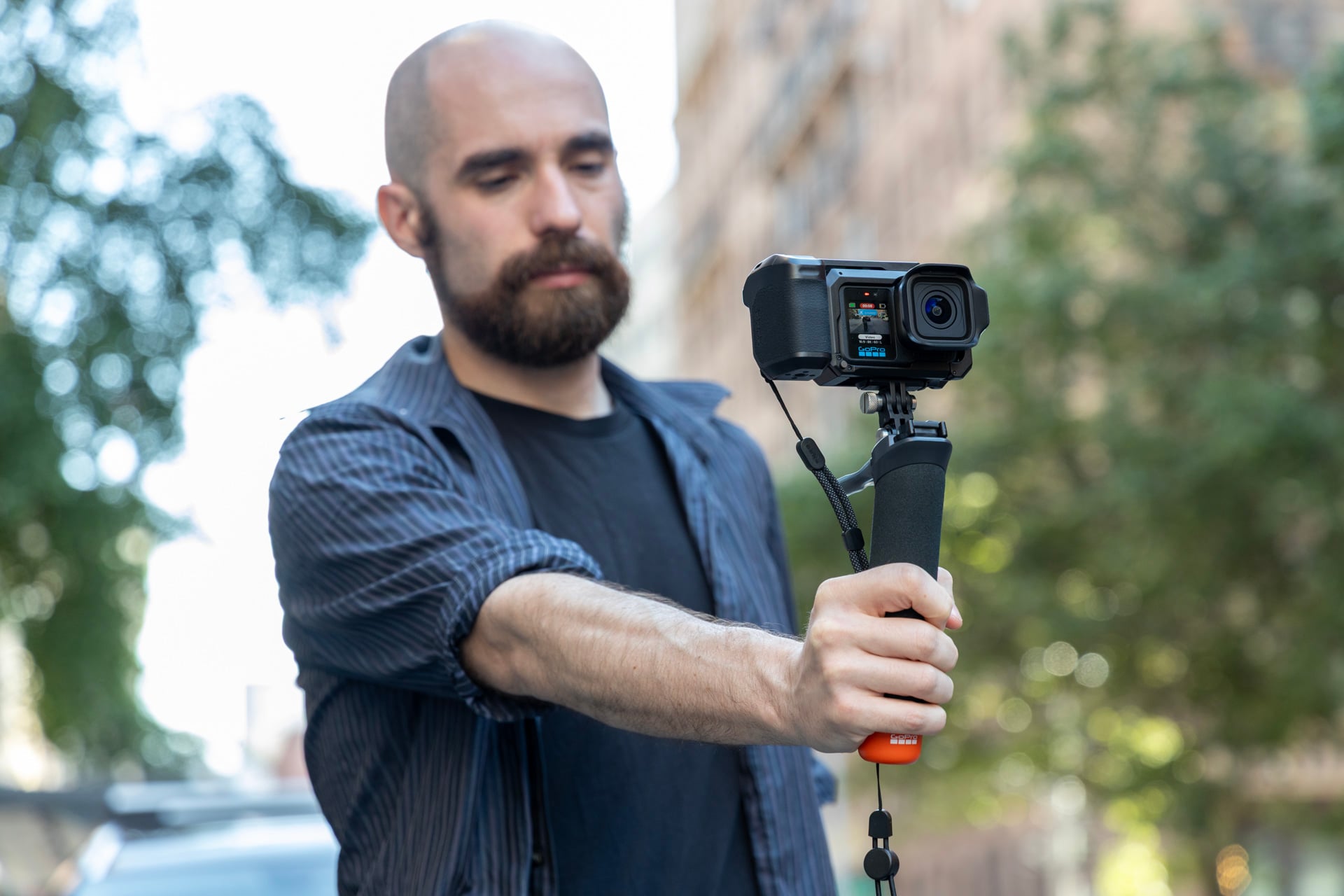
GoPro is emphasizing the “pro” in the Mission 1 Pro’s name. It’s bigger, though not much heavier than a previous Hero Black 13 at 207g (0.45 pounds) compared to 157g (0.34 pounds). Does that make much of a difference when carrying it around? Not really. The weight is an acceptable compromise when it has features like a 2.59-inch rear OLED touchscreen, a 1.4-inch LCD front display, and improved shooting capabilities.
Compared to the Hero 13 Black’s 27-megapixel 1/1.9-inch sensor, the Mission 1 Pro has a larger 50-megapixel 1-inch sensor that can capture 8K at 60 fps or 4K at a tremendous 240 fps. A similarly sized, $390 Insta360 Ace Pro 2 maxes out at 8K and 30 fps. Even better for videographers is the promise of an easy-to-access 4:3 aspect ratio “open gate” recording mode, which not only lets you squeeze more into the frame but also allows for greater cropping flexibility for horizontal, vertical, and square content.
The Mission 1 Pro has more options in its audio repertoire as well. There are three separate built-in mics with features that reduce the buffeting effect of wind. The sound is better than on a Hero 13 Black, but the real trick is its support for USB-C microphone setups, like a DJI Mic 3 or a Mic Mini. GoPro also has its own Wireless Mic Complete Kit coming soon that doesn’t require any adapter to plug in.
If you’ve used any GoPro or similarly shaped camera in the past, you’ll know exactly what to expect. There’s more going on inside that makes the Mission 1 Pro more appealing.
All the video options you need
Even if you’re just using the automatic, out-of-box settings, the video you can get from a Mission 1 Pro is immediately impressive once you get to play it back on your computer. I’d even go so far as to say the image quality matches the $700 price point. I found the HDR content seemed superior compared to the past DJI Osmo Action 5 Pro, and it has far better low-light capture than the Hero 13 Black. The improved low-light video performance is primarily thanks to its large 1-inch sensor, its f/2.8 aperture, and GoPro’s new GP3 chip.
The increased detail I noticed in video footage is also due to the new 240Mbps max bit rate you can get, even when shooting at 4K or 8K. And if you’re above an amateur level, you can also edit videos with GoPro’s new GP-Log 2 color range, which will let you color grade for more real-life tones. I found GoPro’s color grading seemed more true-to-life and less cartoonish than D-LOG M LUT on a camera like the DJI Osmo 360.
Note that when I say video looks good, I mean for an action camera. That’s especially apparent when you drop the resolution down to 1080p. Footage in this resolution looks blotchy on a larger screen, though it may not be as apparent when viewed on a phone.
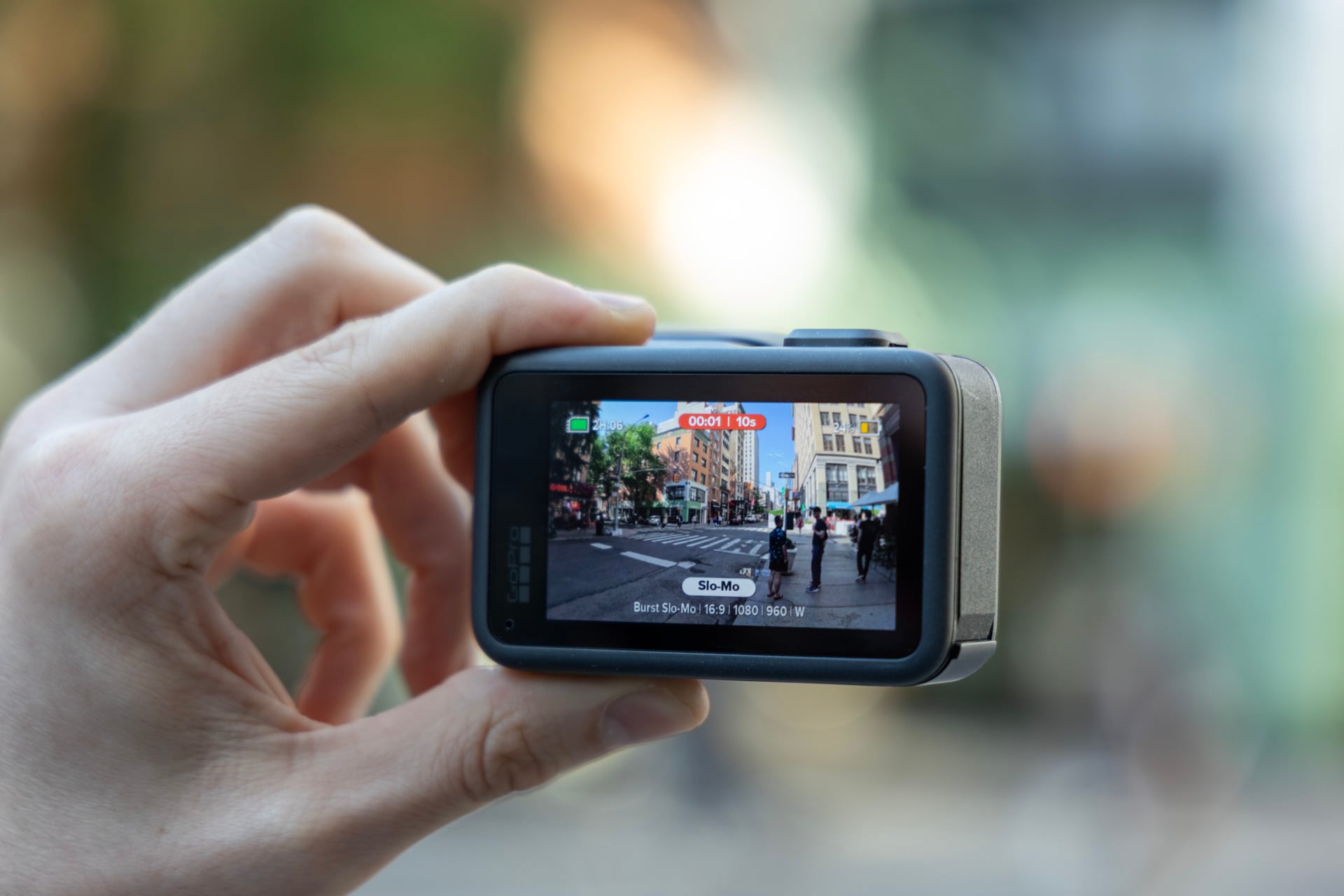
You don’t want to completely ignore 1080p, though, since the Mission 1 Pro’s secret trick is its “burst slow-mo” that records at an incredible 960 fps. This mode takes 10 seconds of recording and turns it into more than five minutes of slow-down footage. This can make for some spectacular Matrix-style shots, but again, the footage is only good enough for a phone. It won’t be what you want for your The Slow Mo Guys knockoff YouTube channel.
Because this camera shoots in such a wide format, even in linear mode that takes away any kind of fisheye effect, you need to get very close to any of your subjects. That’s fine for POV shots or vlogging, but less spectacular if I need to keep a safe distance from, say, fencers whacking swords at each other.
There is a sweet spot to all of these settings for your specific scenario. You don’t necessarily need the 960 fps slow motion. The fact that it’s here is occasionally handy, but I still prefer to max out the 4K 240 fps or settle for 4K, 120 fps and get better footage, especially in those settings where you don’t have a lot of light to play with, as you’ll notice in the video above.
As good as the video on the Mission 1 Pro is, there’s also a short list of caveats that might dampen your enthusiasm. Open gate capture is limited to 8K and 30 fps or 4K at 120 fps. That’s no slouch either way, though if you try to use the widest angle “SuperView” mode (with a maximum 156-degree FOV), you’re also limited to 30 fps. Besides, most people who buy this camera won’t be shooting in 8K unless they want to spend time in post-production cropping for different platforms.
So, so many modes
While you can technically enable a total of 13 separate preset shooting modes, only a few of them offer specific new capabilities not available on older GoPros. Either way, you can mix and match settings for your specific needs.
Beyond slow-motion, there is a new “Subject Tracking” capability that you would normally find on a gimbal-mounted camera like the DJI Osmo Pocket or a new Insta360 Luna Ultra. Essentially, the Mission 1 Pro centers on a subject and then uses the wide field of view to crop in and stay locked on it. It’s especially handy for what I’m personally shooting with these kinds of cameras, as I often fail to keep the camera centered on fencers when I’m trying to capture footage of a bout.
The only issue is that you’ll need to ensure the subject doesn’t move out of frame or else the tracking stops. A dedicated gimbal that can pan and tilt is still better for tracking moving subjects.
While I didn’t have the chance to test the camera’s underwater capabilities, GoPro claims the Mission 1 can reach a max depth of 66 feet, or 20 meters, without a special housing. The power and capture buttons are also raised to prevent any accidental presses from water pressure, according to GoPro.
What you’re shooting will drastically affect battery life, but you can expect the Mission 1 Pro to last longer than any older GoPro Hero action camera. When recording at 4K and switching between 30 and 60 fps, I easily got close to three hours. Push the slow-motion capabilities or film in 8K, and you can expect the battery life to drop by half. In my testing, it’s long enough time that I could easily make it through a day of on-and-off recording.
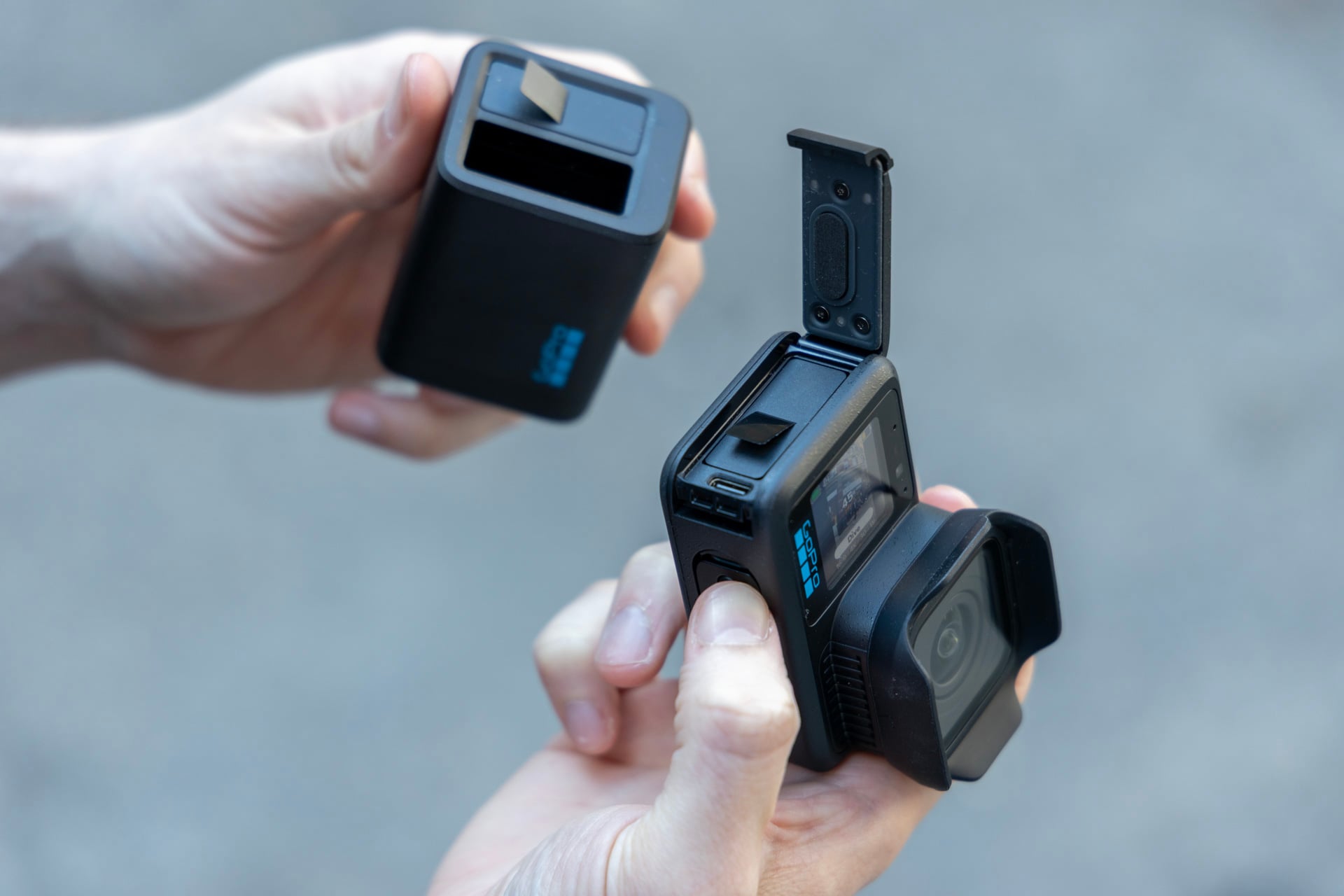
Also worth mentioning: the Mission 1 Pro uses Enduro 2 batteries, which have a larger 2,150mAh capacity and are backwards compatible with the Hero 13 Black. Likewise, you can use first-gen Enduro batteries with the Mission 1 Pro, though the 1,900mAh capacity will mean shorter battery life.
The Mission 1 Pro still tends to get hot on occasion, especially when shooting under direct sunlight. I didn’t actually encounter any scenario where the camera needed to stop shooting and cool down, except when plugged into a charger. I should mention this is the first GoPro that supports fast charging via USB-C, and I could get from near 0% to 80% in just under 30 minutes.
The grip is nice, but unnecessary
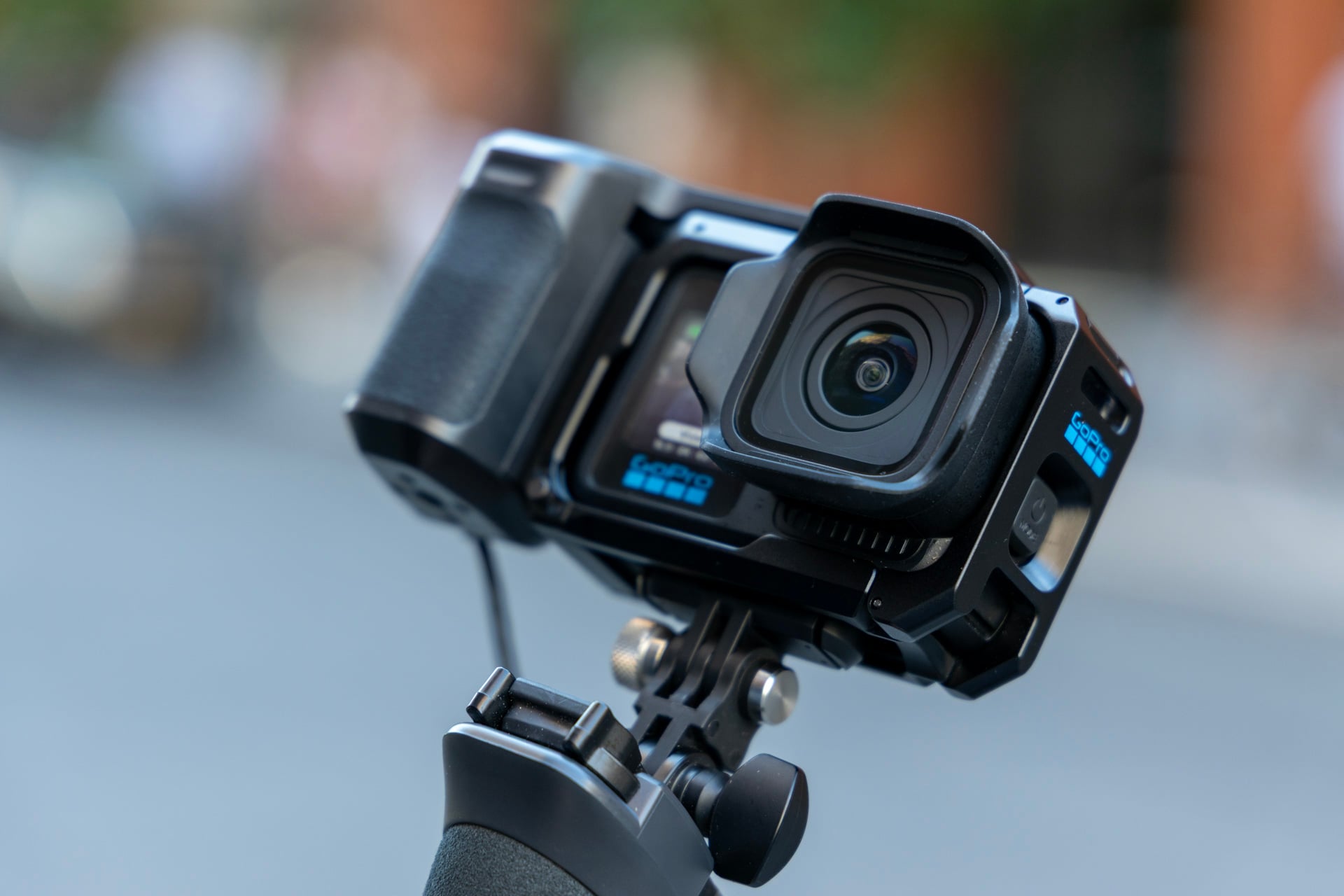
For review, GoPro shipped me the Mission 1 Grip Edition bundle with a special “point-and-shoot” case/cage. This accessory only exists as an easier way to hold the action camera. And even with a more traditional camera-like grip, the Mission 1 Pro isn’t as great as a dedicated point-and-shoot camera.
There are still no options for physical on-device controls for changing settings like ISO or aperture. The grip seems like it would have plenty of room for those kinds of additions, but in an emailed response to Gizmodo, GoPro said it wanted to keep the grip waterproof and durable.
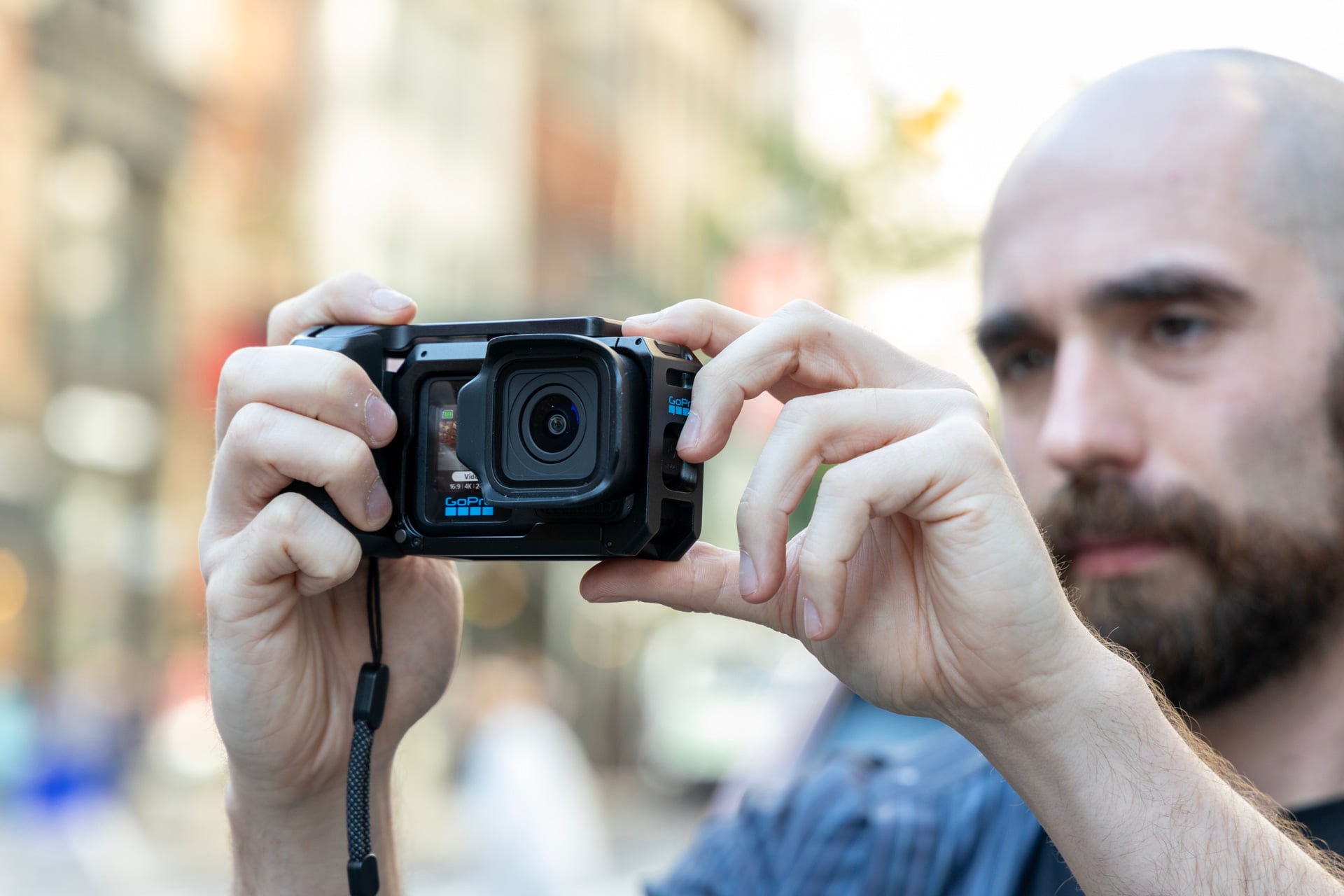
GoPro is making a separate $1,200 ($1,100 for GoPro subscribers) Creator Edition of this camera with a Media Mod grip that the company promises will have “a ton of creator controls.” What that means is that the kit comes with a Volta 2 battery grip that packs in a physical control to start Mission 1 recording. That Media Mod will have three 3.5mm audio ports, a micro HDMI port, and support for external microphones like the aforementioned upcoming Wireless Mic Complete Kit.
The Grip Edition costs $780, and I’m not sure it’s actually worth the extra cost. The sturdy metal frame keeps the camera snug and tight, while the detachable grip makes the camera more comfortable to hold if you’re not using some other mount. It also comes with a lever that connects to the cold shoe that presses down on Mission 1’s capture button. That means, if you have the QuikCapture setting turned on, the Mission 1 Pro is almost certain to turn on if you leave it loose inside your bag. At least, you can remove the lever from the grip, where it becomes yet another GoPro component to keep track of when you’re on the go.
Don’t even bother with photos
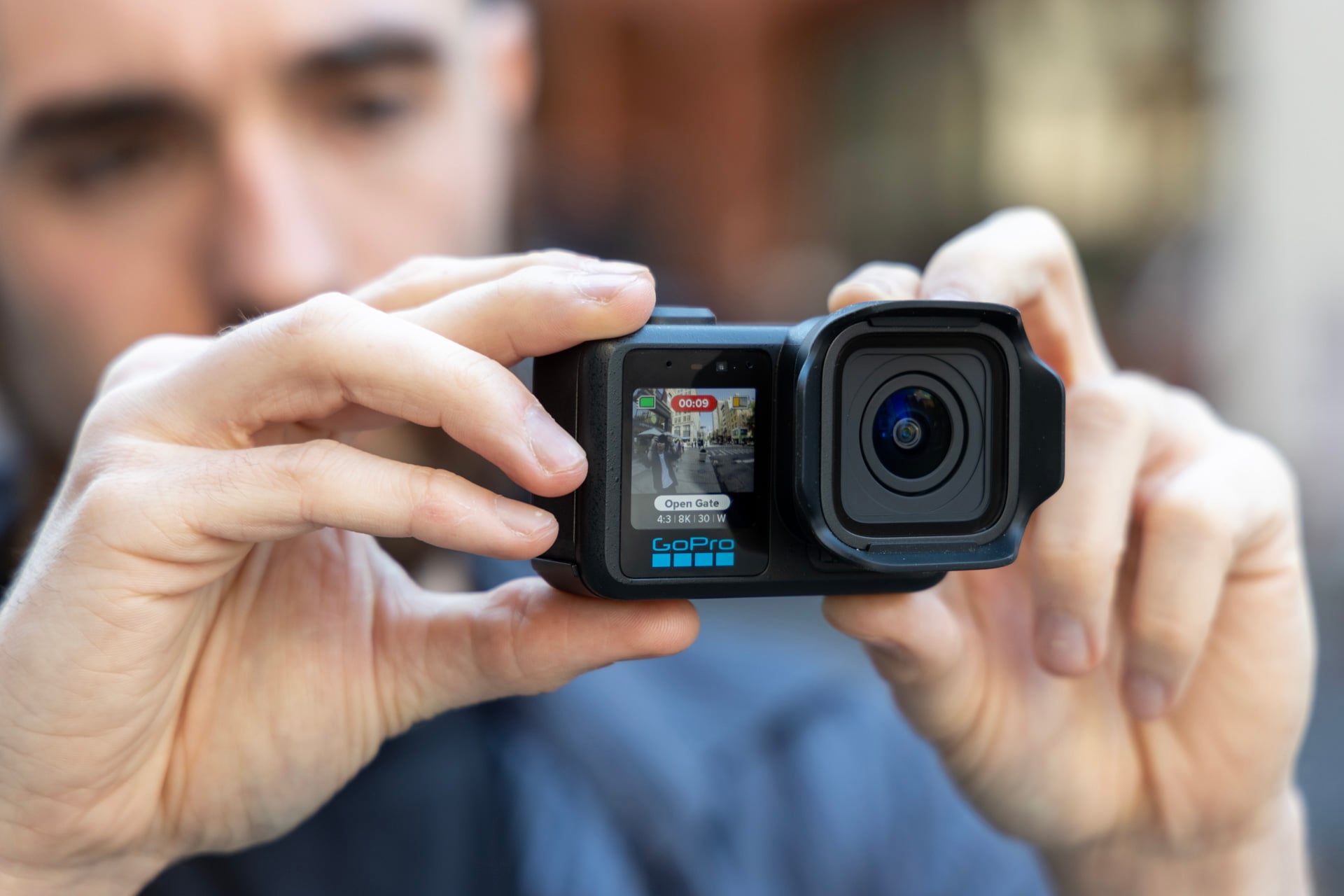
The Mission 1’s versatility is its saving grace, but despite the “jack of all trades” idiom, it falls short of its full promise with poor photo limitations and an agonizing lack of physical controls that would make it worth leaving another fixed-lens camera at home.
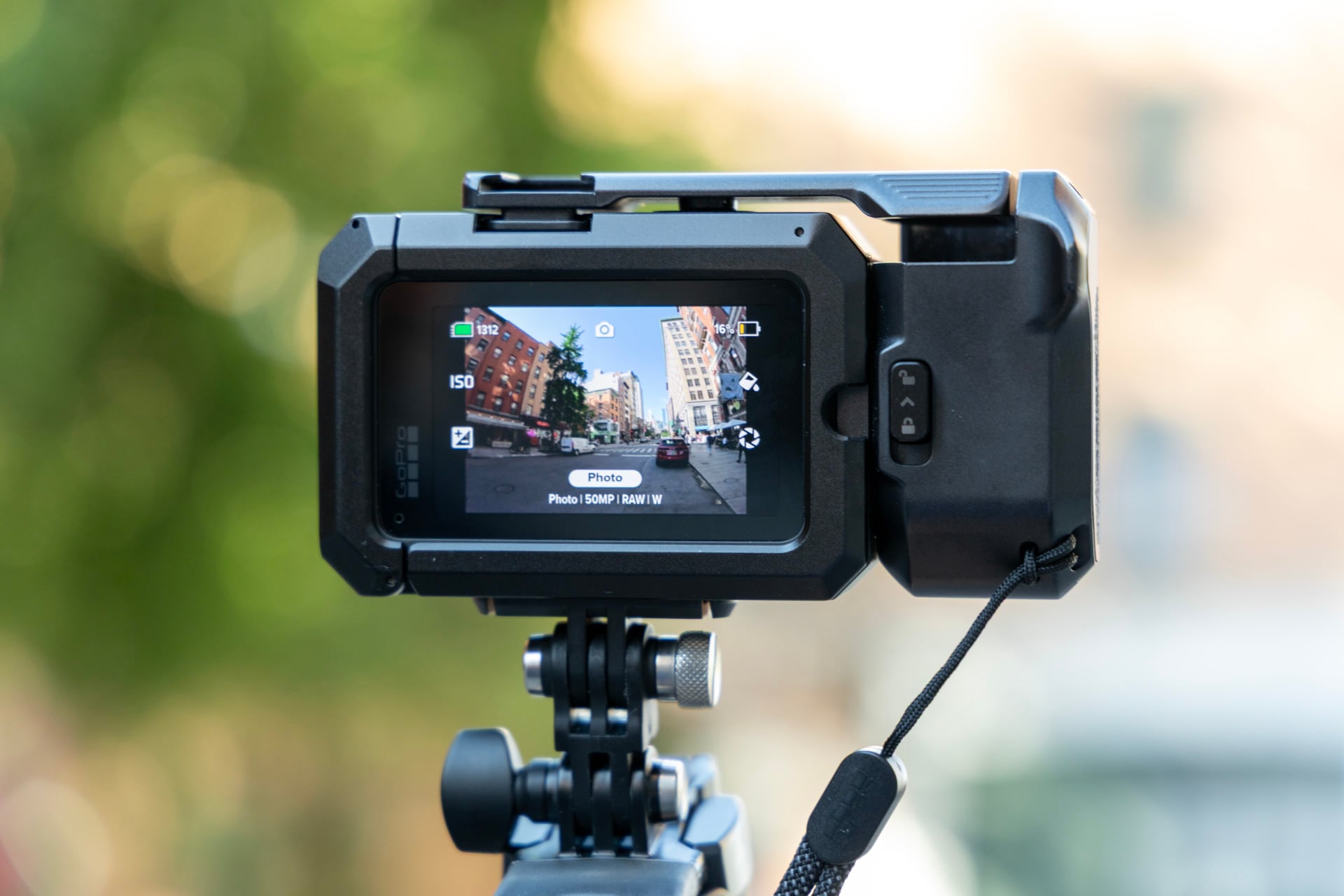
GoPro promised “gallery-ready” 50-megapixel photos with control over ISO, shutter speed, white balance, and exposure compensation (rather than a specific aperture setting). But when you go to take photos, you quickly realize that GoPro limits RAW photos in a wide format. Every studio-ready pic you take in this camera is stuck with the fisheye effect that makes it seem like you’re staring at your subject through the inside of a glass bottle.
It’s something that can be fixed in Photoshop or any photo editing software, but it’s more annoying than it has to be. GoPro told Gizmodo that “we want to give the user a completely unmodified, least-amount-of-processing image possible” and didn’t want to “bake in a lens profile like linear that is easy to apply in any photo-centric post-processing tool that RAW photo shooters are likely already using.”
GoPro may add a “linear” (distortion-corrected) photo mode to the Mission 1 later. The company should consider doing so, since it’s working on a Mission 1 ILS (interchangeable lens system) version of the action camera complete with a mount for a swappable micro four-thirds lens. Sure, that may seem more up the alley of budding photographers. You’ll still miss out on quality-of-life features like autofocus.
Even if you get over the warped images and the so-so picture quality, you’ll still struggle to snap RAW pics fast enough to make this worthwhile as an alternative to your phone’s built-in sensors. The Mission 1 Pro takes nearly one second to finish each RAW photo, though slightly less if you’re only shooting a basic JPG. GoPro told me that it’s working to speed up photo processing. You won’t be snapping photos in rapid succession unless you enable burst shooting modes. For now, GoPro’s latest camera best left for shooting video—and only video.
Do you actually need a bigger, better GoPro?
GoPro needed to do something different with this year’s camera. Over the last several iterations, the company has been taken to the cleaners by more innovative China-based companies like Insta360 and DJI with magnetic pods capable of recording 4K footage in a shrimpy, though still durable, body. Last year, GoPro’s Max2 tried to play catch-up with both its competitors in the 360-degree camera market.
So what did it do instead? It made the most expensive, best GoPro available right now. After my first hands-on with the whole Mission 1 suite, including the non-pro version as well as the ILS model, I thought maybe GoPro had finally made a camera worthy of video and photos. That’s not the case. The Mission 1 Pro is still best as an action camera for shooting video. It’s the camera I would take on my next outdoor adventure if I’m afraid of damaging my smartphone. But, once again, it’s just a specific, rugged tool in a larger A/V toolbox, rather than the only camera you’ll ever need.
If you ask me for my recommendation for the best action camera, I’ll tell you it’s the Mission 1 Pro. If you ask me whether you can eschew another camera for Mission 1 as a “cinematic camera,” I’ll grimace and utter a long “noooo.” GoPro isn’t revolutionizing the rugged camera scene. It’s still just making the same old GoPros, just bigger and more expensive than ever.
Read the full article here