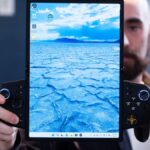

The latest ThinkBook X1 Carbon, which Lenovo debuted with extra fanfare back at CES 2026, boasts extra repairability beyond any other laptop in the company’s ultraportable repertoire. However, that easily removable keyboard and chassis were built more for the sake of trained technicians rather than the lowly laptop user who just wants to swap out their USB-C port for HDMI. Lenovo’s latest ThinkPad concept goes a step further. It promises a whole new level of modularity that is even more ambitious than Framework’s current design. It’s only held back by Lenovo’s need to hang on to too many proprietary components.
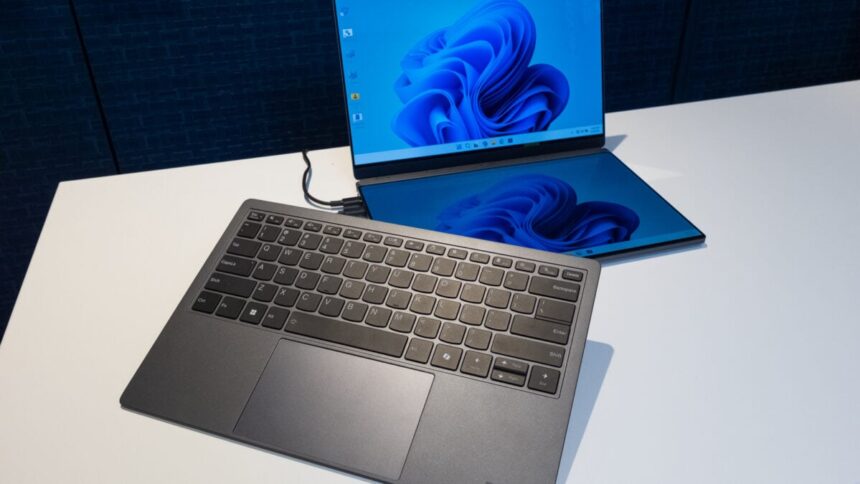
This Modular AI Concept feels like an adaptation of so many competitors, such as Framework and Asus. With the keyboard on, it resembles a regular 14-inch ThinkBook laptop. The keyboard then comes off, revealing a platform where you can stick in a secondary screen. It should remind you of the Asus Zenbook Duo with similar dual-screen functionality. The modularity doesn’t stop there. That screen can also attach to the rear of the laptop lid. In this mode, users can mirror their screen to show somebody on the outside what they’re working on.
That secondary screen can also hang out as an external display thanks to an integrated kickstand. It’s not Bluetooth enabled, meaning you’ll need to plug it into one of the ThinkBook’s available USB-C ports. Taking a page from Framework, two of the laptop’s four ports are removable and swappable with—ostensibly—some other variety of port. If you know you’ll be working with photos, you could exchange it for an SD card slot.
It just needs an extra touch of Framework
I was starting to feel the excitement building. Finally, Lenovo was going full Framework and promising its business-class laptops could have the customizability we’ve longed for for so long. Then reality set in. Unlike the Framework 13, the ThinkBook concept uses a pin connection for its removable ports. Framework, on the other hand, relies on a USB-C system that enables more users to install any number of port connections. That means the ThinkBook is far less customizable for the DIYers who enjoy creating their own modules for their laptops.
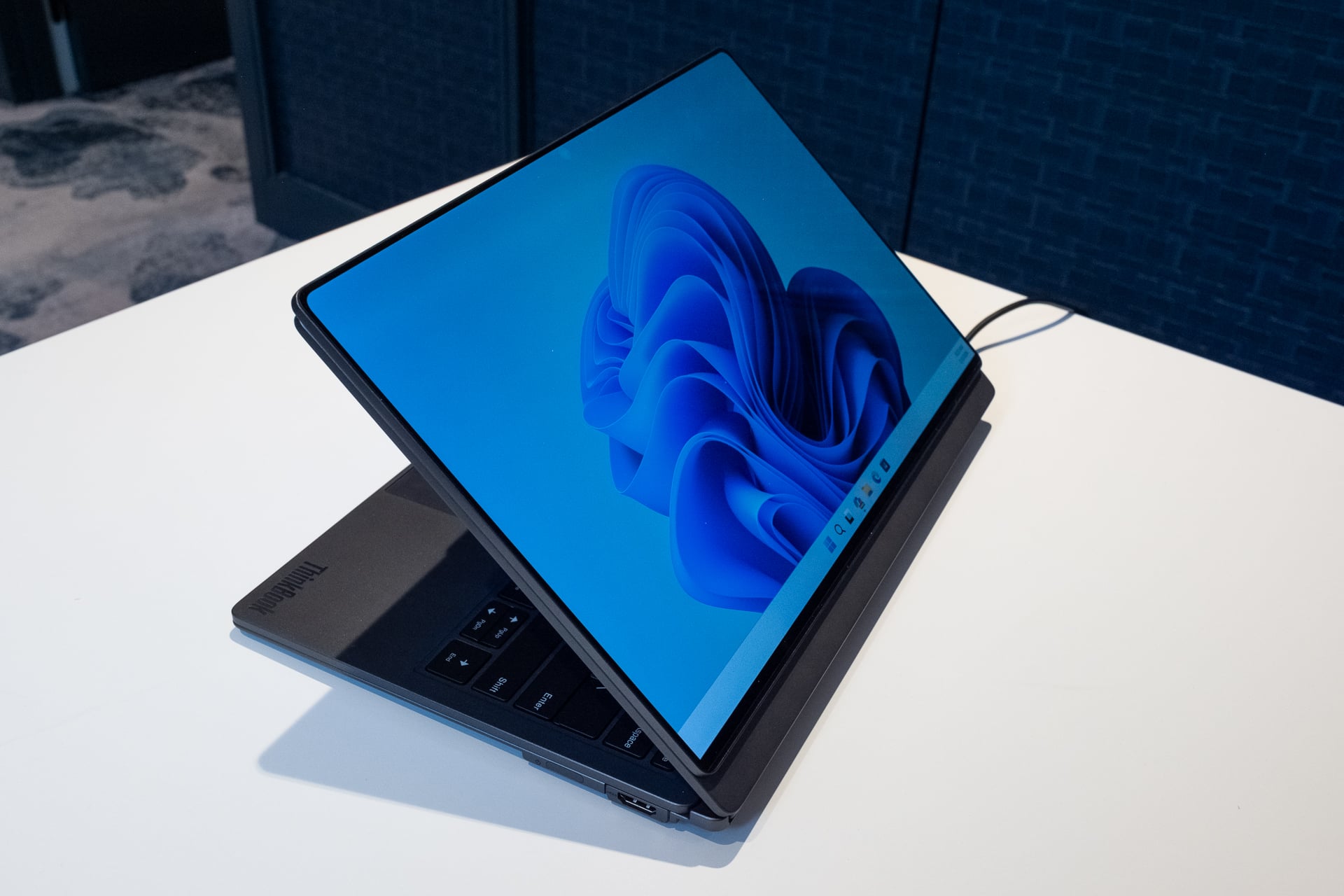
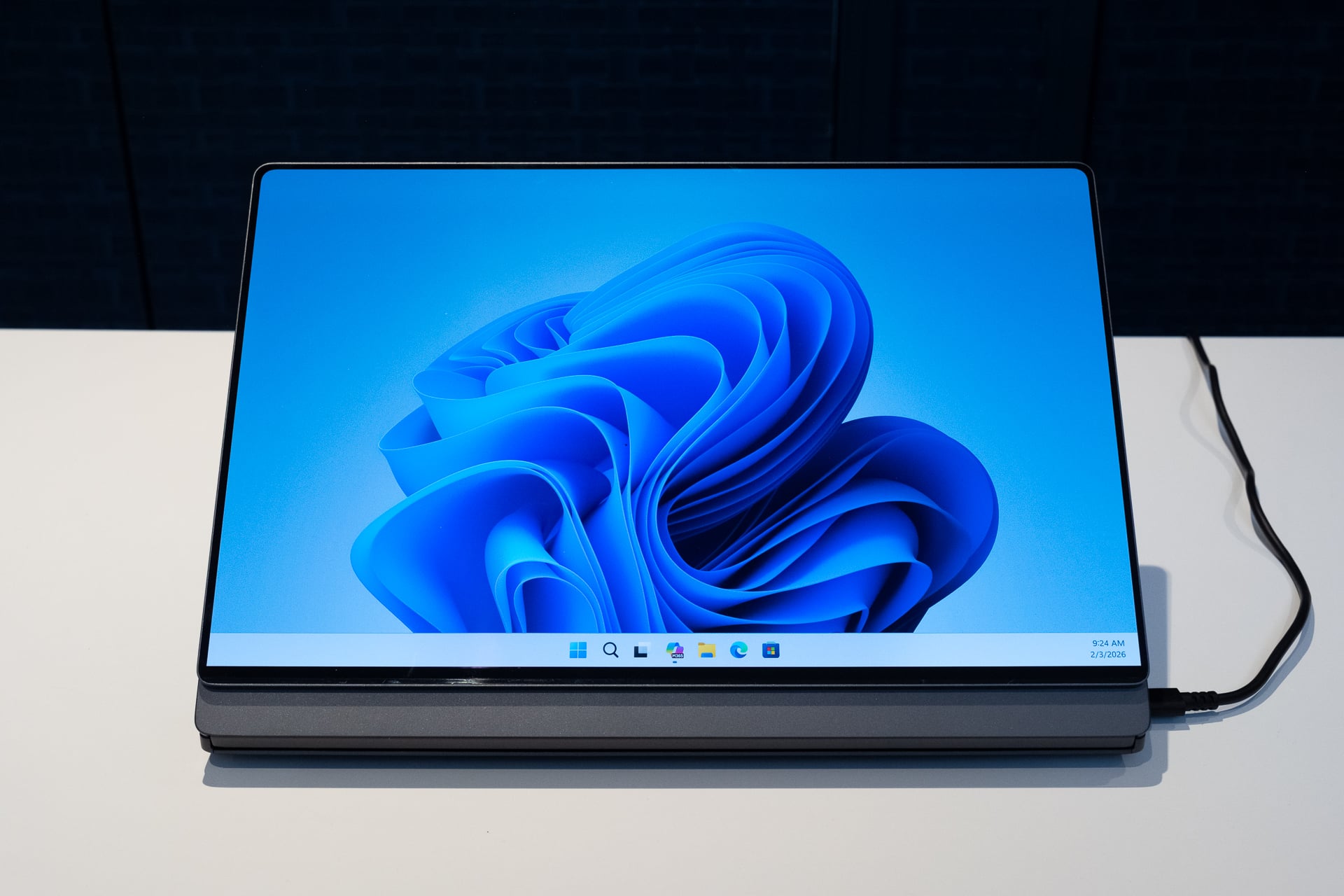
There’s a lot to like about the ThinkPad concept, except perhaps for the durability. The pin section behind the monitor became unglued as I removed it from the laptop. Lenovo fished me out a replacement so I could finish testing it. Still, I’ll admit the idea behind this laptop is especially enticing. The Zenbook Duo proved we can have a high-powered dual-screen laptop with strong battery life. Having one with even more modularity could make the ThinkPad design more worthwhile beyond the standard business laptop user. Lenovo just needs to eschew the module’s pin connection and stick a big red TrackPoint “nipple” in the center of the keyboard, and the ThinkPad Modular could be the one ultraportable laptop to rule them all.
As with any proof of concept, you shouldn’t expect a finalized product. It’s Lenovo’s focus on proprietary ports that dampens my enthusiasm. We should all enjoy a more modular, repairable design. We’d be better off if Lenovo could trust its users to do it themselves.
If you don’t care about modularity, how about a 3D screen?
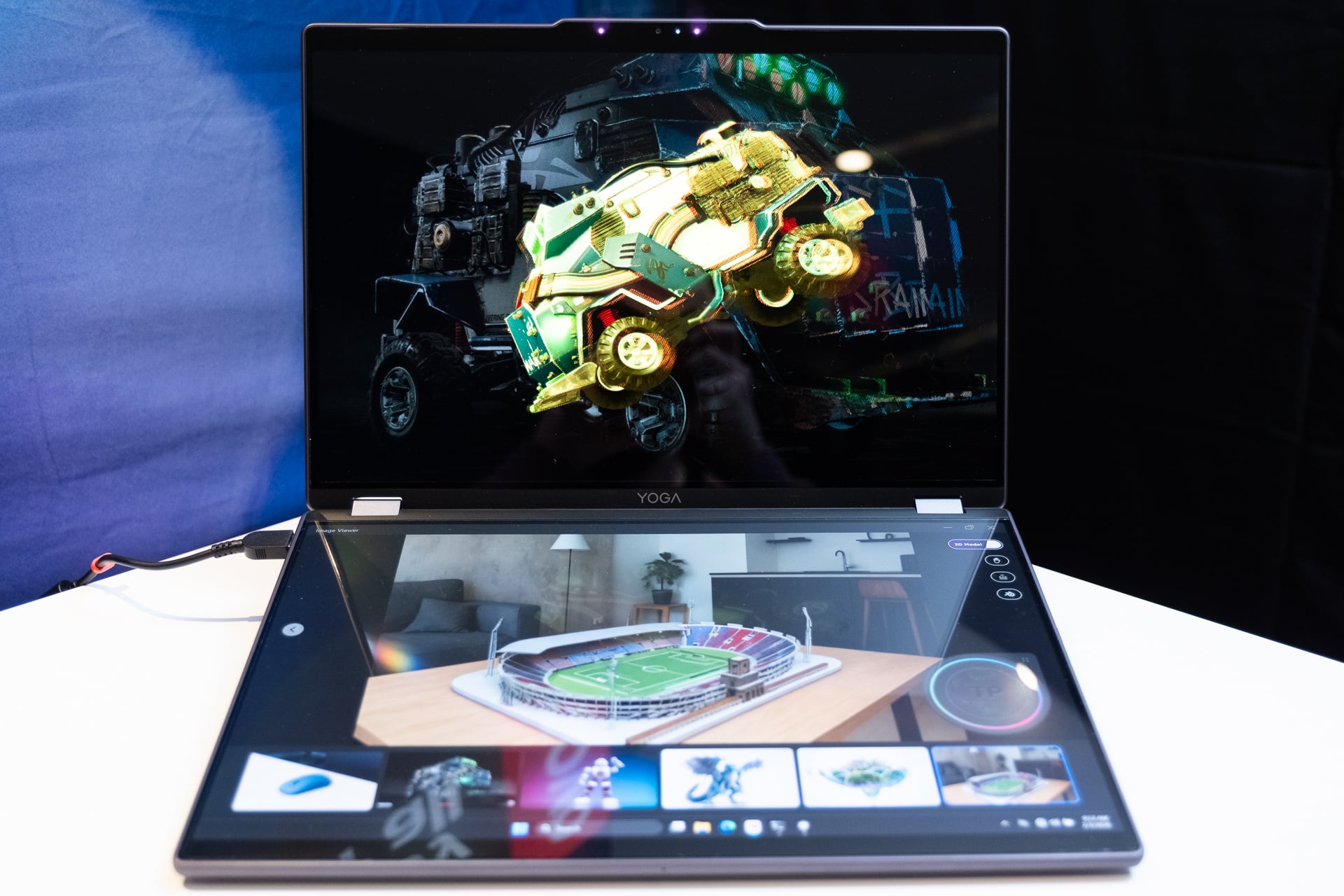
As if Lenovo didn’t already have enough concept devices in tow, it was also adamant I check out its Yoga Book Pro 3D concept. This device is exactly what it sounds like: a massive, dual-screen laptop, with one screen built for glasses-less 3D. Sure, it’s running on an Intel Core Ultra 7 processor (Lunar Lake, not Panther Lake, unfortunately) and an Nvidia GeForce RTX 5070 mobile GPU, but what you really care about are those twin screens.
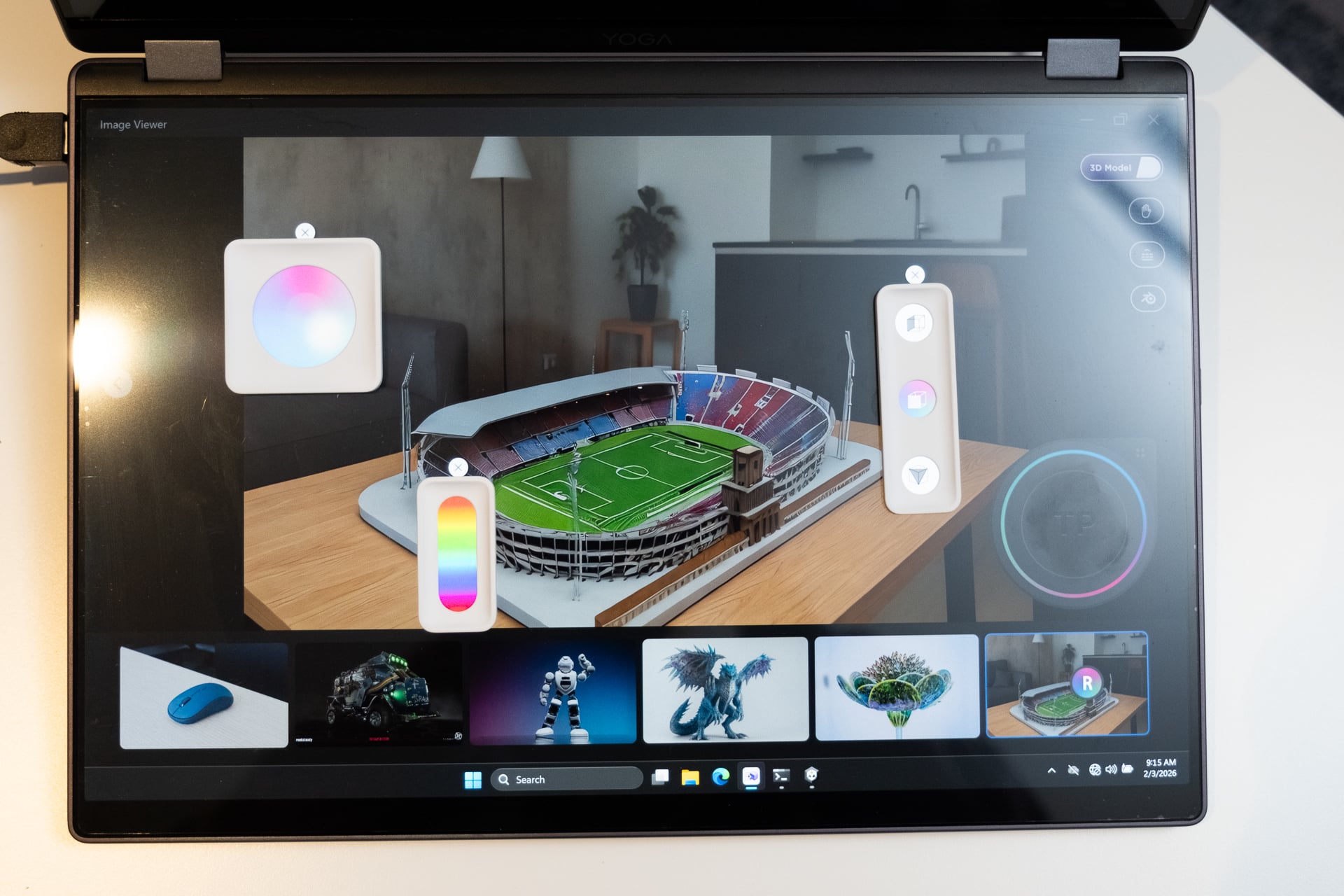
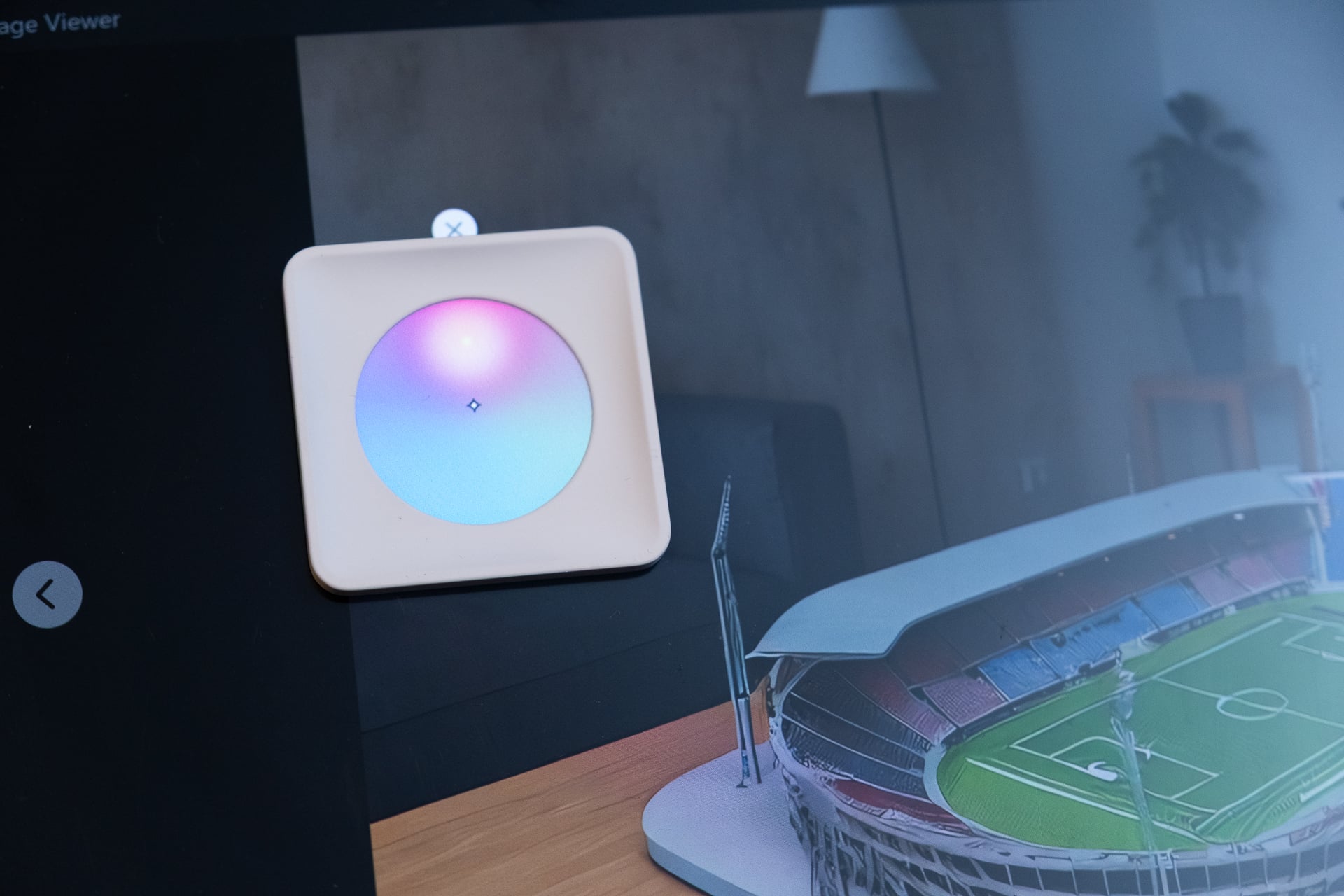
Lenovo has shown me previous monitor concepts and prototypes, like its ThinkVision 2D/3D monitor and a similar laptop with a 3D screen. Those devices make use of an attached webcam to track users’ eyes. Then, the screen shows a different image to each eye, creating a stereoscopic effect that results in users perceiving a 3D image. Samsung has this technology in its Odyssey 3D gaming monitor and upcoming 6K-resolution 3D redux. The Yoga Book Pro 3D Concept is built more for creators than gamers. It includes a touchscreen on the bottom that works with a stylus. Users can manipulate a 3D model in a graphics app, then see how it looks in 3D on the top screen.
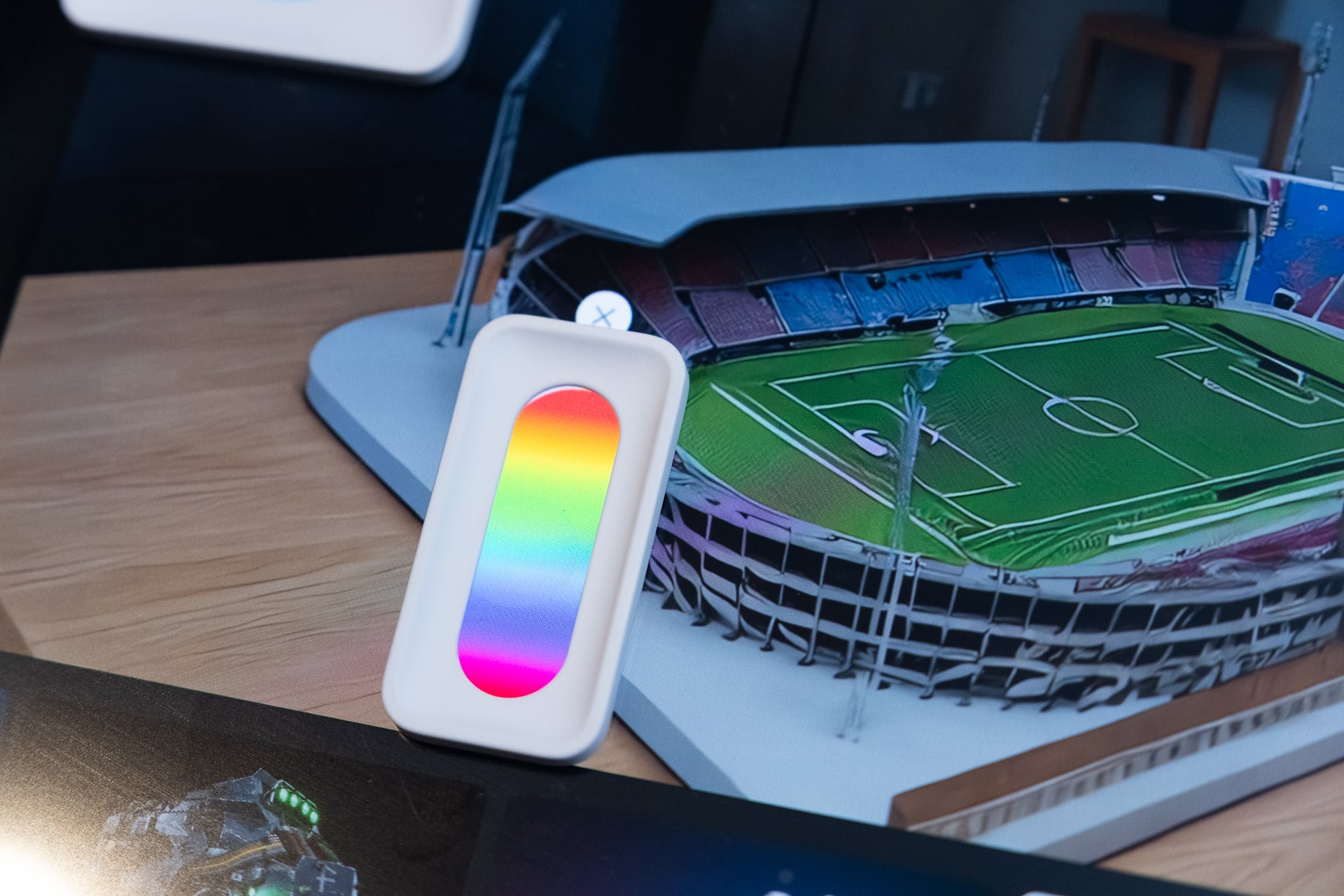
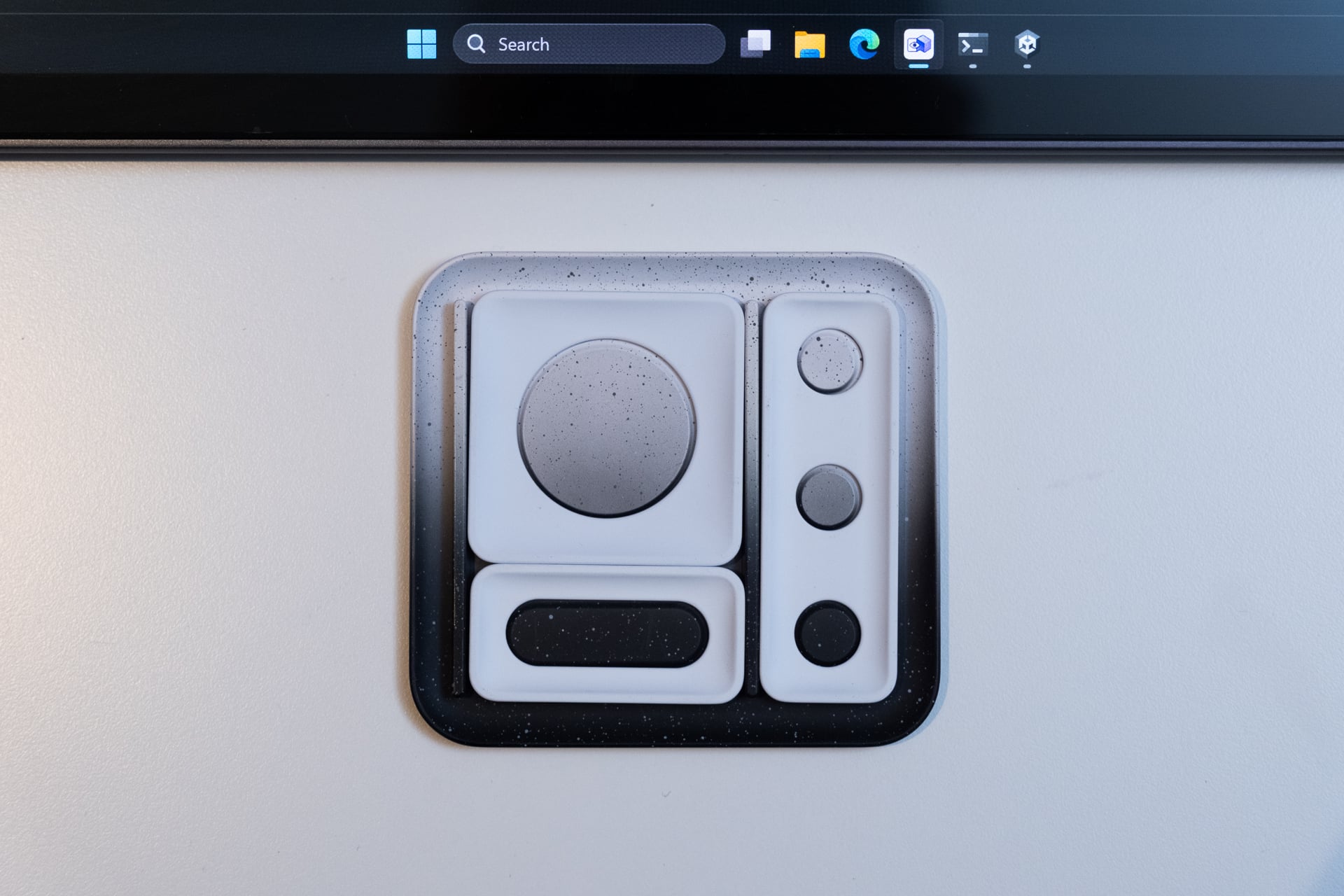
If 3D screens take off—despite my enthusiasm for them, that’s a big ‘if’—then these types of devices may become necessary for creators and 3D modelers. The bottom screen also makes use of “pads” that react to the display, enabling a color picker or a lighting adjuster. Believe it or not, it’s that small feature that’s the least useful of this incredibly odd laptop.
Read the full article here