

Apple users may already have strong opinions about iOS 27 and the agentified iPhone. In Apple’s mainstay Mac ecosystem, AI Siri is less profound and less invasive, and I may appreciate it that much more because of it.
There are some aspects of the new UI that make the newly launched macOS 27 Golden Gate public beta feel like a mere surface-level update. That doesn’t mean there aren’t significant changes going on under the hood. I’ve been perusing the developer beta train for more than a month, and the more controversial elements of macOS 26—the transparency of the UI and the maligned, oddly-shaped corners of macOS Tahoe’s “Liquid Glass” look—have been dialed back. Now, the corner radii of every window are uniform and match the arch of the Mac’s screen bezels. It sets the stage for an inevitable touchscreen MacBook.
There are other small additions that add up. Just as announced at WWDC 2026, the Passwords app includes a handy feature that will tell you if your logins are compromised. More minute changes, like the ability to swipe down to refresh in Safari or Mail, are genuinely useful if you’re keen to use Apple’s mainstay apps. Other features, like better support for 5K at 120Hz refresh rates when connected to external displays, will matter to a few but vocal Mac users.
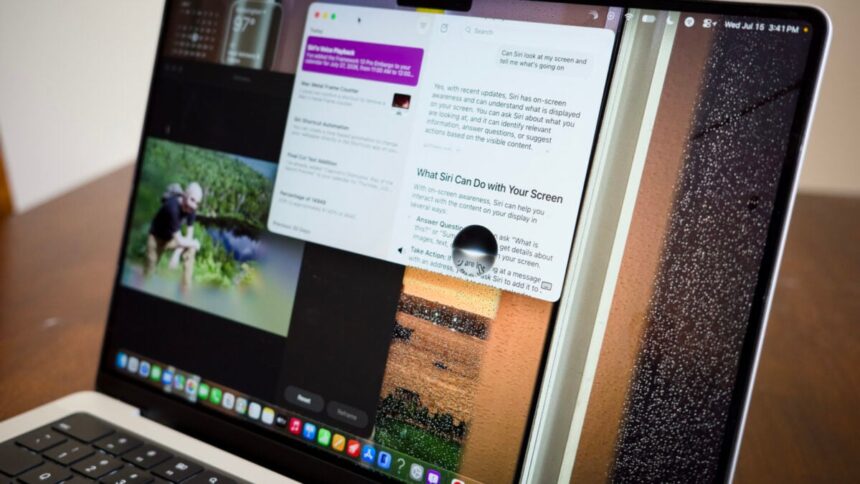
But, of course, the one feature you’re forced to care about is Apple Intelligence. Just like on the iOS 27 beta, Golden Gate subsumes AI-enhanced Siri into each M-series Mac and the MacBook Neo. Siri now roosts inside the right-click menu and Spotlight, meaning it’s only a quick CMD+Space prompt to receive a response without needing to open the app. However, unlike the iPhone-based Siri, you may not even feel its presence unless you’re intentionally trying to use it. In all my time with Siri, it rarely changed how I used my Mac beyond acting like a more agentic, less ad-filled Google search.
Users can either type to Siri to have it respond or try talking to the computer in a never-ending stream of consciousness. As of macOS 27 beta 3, you can also add an “expressive voice” to the chatbot so it no longer sounds robotic. Sometimes, deep into conversations, the beta AI interface failed to load the voice at all. To be honest, I could do without talkative Siri. I prefer my machines to stop pretending they’re human.
And that’s the point. Apple has crafted an AI that’s terse and (for the most part) factual. If I ask it to check my math for deriving percentages for my recent laptop reviews, it doesn’t try to butter me up and tell me what a great question it was. If I want it to look up files for me, it will offer one-sentence descriptions of those files it found in my drive or my emails. It doesn’t try to be your friend, and praise be to Apple for ensuring its AI is an assistant, not a sycophantic “companion” that pretends to be your friend to the point of delusion.
Apple’s AI isn’t all that smart, either way. Siri has on-screen awareness, meaning when it’s active, Siri can see what you’re working on and take actions based on what’s on screen. If I have an email in my inbox, I can tell it to add an event from that message to my calendar. This works consistently enough; I started asking it to take similar tasks across other apps, mostly to add events to my calendar. It won’t suddenly take more complicated actions on your behalf, like color-correcting video in Final Cut Pro.
And it still fails on occasion. I asked Siri multiple times to help me find specific emails in my inbox, and on the first go-around, it would miss the specific messages I was looking for. If I ask it how to remove the Metal Performance HUD on Mac, it will first give me the Terminal command and forget there’s an easy keyboard shortcut to shoo it away (it’s Shift+Fn+F9, by the way).
In its current state, Siri on Mac is an addition to the ecosystem, not a hostile takeover. And that’s how I prefer it. Siri isn’t colonizing my desktop like Copilot did on Windows 11. That doesn’t mean there aren’t issues. Apple said its “Foundation Models” were built in collaboration with Google based on its Gemini models. However, Apple claims its AI is using its own servers to process queries. It promises to keep data secure on its Private Cloud Compute servers. While an M5 Max MacBook Pro may seem powerful enough for AI coding tasks, Apple will still process some data externally.
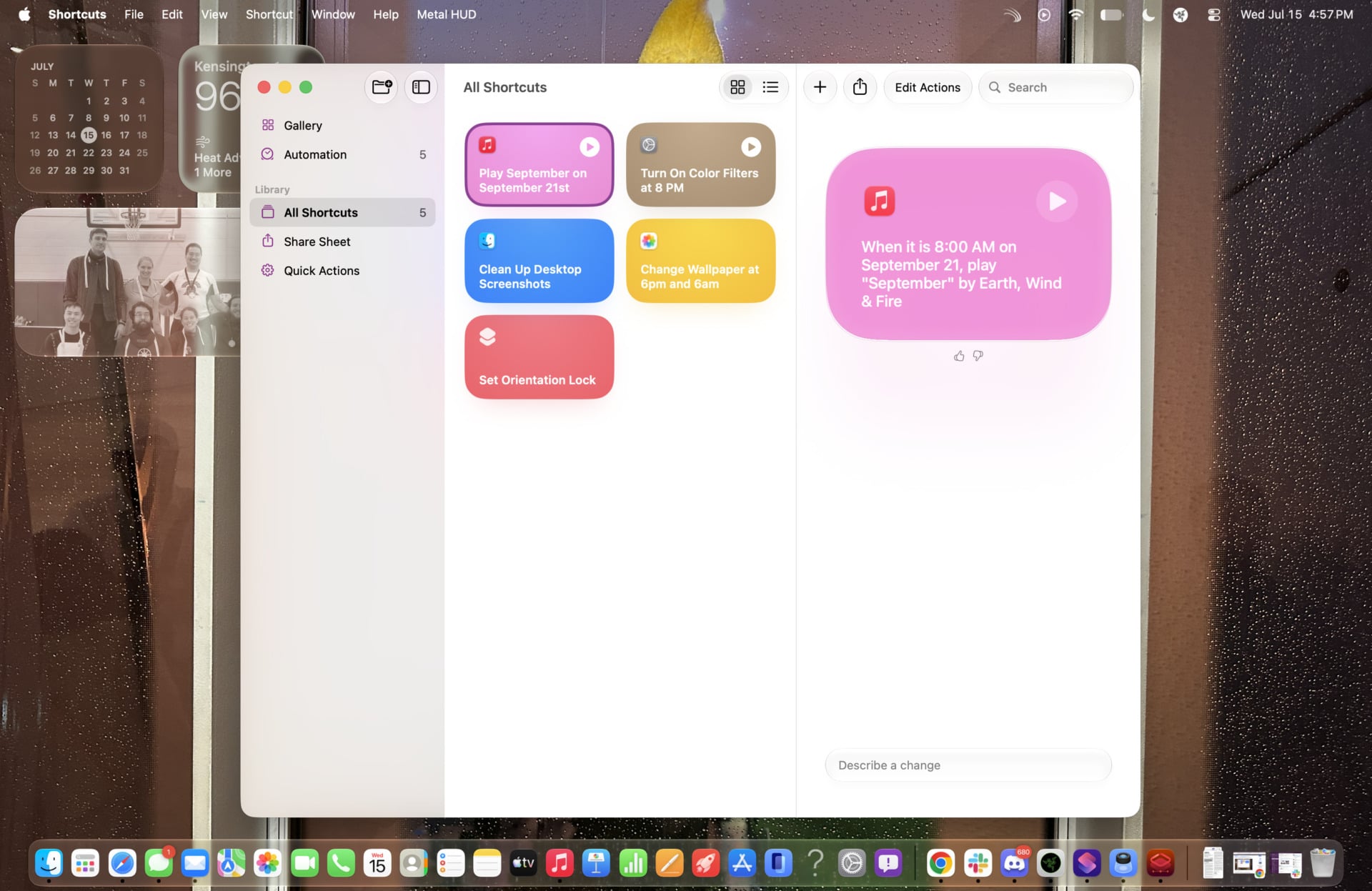
MacOS 27 Golden Gate hides other uses for AI that may actually be incredibly useful—most notably in Shortcuts. Previously, a power user could use the app to fine-tune their Mac for their personal lifestyle by setting complex parameters for automatic on-device actions. It required trawling through the numerous actions and then arranging them in a timeline. A chatbot interface, constrained by the limited actions it can take, is a better option for most Mac users. I asked the Shortcuts app to clean my Mac desktop of any unwanted files at the end of every month and change my wallpaper once it hits 6 a.m. and 6 p.m. every day.
In this instance, I’d argue Apple’s AI gives you more control of your Mac, not less. Shortcuts AI is, unfortunately, still buggy and occasionally fails to create the shortcut based on a prompt. While it requires more TLC, Shortcuts proves more useful than AI pushed in the Photos app. Now, when you enter the application’s editing tools, you’ll find a selection of Clean Up, Extend, and Reframe options. These are essentially akin to many of Google’s recent Magic Eraser-like tools, and they work just as well.

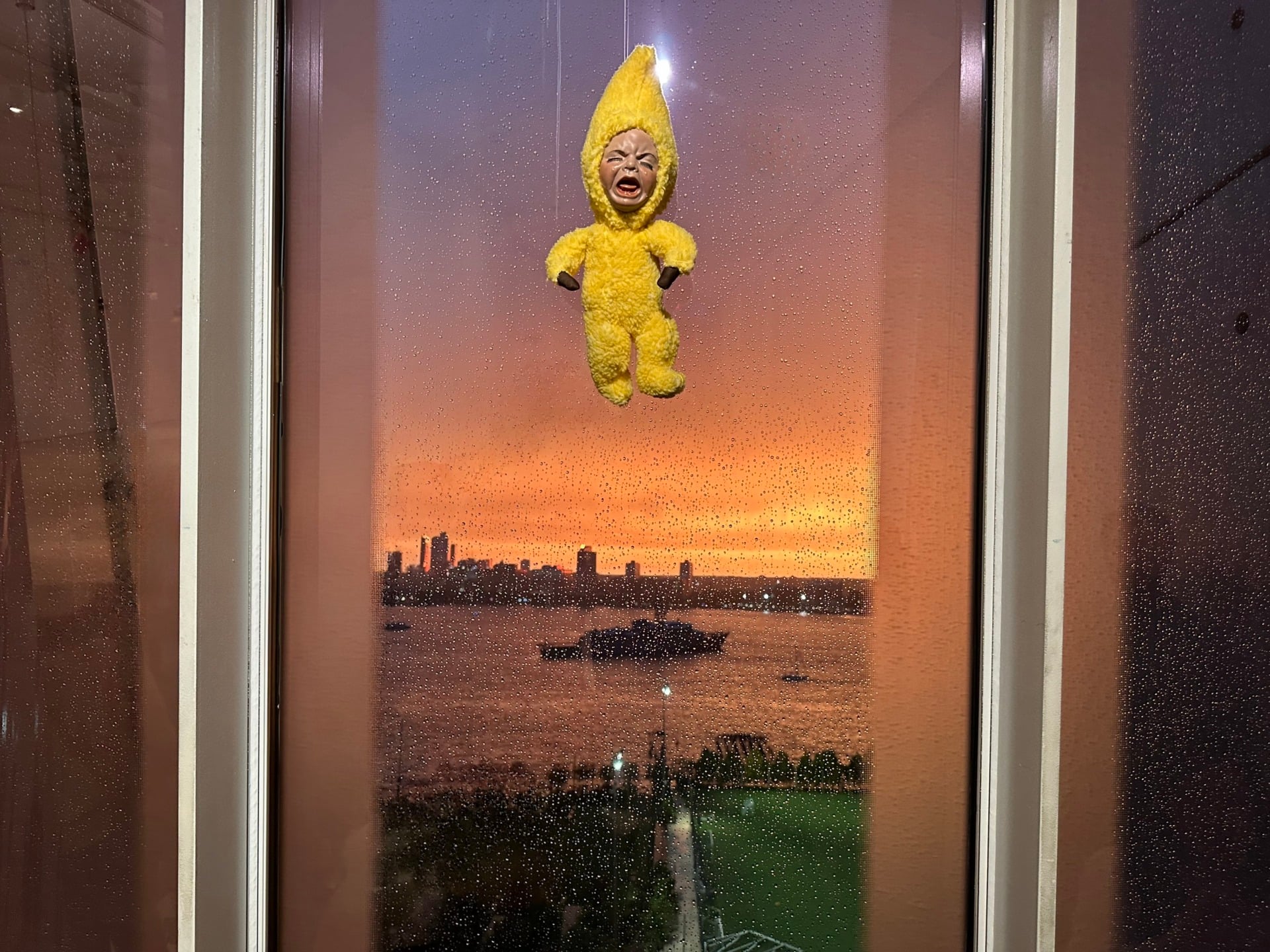
Tell me, does the edited imaged on the right actually look better? © Kyle Barr / Gizmodo
As a journalist and sub-amateur photographer, there’s something immoral to me about modifying photos to such an extreme degree, especially if I plan to show them to the public. I would prefer to simply accept that the blemishes of my photos are an aspect of their essential character. If I want a better shot, I need to get better at snapping pictures.
You could argue the same point of view with most other Siri functions on Mac. You are better off knowing how to do something yourself than praying AI will handle it for you. Siri is just dumb enough you can’t rely on it for everything. And that’s to our benefit.
Read the full article here