
Nanoleaf, longtime purveyor of shimmering geometric LED panels, has a new colorful, plate-shaped disc for your ceiling called the Smart Multicolor Ceiling Light. It’s very boring. Which is fine.
I’ve been testing the Multicolor Ceiling Light, and there’s a lot I actually like about it. It’s super bright when you’re just using it to see stuff in your room with white light. It’s responsive, too, and I found that its small 12.6-inch diameter made it easier to install than some more gargantuan options. The fact that it’s so much more compact than, for instance, the 21-inch monster that is the Govee Ceiling Light Ultra doesn’t really hurt it, at least in the fairly large (something like 10 feet by 20 feet) bedroom in which I set it up. The Multicolor Ceiling Light also features superior Matter support, which certainly helps matters. (Ahem.)
But Nanoleaf’s new light is pretty far removed from the vibrant geometric panels on which the company first made its bones. Don’t get me wrong: it can still do some very smooth, shimmering effects. Nanoleaf is among the best in the business at that. On the flip side, the $80 Multicolor Ceiling Light’s color show is so dim that outside of a dark room, it almost feels like an afterthought. That’s not a problem for me, but it could be for you.
Nanoleaf Multicolor Ceiling Light
A clean-looking smart ceiling light fixture with good Matter support that produces disappointingly dim colors.
- Minimalist, clean look
- Quite bright white light
- Easy installation
- Affordable
- Responsive
- Good Matter implementation
- Smooth gradients and animated effects
- It looks like a paper plate
- Very dim color lighting
A minimalist, flush-mount, smart ceiling light
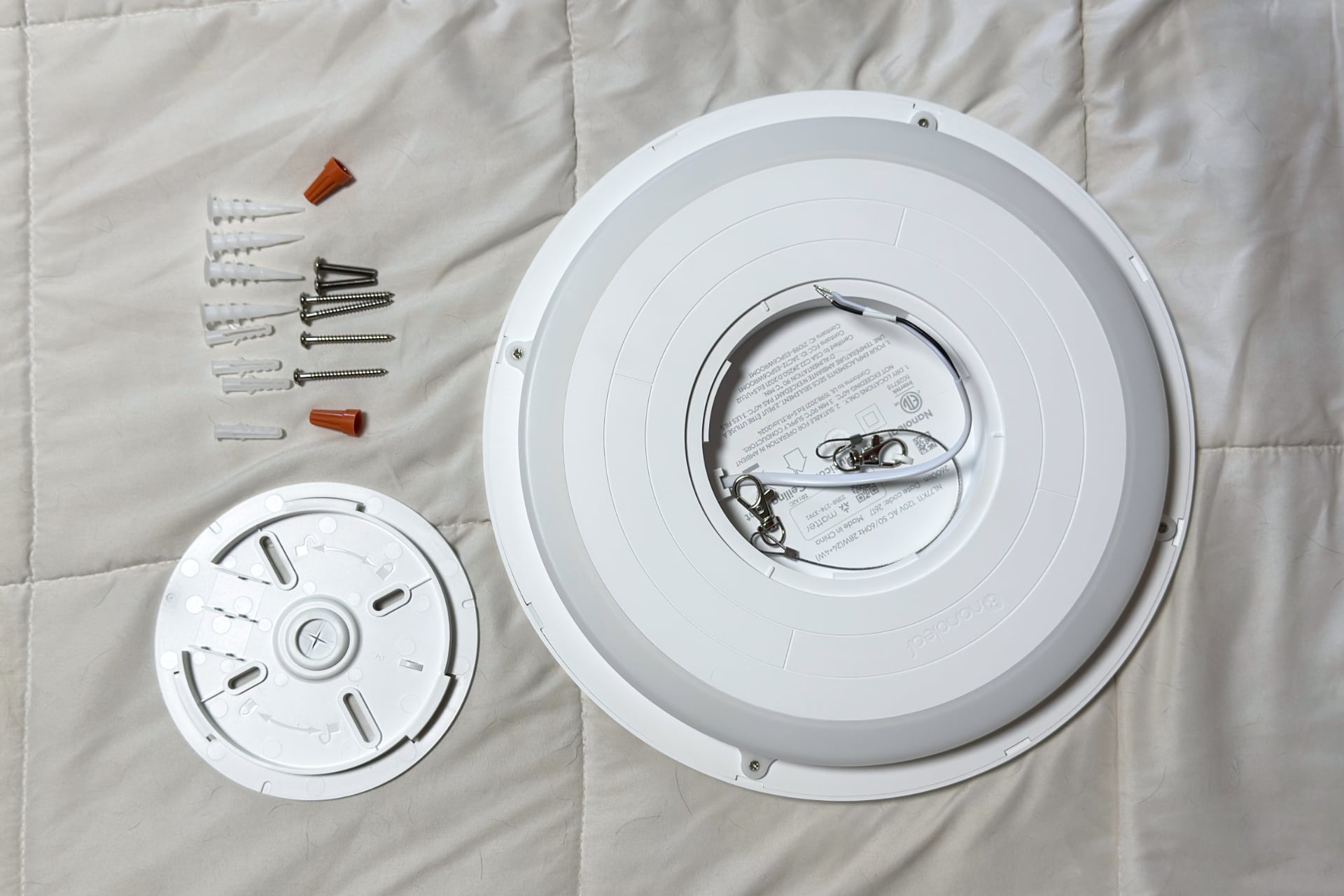
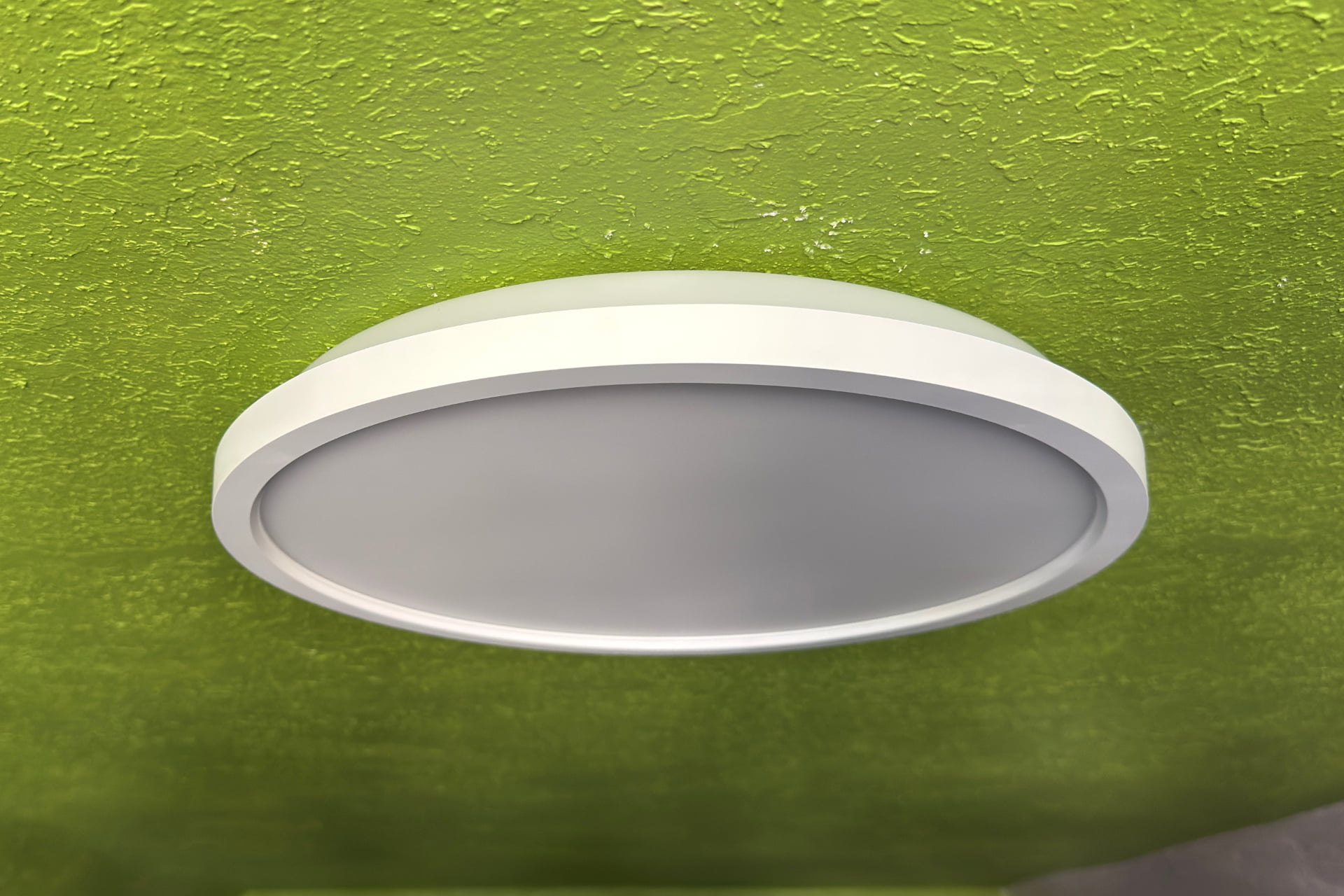
When I pulled the Nanoleaf Multicolor Ceiling Light out of its packaging, I was pleasantly underwhelmed. All you’ll find immediately is the fixture itself, which looks more than a little like a paper plate, nestled in a thick cardboard tray, along with its paperwork. There’s nothing else loose in the box. The mounting hardware is actually tucked under the mounting plate, which comes screwed onto the light itself.
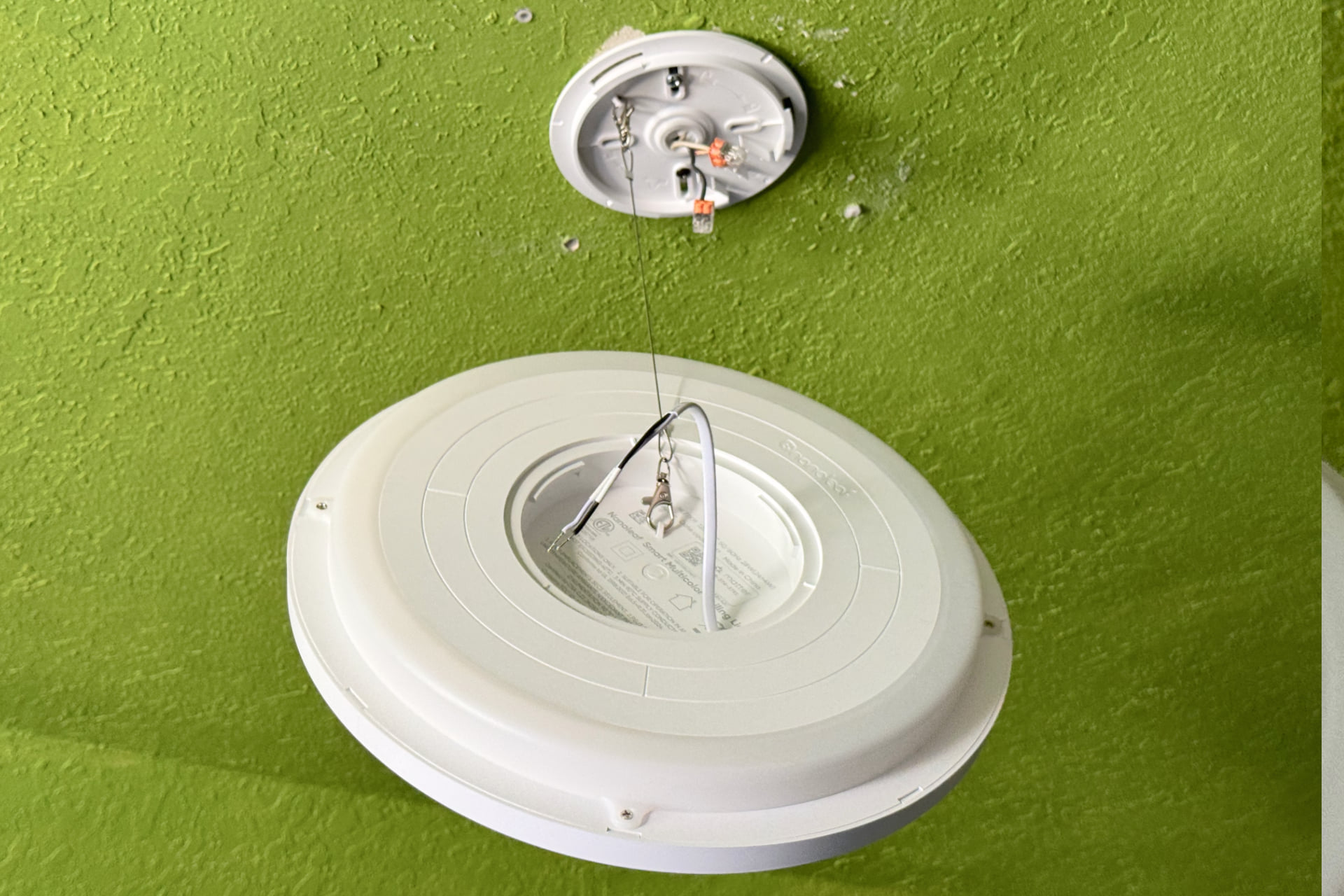
Installation is simple. You first screw the mount into the ceiling electrical box of the fixture you’re replacing. Next to its electrical wires, the Multicolor Ceiling Light has a cable with carabiner clips on both ends; one end attaches to the light and the other to the mount, allowing you to hang it during installation. Just wrap its two wires around the corresponding black and white ones of your home’s wiring, screw the light onto the mount—making sure to tuck everything into the fixture’s middle cavity—and you’re done. Well, hopefully: I had to use my own screws to make the device work with the old electrical box in my ceiling, and I used push-in wire connectors instead of Nanoleaf’s provided wire nuts. Even so, all told, the process took me less than 10 minutes.
After installing the light, I moved on to software setup, i.e., adding it to Apple Home using the Matter QR code in the light’s instruction booklet. (If you lose that, there’s also one on the topside of the device.) That was quick, and doing it revealed that this product does something neither the Lifx nor the Govee ceiling lights I’ve used before do: in the Home app, I was presented with not one but two controls, giving me the power to operate the upper and lower LEDs independently. Heck yeah—why doesn’t everyone do this?
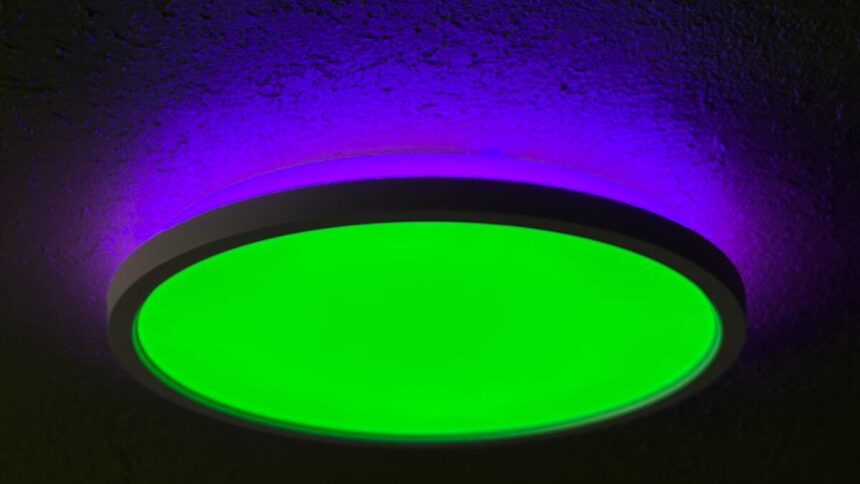
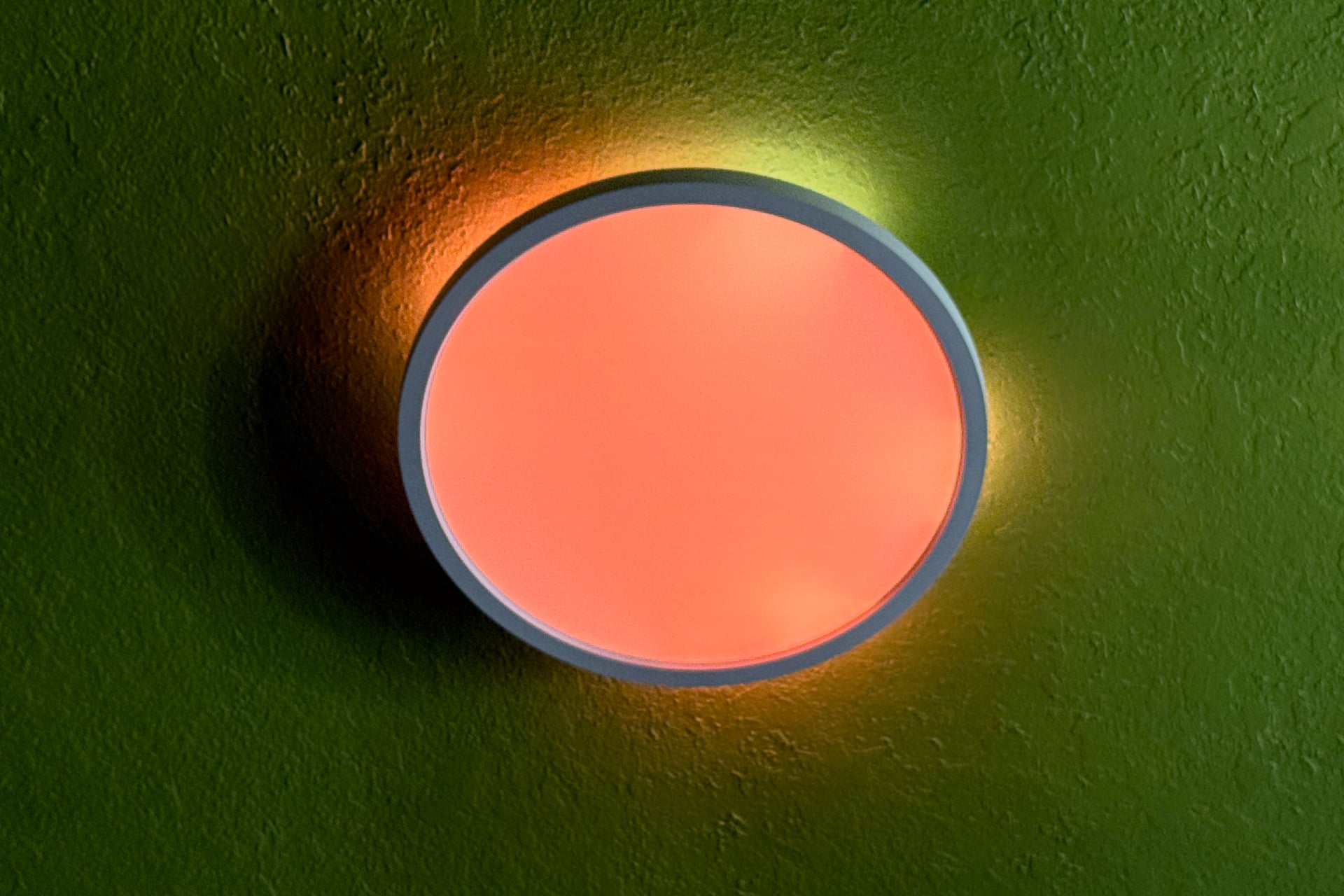
Once installed, the Multicolor Ceiling Light looks a bit like a paper plate on your ceiling. I mean the nice kind, though, that won’t flop over and dump potato salad on your lap at a backyard barbecue. It’s circular, with a matte covering the lower LEDs. A blocky bezel runs around the outside, and above it, another circular lighting strip creates a blooming halo. The main downward-facing circle of light is extremely bright, while the upper strip is dimmer and provides a nice touch of gentle mood lighting on its own.
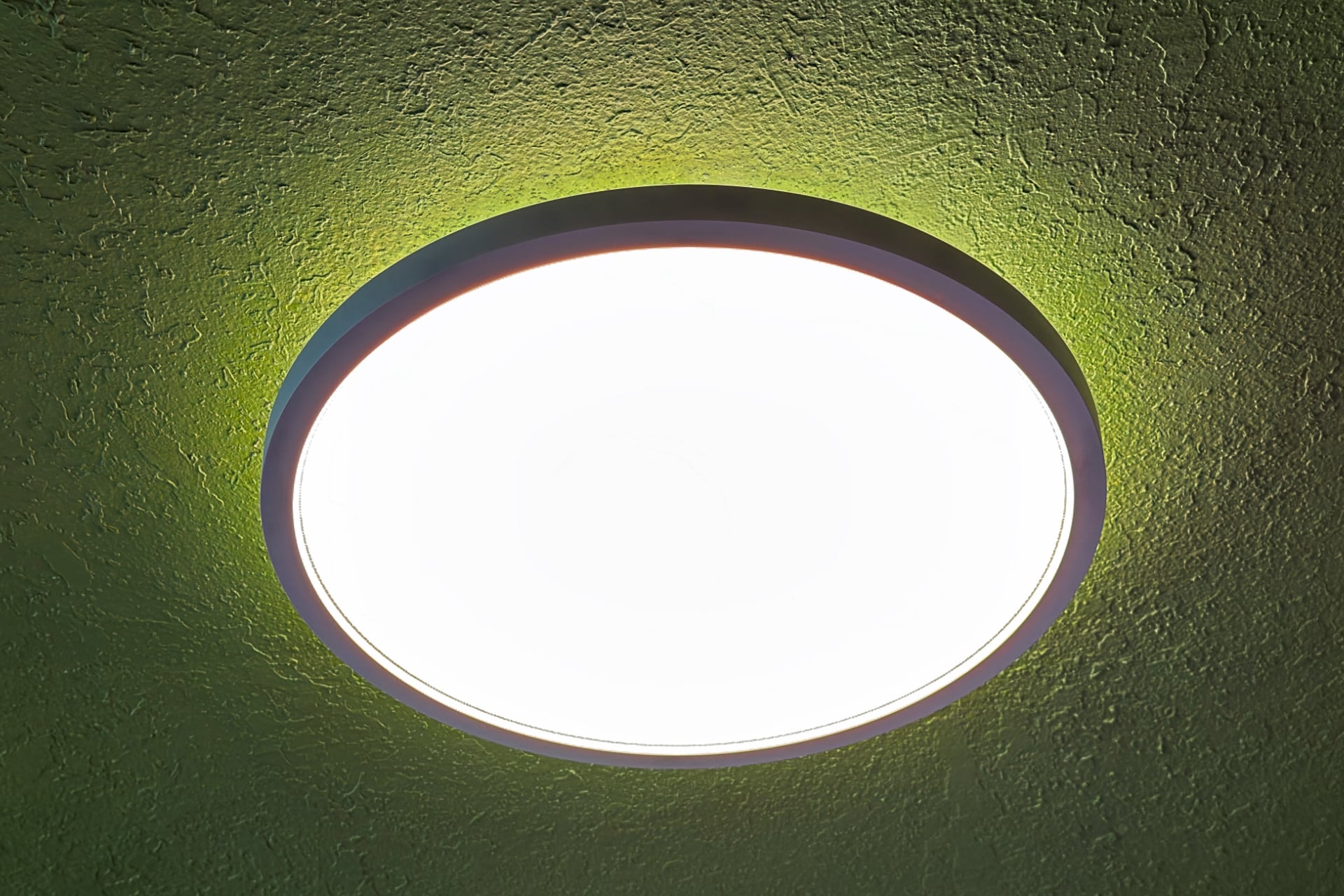
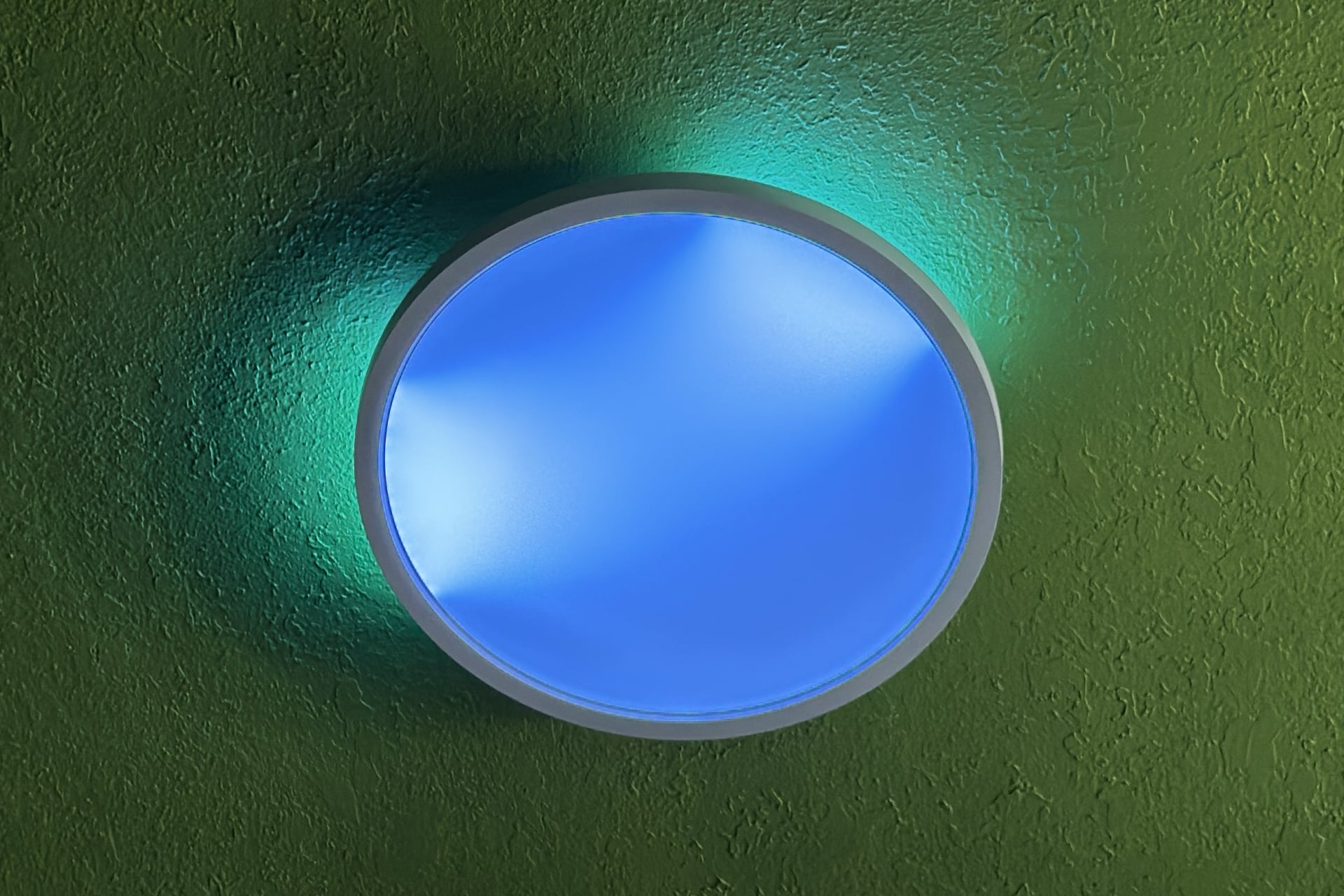
Day to day, I was pleased to find that the light just seemed to work. That hasn’t always been the case for my collection of Essentials A19 smart bulbs, which were unreliable for a while but have since settled down. Unlike those bulbs, the Multicolor Ceiling Light uses Wi-Fi rather than the Thread wireless mesh protocol for connectivity. Unfortunately, it shares with them the fact that its color output, while pleasantly saturated, is also very dim compared to the white light it generates.
The smoothest effects in the biz
When using the Multicolor Ceiling Light in another ecosystem via Matter, you won’t be able to display color gradients or animated routines. (Which is true of every Matter-compatible, effects-capable light.) For that, you’ll need to connect the Multicolor Ceiling Light to the Nanoleaf app. I did so, which also involved scanning the Matter QR code.
From the Nanoleaf app, you can toggle the light on and off, adjust its brightness, and choose from countless effects—most created by other Nanoleaf users—that trigger colorful animations in the upper or lower LEDs. You can also create your own effects by tapping a + button at the bottom of the Multicolor Ceiling Light’s screen. This brings up a manual option, called “Dynamic,” and an “AI Magic Scene” wherein you type a “magic” word or phrase and let AI do the heavy lifting.
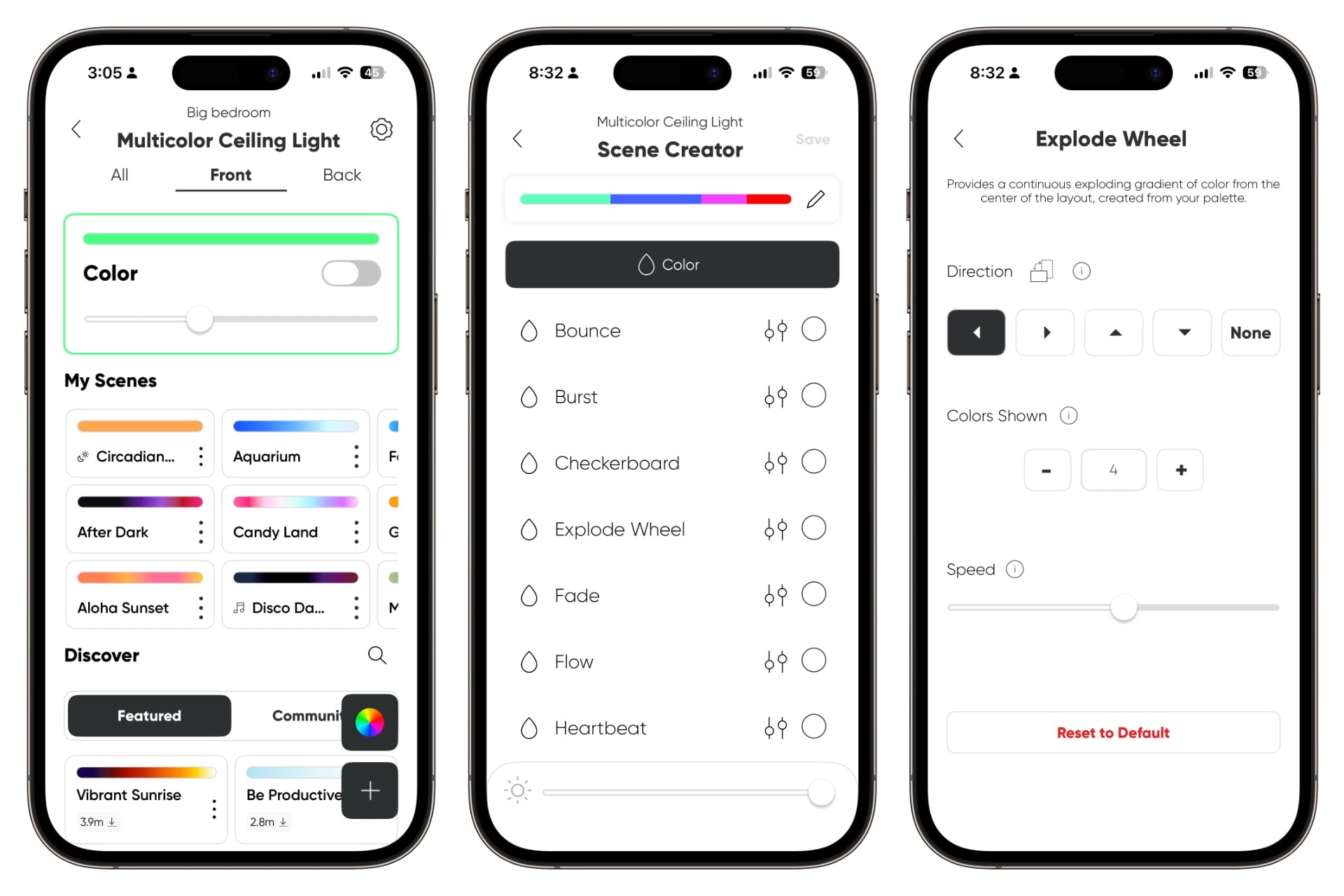
The latter option works fine, and you can edit the effect afterward if it doesn’t quite give you what you want. Doing it by hand from the start is easy enough, though. You choose individual colors and their brightness for your color palette. Then, after saving and naming the effect, you can set it to cycle through the colors in order, pick them at random, or focus on the first one. You can also change how quickly they fade into each other, how light moves across the device and in what pattern, how frequently the colors change, and whether the effect loops. If you’re a Nanoleaf veteran, most of the Multicolor Ceiling Light’s app interface will probably sound familiar. Aside from effect customization, it’s no different from the interface you use for other Nanoleaf lights.
The results of twiddling with the effects are vivid gradients that seamlessly wash across the Multicolor Ceiling Light from top to bottom. While running some effects, I saw light concentrated in hot spots along the outer edge, but that seemed intentional and could create a very cool eclipse effect if applied only to the upper light. Otherwise, the lower panel was evenly lit across most of the animations I played with. The company says the Multicolor Ceiling Light features 364 LEDs and “28 individually addressable color zones.”
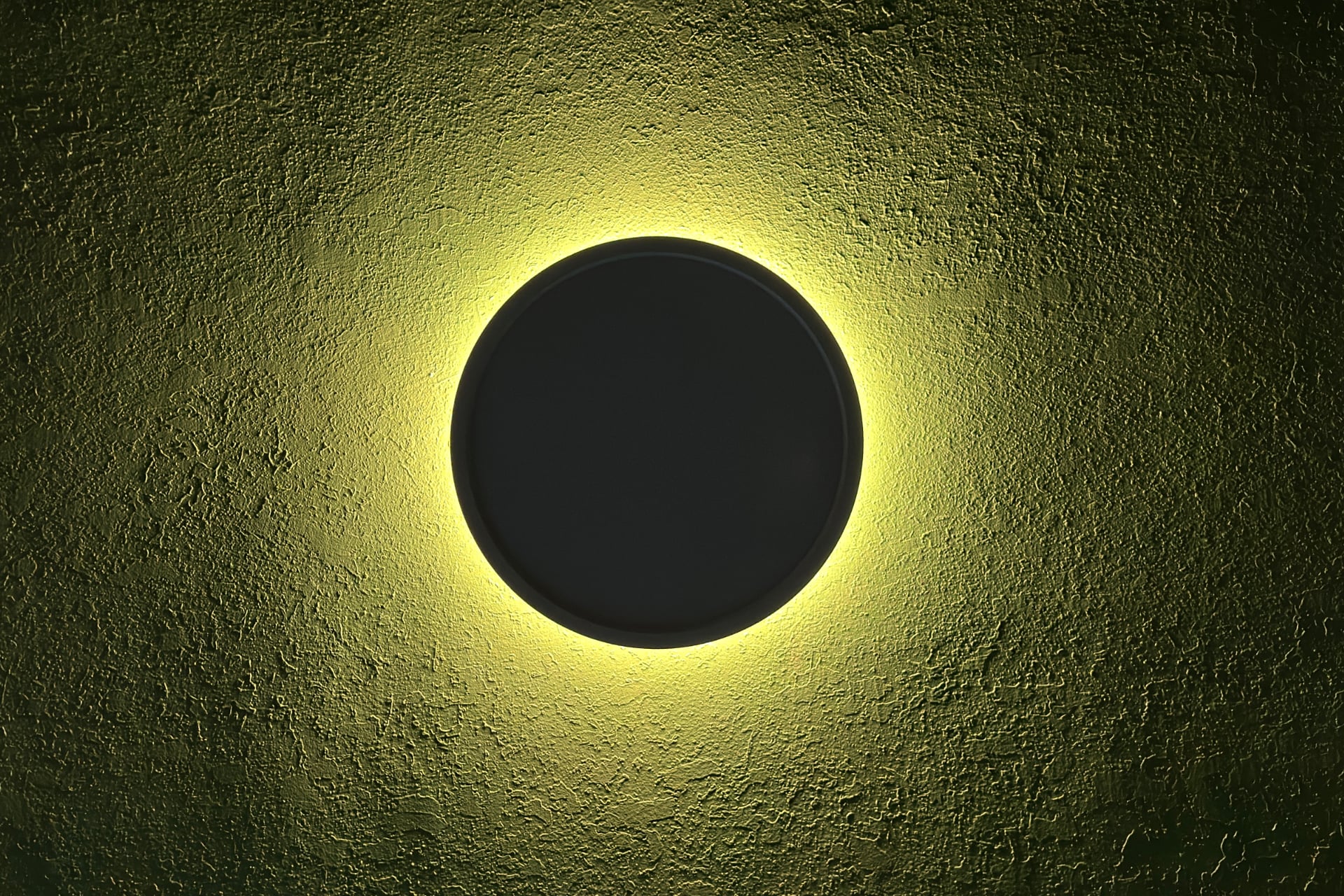
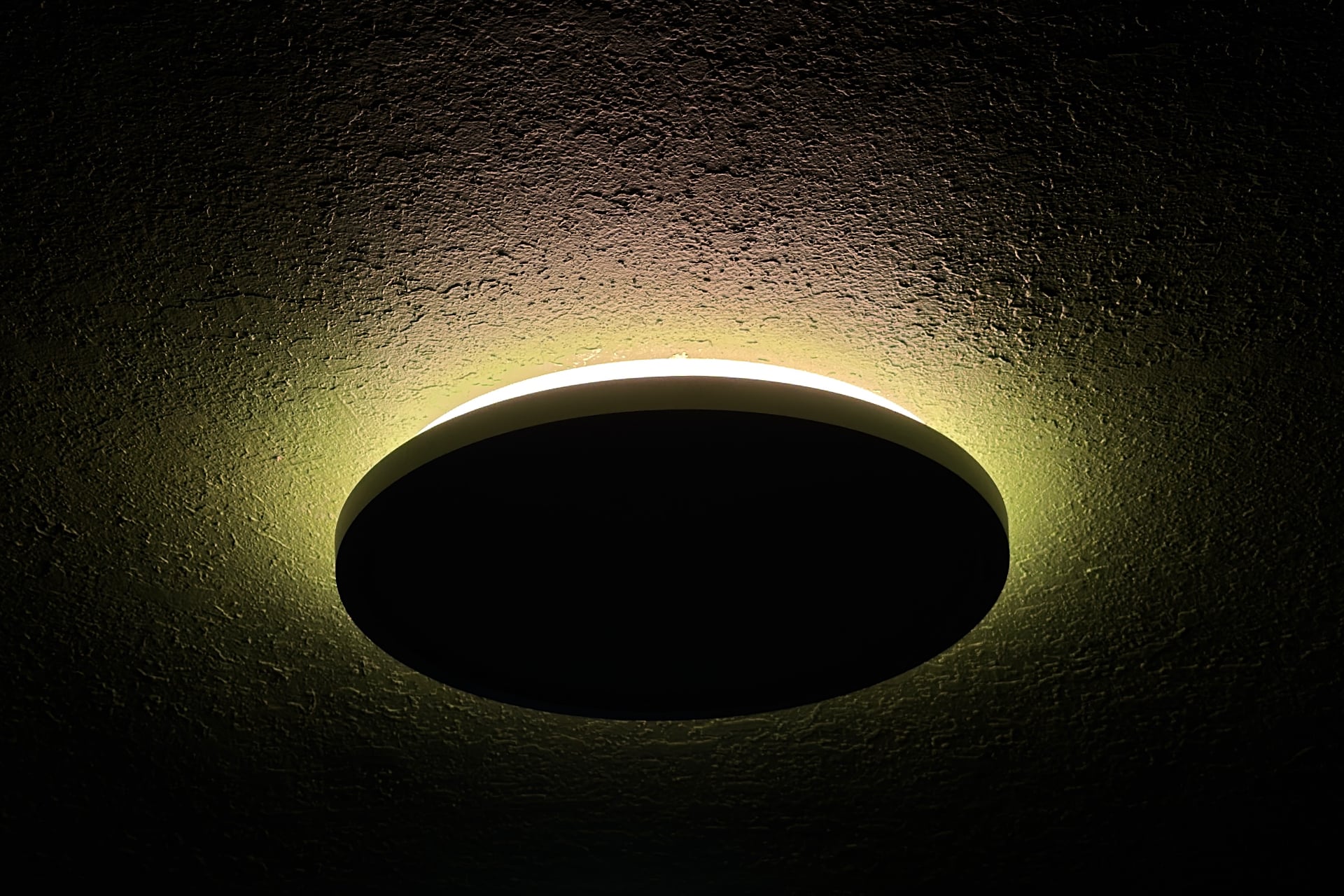
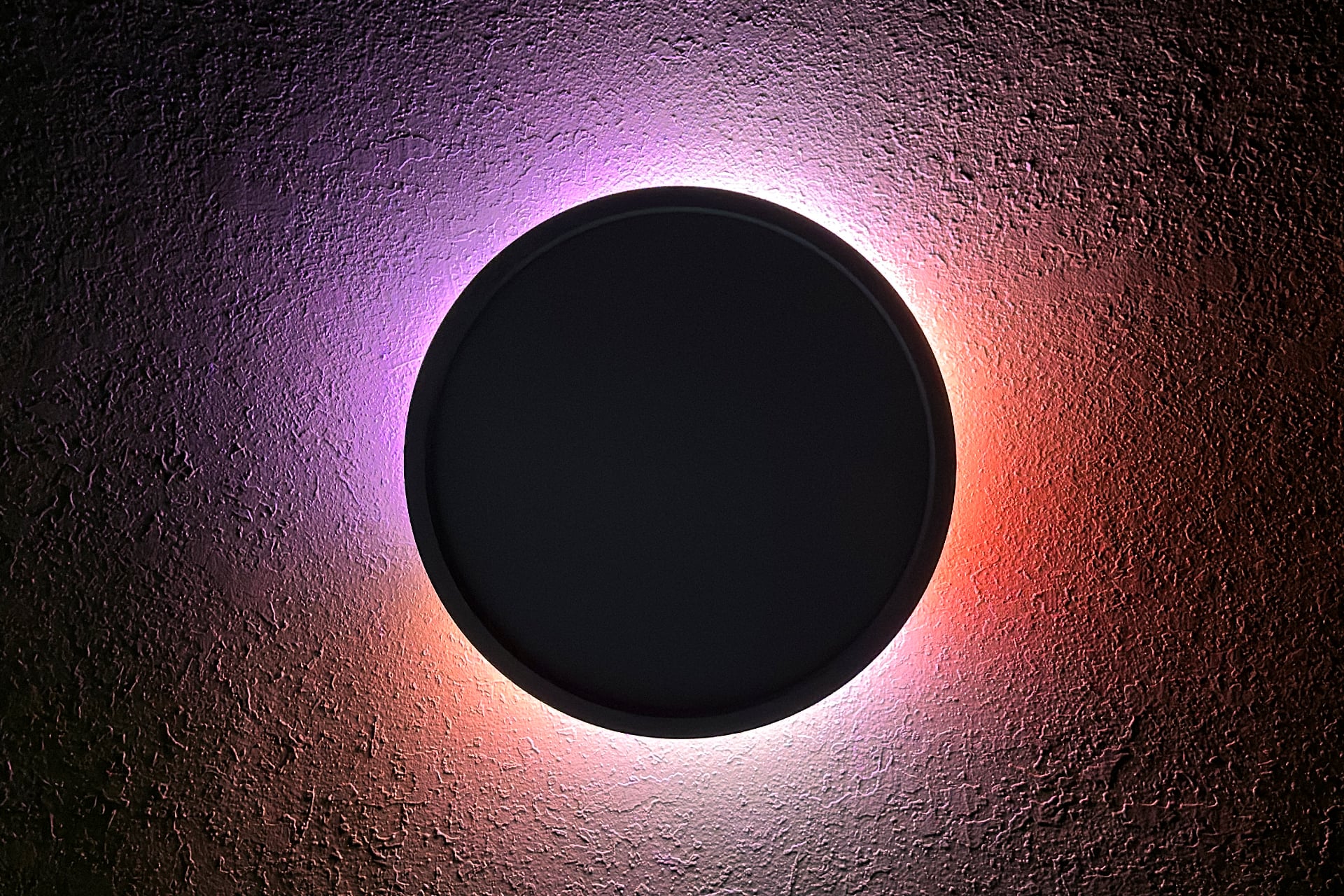
Like I said at the top, these colorful light shows aren’t especially bright unless you’re in a very dark room, which is the one bummer when compared to competing alternatives, particularly the 15-inch Lifx Ceiling Light, which is only a little pricier at $95 and produces much brighter, more vivid colors, as well as similarly dazzling, smooth gradients and animations. I’d only slightly dock Lifx points because it doesn’t expose individual control of its top and bottom lights to third-party smart home platforms when connected to them via Matter.
Pretty good, for a paper plate
I like the Nanoleaf Smart Multicolor Ceiling Light, but for very specific reasons. It’s very responsive; its white light output is natural and very bright, and I’m a big fan of being able to control its upper and lower lights from within Apple Home. I know I said it looks like a paper plate, but it’s done with a very Ikea vibe that I’m into.
I own a lot of colorful smart lights, though, and I’ve seen how very bright they can be. The Multicolor Ceiling Light just doesn’t reach those same heights or get anywhere close to them. If you want a light that does neat party tricks, this one’s effect loops are expertly done—but somewhat tarnished by how dimly they’re produced in all but the darkest room.
That doesn’t really matter to me because colorful lighting is a tertiary, or even quaternary, concern in my life. I place a higher premium on smart lights that are affordable and functional. Looking out over the landscape of this sort of fixture, the Nanoleaf Multicolor Ceiling Light fits the bill.
See Nanoleaf Smart Ceiling Light at Amazon
Read the full article here