
Most AirDrop issues boil down to Wi-Fi, Bluetooth and who is allowed to send to you.
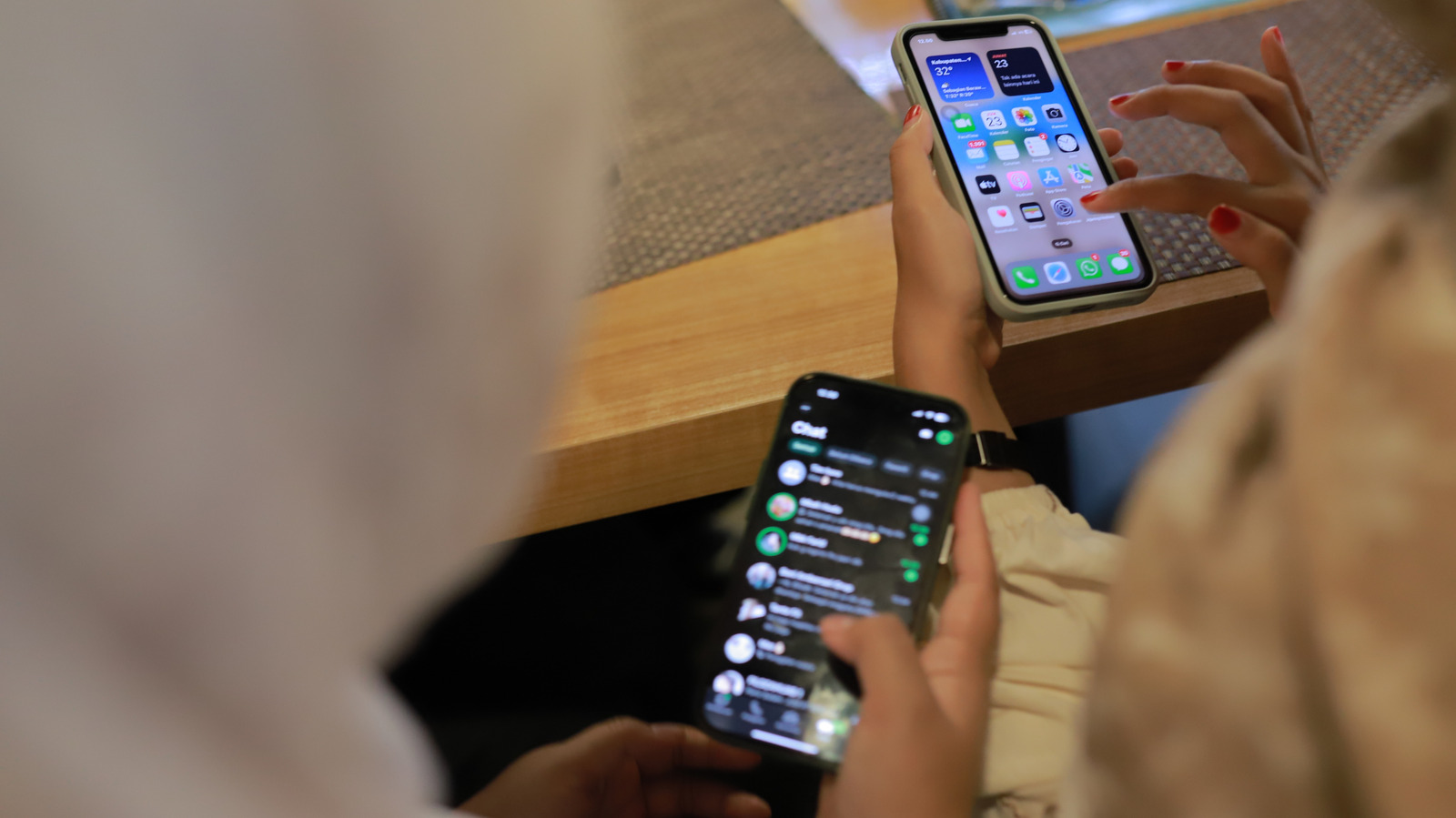
Like most technology problems, when AirDrop quits being its normal, dependable self, you should start with the basics. AirDrop needs both Wi-Fi and Bluetooth turned on with a reliable signal, and the two devices need to be within 30 feet of each other. Cellular data can also help when needed. If your connections seem flaky, toggle them off and back on (using Control Center) before proceeding. Make sure both devices are awake, too: a locked iPhone or iPad won't show up as a potential recipient for the other device.
If you're new to the Apple ecosystem, remember…
Read the full article at ENGADGET.COM