

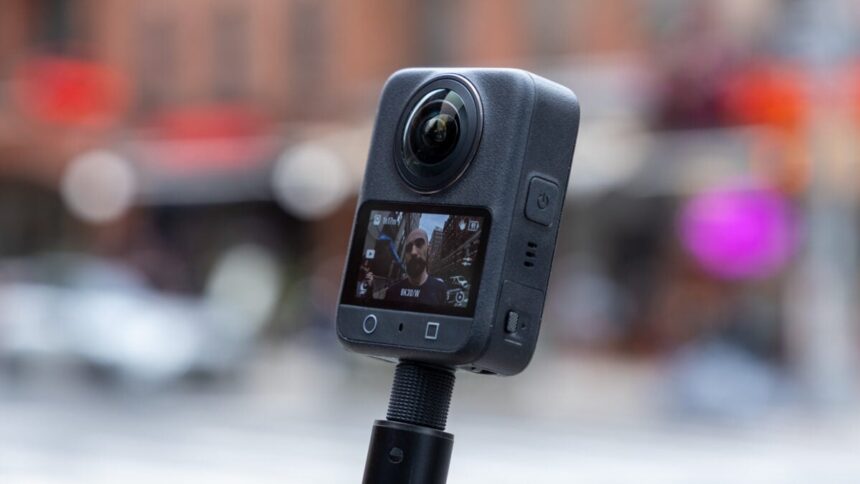
The new hotness in the action camera market is capturing everything, everywhere, all at once. DJI’s Osmo 360, with its ability to record footage at 8K resolution and 50 fps, is easily one of the best outside of Insta360’s popular 360 cams.
While the China-based dronemaker has many years of experience with action cameras in its Osmo line, it became clear to me as I test the Osmo 360 that it was still DJI’s first attempt at a 360 camera. The 360 camera captures good-looking high-resolution video from all angles, but editing that footage afterwards is still a pain. Post-production software is where DJI still falters after all this time.
DJI Osmo 360
The DJI Osmo 360 is the kind of 360 camera that’s best for people who love their DJI mics and want one camera for everything.
- Great 8K image quality
- Solid low-light shooting
- Easy to use
- Pairs well with DJI Mics
- Poor editing software on mobile and PC
- Weak battery life
- Only available from third-party sellers
The reason the Osmo 360 is still relevant close to a year after its original launch is because so few people in the U.S. have had the chance to play around with it. Most of DJI’s products have been de facto barred from import to the U.S., at least through first-party channels. This 360 camera is now available on sites like Amazon, where you can probably find it on sale for lower than the $550 retail price.
More than anything, the reason you might get an Osmo 360 over another 360 camera like Insta360’s leading X5, the same company’s more affordable X4 Air, or GoPro’s Max2 is if you’re already deep in DJI’s camera products. The Osmo 360 automatically connects to DJI’s popular wireless microphones, like the Mic Mini, making it excessively easy to fit into your existing vlogging lifestyle.
Even better when combined with a DJI Mic
The Osmo 360 is immediately intuitive if you have any experience with an action camera. Even if you don’t, there are only so many controls you have to come to grips with. The camera is capable of shooting in 8K (4K through both lenses) up to 50 fps. Most of the time, you’re better off sticking with 8K and 30 fps to save on battery life. The higher frame rate setting is more built for some simple slow-motion effects.
Beyond 120-megapixel 360-degree photos or panoramic video, you have options for “SuperNight” ultra-low light shooting, a vertically minded “Selfie” mode, and a time-lapse function. The additional “Vortex” mode requires DJI’s Vortex Rotating Handle accessory. If you’re thinking of mounts, the Osmo 360 supports the same GoPro-like quick-release mounts as the more recent Osmo Action cameras in addition to the traditional 1/4″-20 threads that allow you to use a handy 1.2-meter telescoping selfie stick.
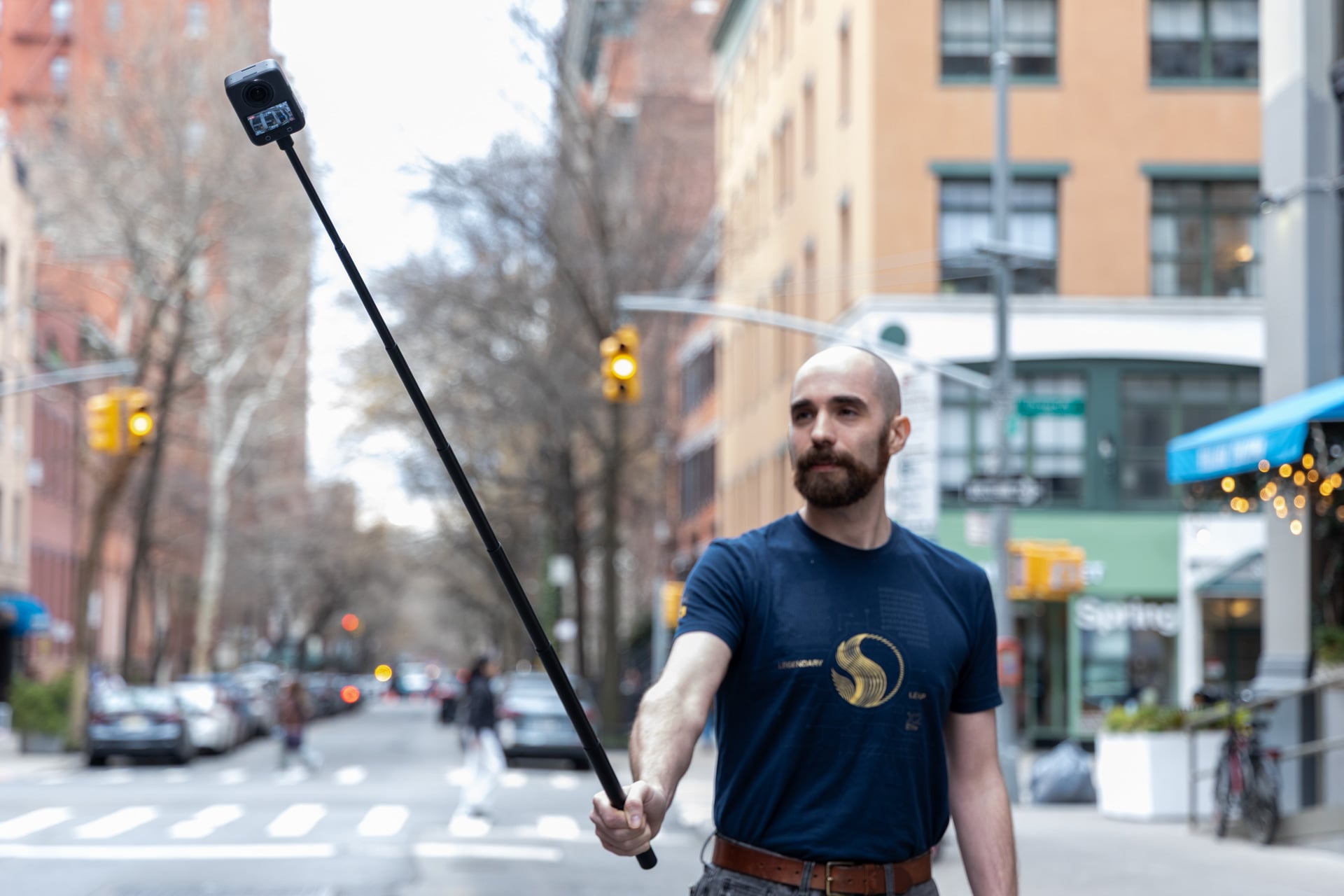
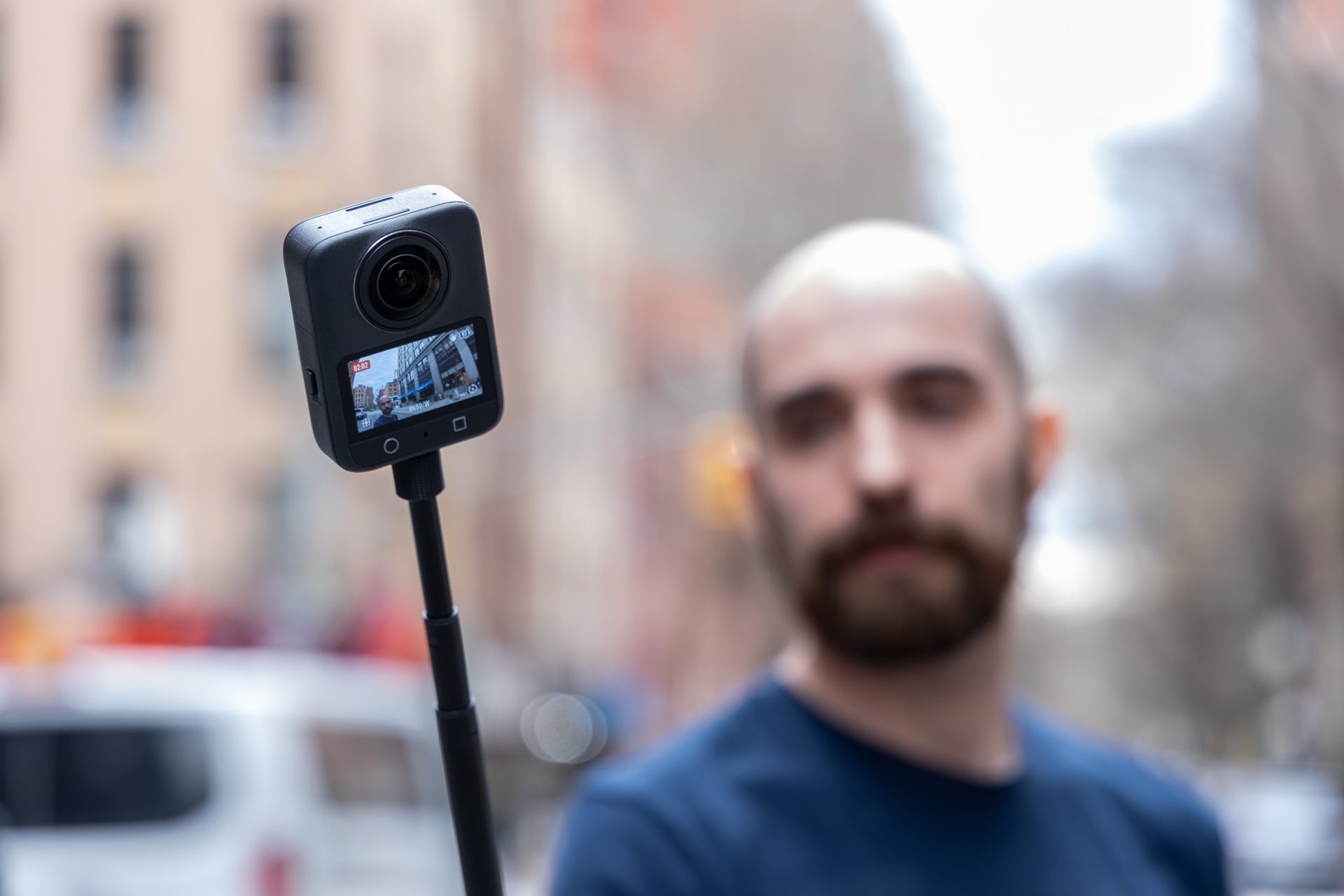
A 360 camera works by taking the video from two lenses, then stitching them together to make it seem like a seamless, spherical footage. Software also removes the camera body and selfie stick from the shot. That means when you’re manhandling the camera itself, you may see some distortion around where your arm was supposed to be. When you’re keeping the camera just a few inches from your body, you won’t see any more warping beyond the wide-angle video native to these types of cameras. It all comes together like you expect a 360 camera to work—that being as hands off as possible.
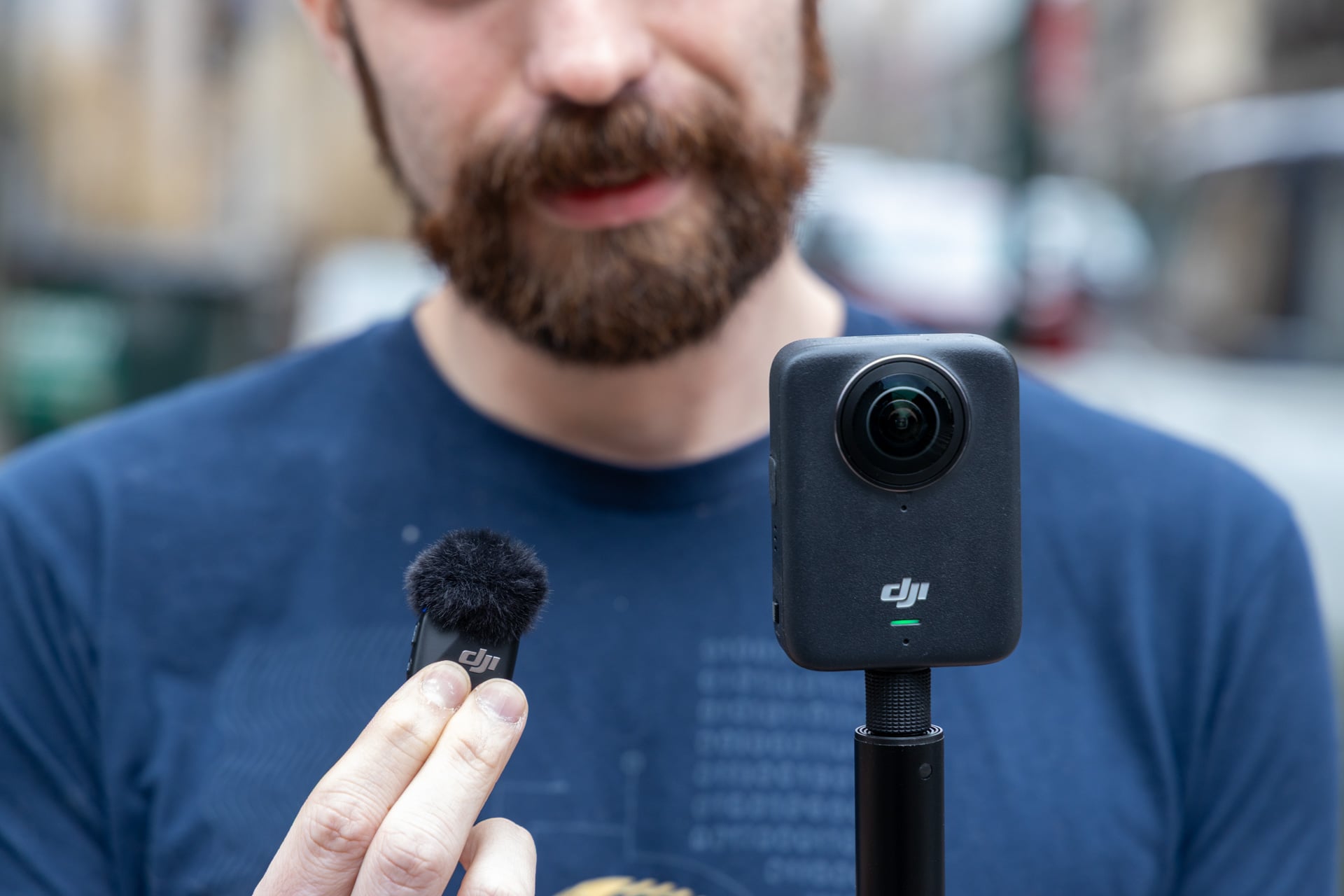
Beyond its base functions, the Osmo 360 is best paired with other DJI equipment, namely the company’s own mics. Using the drop-down menu on the 2-inch touchscreen, you can swipe over to an option to enable pairing with devices like the DJI Mic 3 or the DJI Mic Mini. I tried it with my own set of DJI-brand miniature microphones, and after pairing the first time, I only needed to take one of the mics out of the case for it to instantly connect. This worked even in the middle of shooting.
DJI’s mics are already some of the easiest to use for content creators. Easy pairing makes the Osmo 360 that much better if you’re planning to do any quick walk-and-talks. Another thing that makes that easier is the inclusion of 128GB of internal storage (105GB actually available), just in case your microSD card runs out.
Excellent shooting, even in minimal light
If there’s one thing that DJI’s Osmo 360 has in spades, it’s versatility. The 360 camera supports 10-bit color depth and D-Log M, which is a recording profile that gives you wider dynamic range and enhanced colors and contrast when you’re color grading during the editing process. The camera shoots with a dynamic range of 13.5 stops with its dual 1.1-inch sensors and an f/1.9 aperture. In comparison, the Insta360 X5 shoots with twin 1/1.28-inch sensors at an f/2.0 aperture. While the Insta 360 has a slightly larger aperture for better low-light shooting, the X5 is no slouch, either.
I take my action cameras to my HEMA (historical European martial arts) club for tests in an “extreme” setting. We practice in a basement under the dim glow of a half-dozen fluorescent lights. It’s the opposite of ideal conditions for these types of camera sensors. The Osmo 360 came out pretty strong, despite the poor lighting conditions.
What does take a hit is the camera’s stabilization in low-light scenarios. I knocked the camera around while fumbling with both the selfie stick and my sword, and it created some jumbling in the final shots. If you can keep the selfie stick steady, it should result in usable footage.
Otherwise, when out on the town, the footage I got from the Osmo 360 was crisp, especially when shooting in 8K. You normally don’t want to reduce the quality of 360 footage down to 5K, 4K, or lower. A 360-degree lens setup is capturing that many more pixels, so you want to keep up with as much quality as possible before you take your shots to the editing room. The Osmo 360 shoots with 2.4 μm-sized pixels, which I found allowed for some fairly detailed video both indoors and out.
The above video shows a few shots. The one in the subway was edited with the D-Log M color grading, where you can also hear the difference in audio quality between the onboard mic and and a paired DJI Mic Mini.
The fact that DJI makes it so easy to hook up its own branded mics is a big deal if you plan to use the Osmo 360 as a vlogging camera. The built-in mic isn’t bad, though it’s bound to pick up the wide swath of ambient noise in any given area. Inside New York City’s subways, the mic picked up every vibration of the walls and nearby chatterbox. As with many action cameras, you’re going to hear a fair bit of rustling and audio distortion if you’re traveling 35 mph down a steep slope on your next snowboarding sojourn.
DJI’s editing apps are very limited
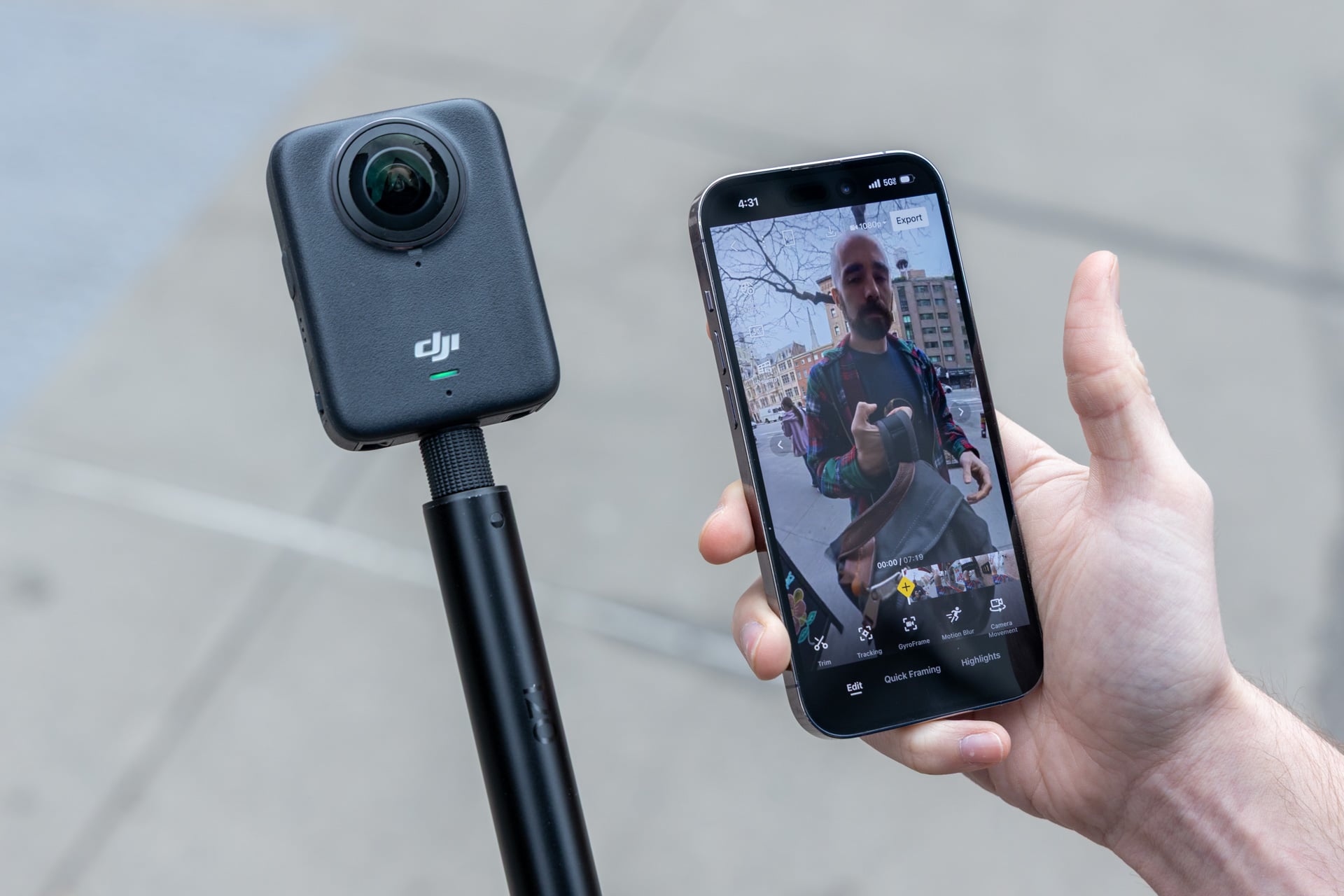
There are two first-party ways to edit the camera’s 360 videos. You could connect to your phone through the DJI Mimo app or transfer footage to a PC or Mac and install DJI’s Studio software. The phone app is limited, but the full editing suite is worse than barebones. DJI Studio is barely usable for anything more than stitching a few videos together and throwing them all up online. I tested the software on a Windows 11 PC with a discrete GPU as well as on the MacBook Pro with M5 Max. The software seemed to experience several bugs on both operating systems.
On Mac, I experienced some slowdowns when putting video into a timeline that led to several minutes of clicking around until it would finally let me modify any video settings. The footage outside the timeline also took several seconds to load in the video player. You can add music, filters, or transitions to your shots (there are only 10 to choose from, and some are still labeled with Chinese characters). There aren’t many other options beyond those.
Then when you throw all your videos into the timeline, you’ll find you have very few controls to work with. You can’t easily layer video clips on top of each other in different channels, like you can in Adobe Premiere or Final Cut Pro. There’s also no way to separate audio tracks from the video. You can only manually change volume in its own “Audio” tab.
At least, there are options to change the exposure and color temperature of each video. The software lets you manually add a D-LOG M LUT, which is DJI’s color grading for bringing back some of the deeper tones lost when shooting on a 1-inch sensor. However, when editing low-light video, that “Color Recovery” mode also resulted in slightly grainier footage, likely because that noise was hard to make out in the unmodified color grading.
I’m a video editing novice and I still found editing in DJI Studio was not worth the time. The DJI Mimo app for phones, on the other hand, is more refined and less buggy, but it’s only useful for uploading an Instagram Reel or TikTok video on the fly. The app lets you add keyframes to set the camera’s orientation for individual clips and you can also enable body tracking to keep you or whatever subject you’re filming in frame. But the bigger issue is that you can’t edit multiple clips together without exporting the footage first, then combining it in another app.
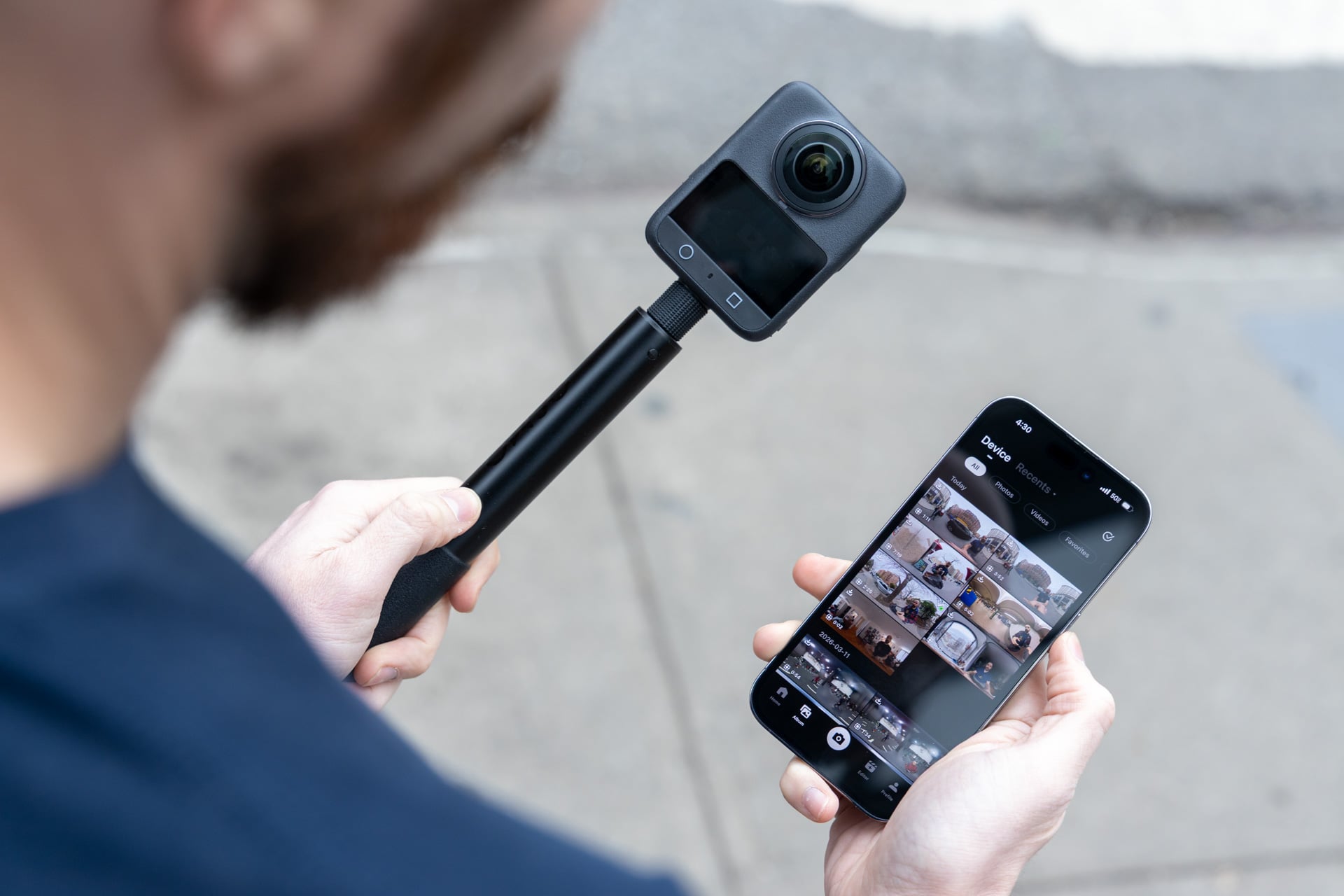
DJI’s files won’t natively work on competing software like the more-robust Insta360 Studio, either. DJI has a “Reframe” plugin for Adobe Premiere. That’s where you’ll be editing all your video anyway if you want to shoot any video with a professional standard in mind. That’s not to say I didn’t manage to pull together a few clips and splice them into a simple social media video to pepper throughout this review.
Keep extra batteries handy
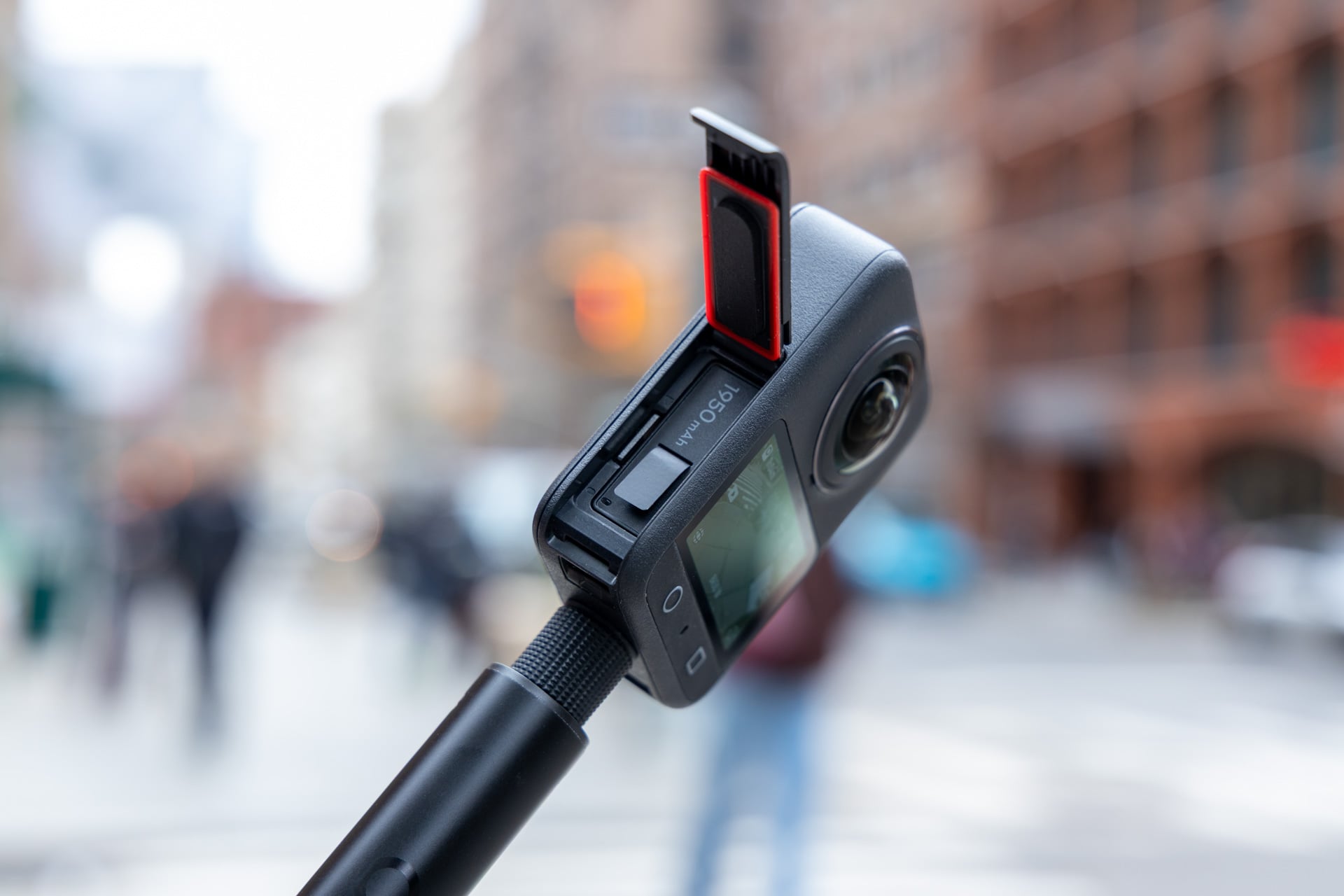
DJI promises you’ll get 100 minutes of continuous shooting at 8K and 30 fps. While the camera didn’t overheat in all my time using it, it definitely did not last a full hour and a half before needing to be plugged back in. Without using the “Endurance” mode, I would get closer to 30 minutes of on-and-off shooting at 50 fps. When dropping the frame rate down to 30 fps, I could get closer to an hour before needing to change batteries. DJI shipped my review unit with the battery pack so I could have an extra three replaceable batteries and its compact charging case. I would recommend that pack if you plan on doing any all-day shoots.
Perfect if you have other DJI products
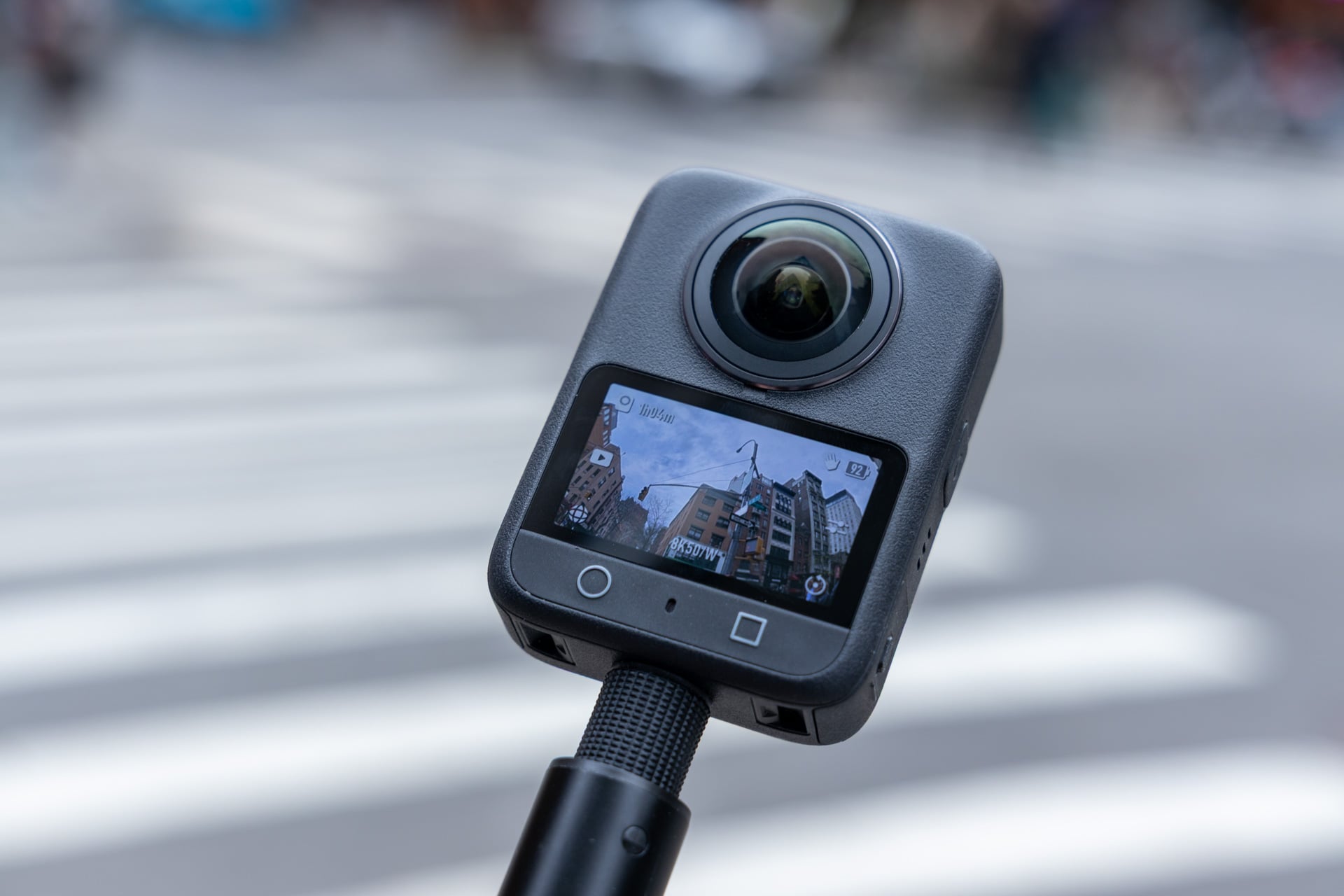
Actually getting your hands on the Osmo 360 isn’t as straightforward as popping over to the DJI store and placing an order. Because of a de facto ban on all DJI gear—not just drones—it’s more difficult to source the Osmo 360 than it is for Insta360’s X5 or the GoPro Max 2. It’s currently on Amazon in various bundles you may still find for less than its $550 asking price.
If you’re already deep into DJI’s vlogging lifestyle, the 360 camera fits in like a hand in a glove. You just have to remember the side effects of buying this style of camera and not one of the many other GoPro-like action cameras. A twin-lensed camera takes less effort to record footage and more effort to edit a video together. Pick your poison. I, personally, prefer to not have to mind a camera’s orientation while I’m out doing whatever next “extreme” inclination comes to mind.
Read the full article here