

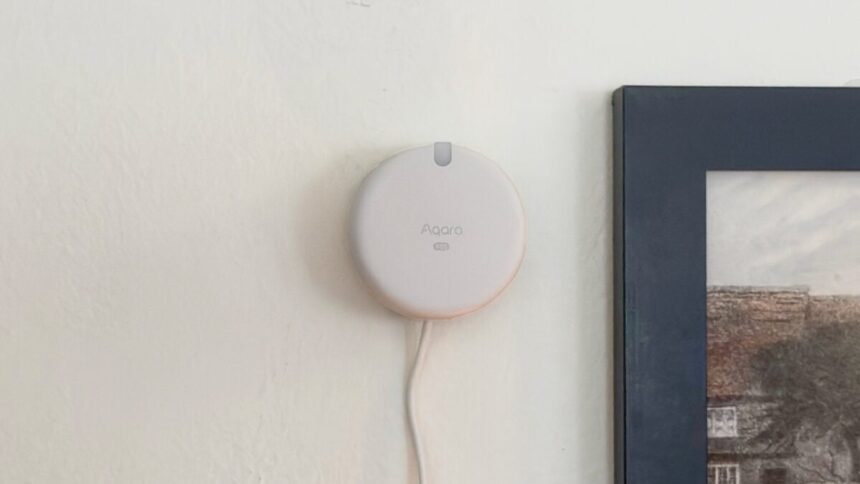
One of the promises of the smart home is total automation that lets your body be a trigger for getting things done. Lights that illuminate when you enter a room and reliably blink off when you leave, perhaps, or a stereo that only turns on when you sit in a specific chair. That’s actually something you’ve been able to do in recent years, thanks to mmWave sensors like Aqara’s new $80 Spatial Multi-Sensor FP400.
Unlike simple passive infrared (PIR) motion and occupancy sensors, mmWave devices can precisely detect whether a person is in the room, even if they’re not moving. They use high-frequency radio signals that are sensitive enough to detect even the subtle rise and fall of your chest when you’re breathing, so you don’t have to worry about lights turning off because the sensor thought you left the room when you were actually just quietly reading a book.
I’ve been testing Aqara’s new $80 Multi-Sensor FP400, the latest of the company’s line of mmWave sensors that enable exactly the automations I described above. Although its naming suggests that it’s a follow-up to the battery-powered FP300, the FP400 looks and feels more like an updated, but not necessarily better, version of the Aqara FP2 I’ve owned since not long after its 2003 release. Like the FP2, the FP400 is a fun, if flawed, smart home gadget to mess with—especially if you’ve been eagerly awaiting this sort of tech since the first time you watched Star Trek.
Aqara Multi-Sensor FP400
An mmWave motion sensor that can trigger automations based on the presence—or lack thereof—of up to 10 people in a room.
- Accurate tracking of up to 10 people
- Built-in light sensor
- Lots of automation triggers and conditions
- Supports custom detection zones
- Responsive
- Matter-compatible
- Needs no internet connection
- Some automation triggers are finicky and unreliable
- No battery power
- No posture detection
- Little improved versus the three-year-old FP2
Easy setup, but missing features
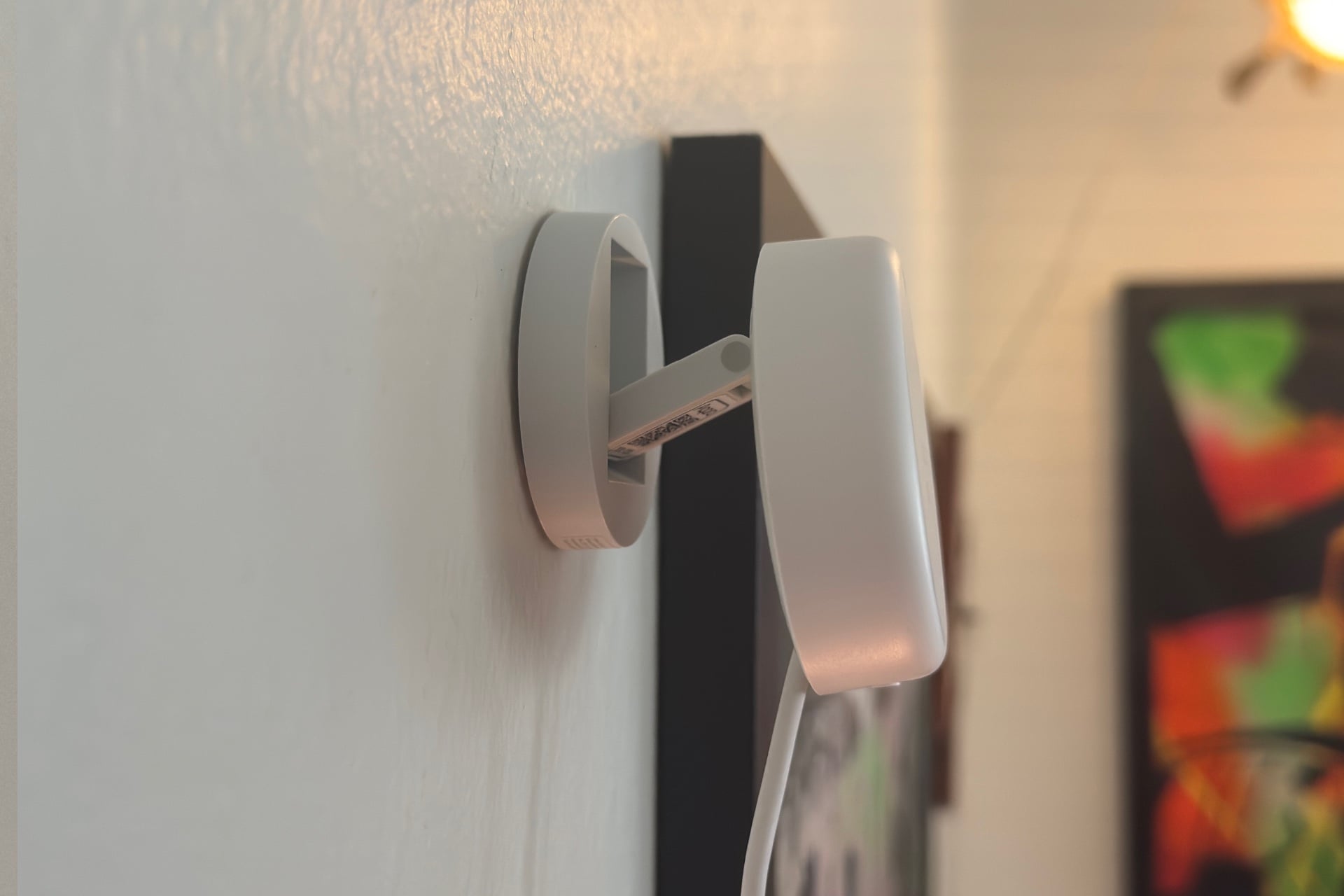
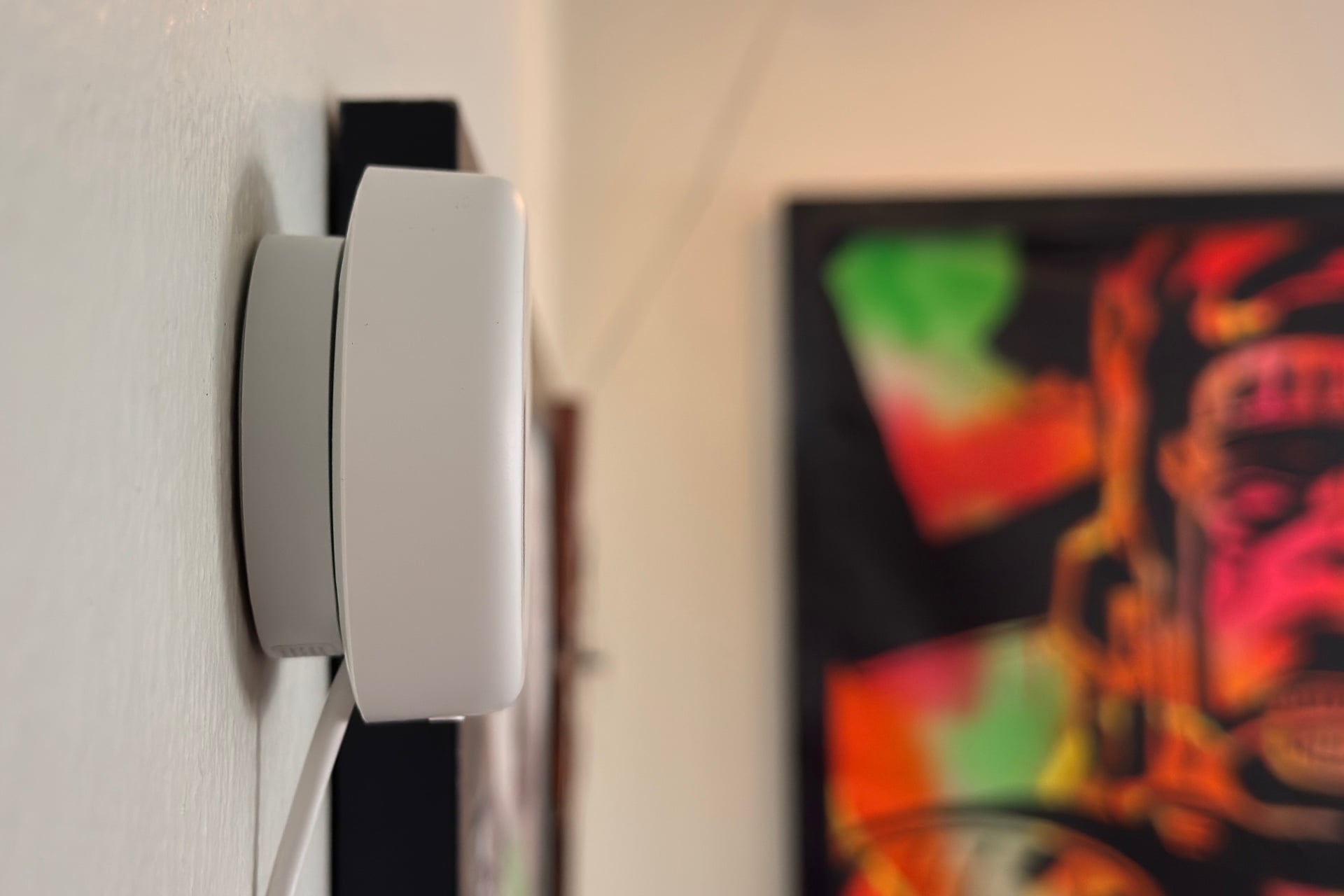
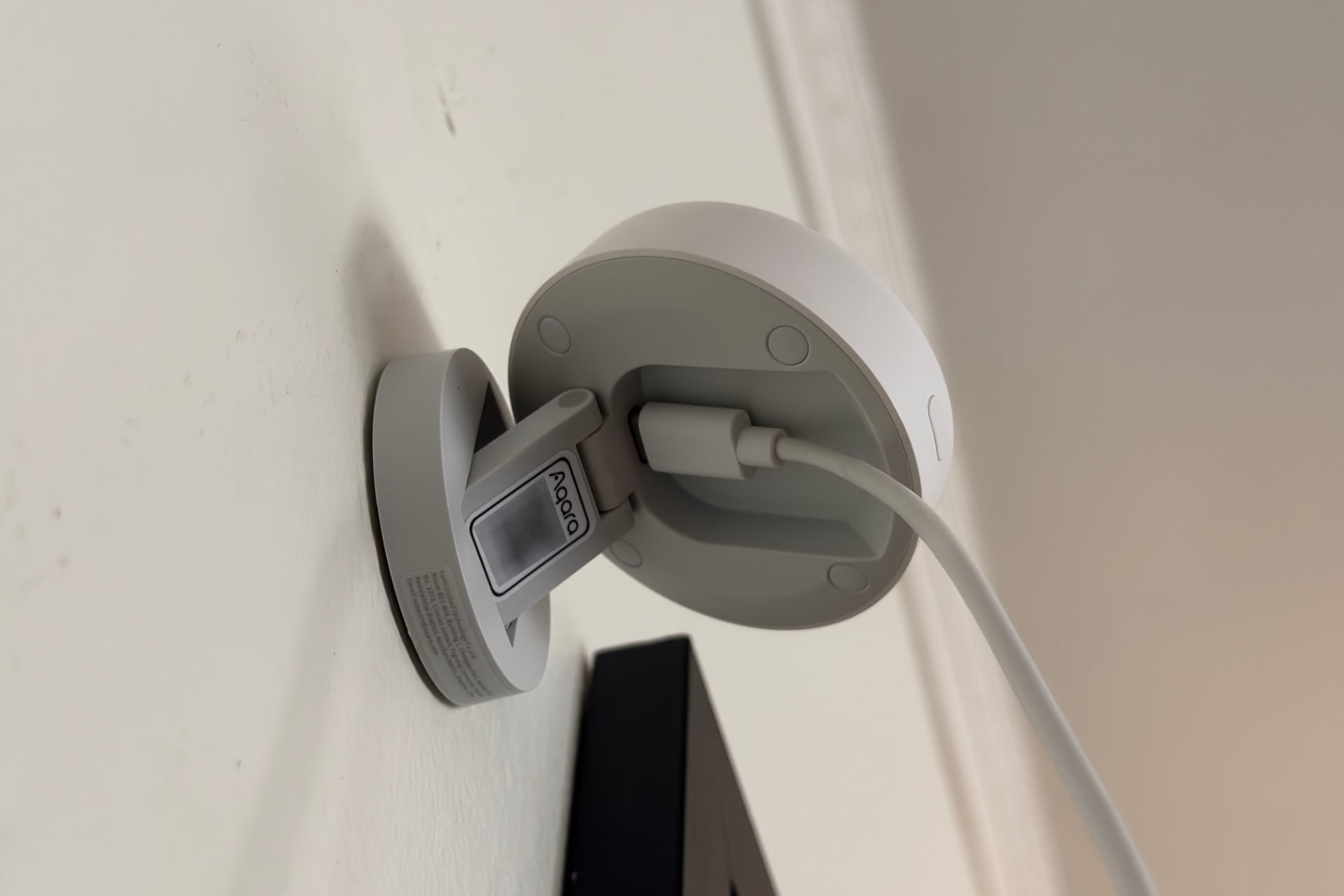
The Aqara Multi-Sensor FP400 is a little white puck that’s attached, via an articulating arm, to a circular mounting base you can stick to a wall or ceiling. It looks just like the FP2, but while that device can track only five people at once, the FP400 can track up to 10 simultaneously and offers more versatile automation rule sets than its forebear. Also, like the FP2, the FP400 has no battery, relying instead on constant power from a USB-C cable. (The can-shaped FP300, on the other hand, uses two replaceable CR2450 batteries.)
Setting the FP400 up is easy enough. You’ll scan a QR code on its base to add the FP400 to the Aqara app, then choose whether to connect wirelessly via Thread or Zigbee. Switching between protocols takes a few minutes, though, because the device needs to swap out its firmware each time. Whichever you pick, you’ll never need an internet connection for daily use. The FP2, for comparison, uses Wi-Fi and can be slower to fire at times as a result.
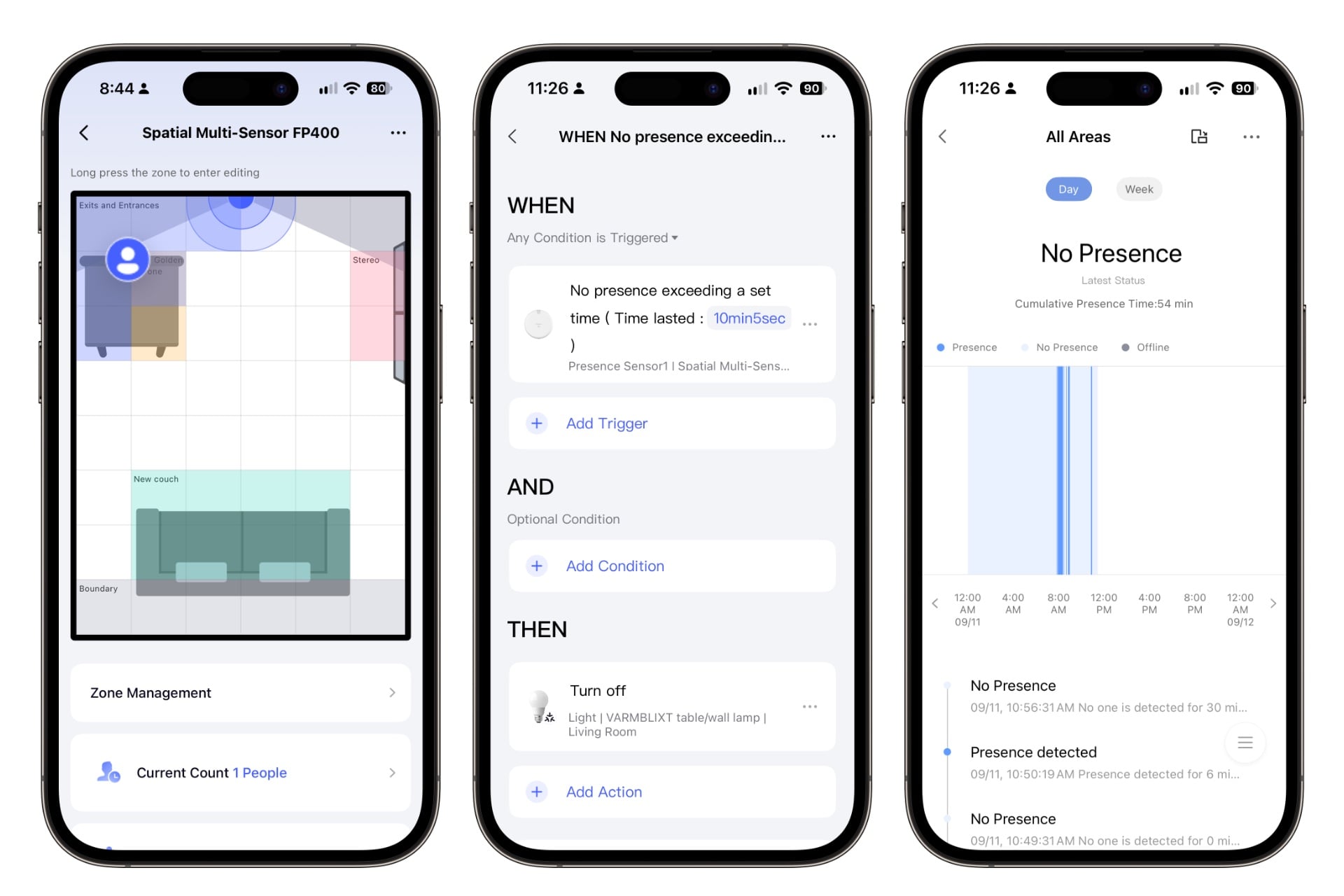
After you get the FP400 bound to an Aqara hub—I tested with a $70 M200, one of the company’s cheaper options—you’ll need to walk around the edge of the space you plan to use it in to show it where the boundaries are, then leave the room so the sensor learns what it’s like in the absence of humans. Once that’s done, you can start configuring zones where you’d like to create bespoke automations.
You might need to adjust some settings after setup so that the FP400 suits the room you put it in. If you have pets, robot vacuums, or a kid who leaves toys strewn about, you can lower its sensitivity or toggle on “AI Enhanced Person Detection,” a feature the app says uses “AI algorithms [that] can identify vacuum cleaners, pets, moving toys, etc. as ‘interference targets’” so they won’t be mistaken for people. It seemed to do that in my testing, but it’s hard to say for sure.
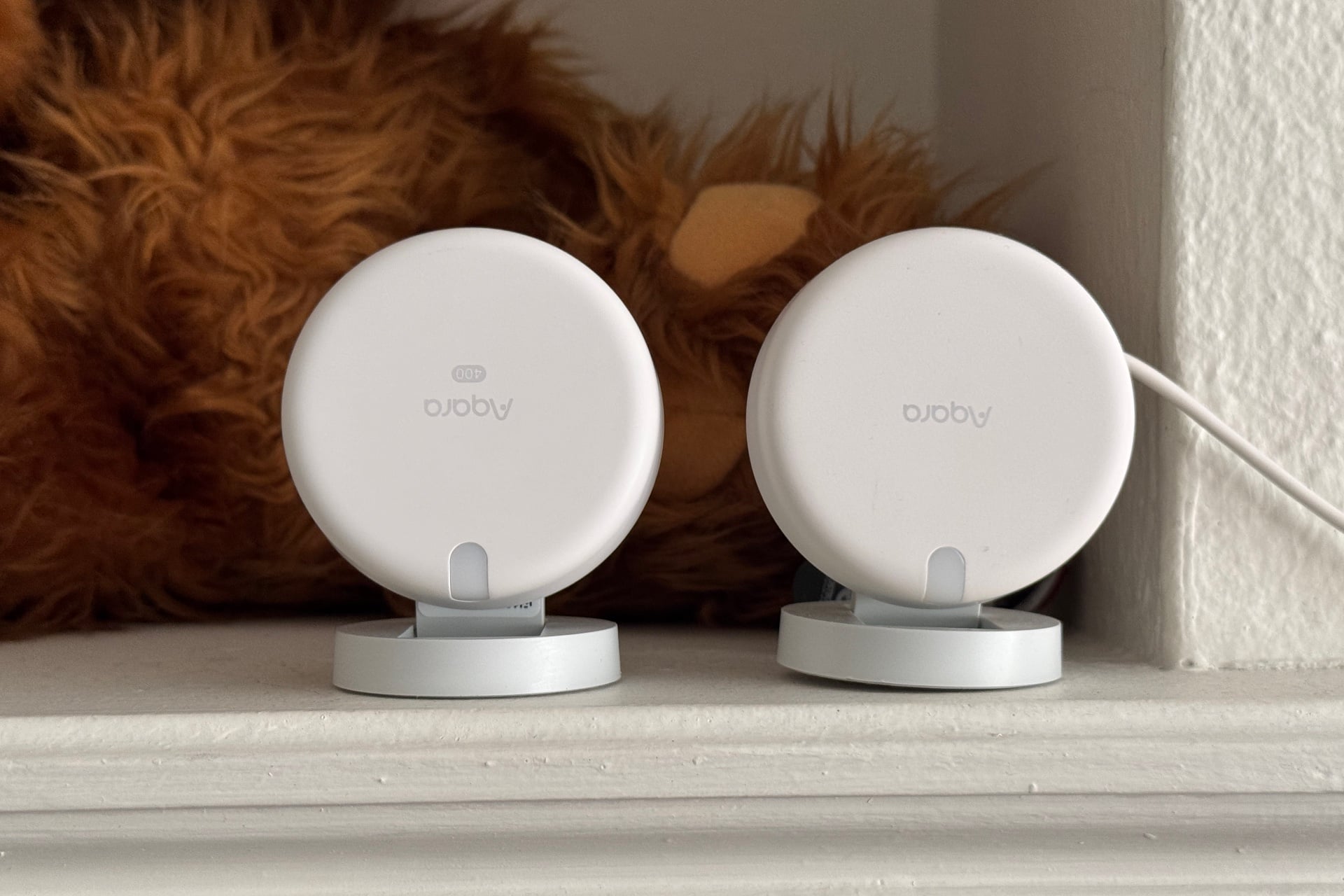
One thing I noticed is that the FP400 doesn’t have posture detection—that is, it can’t tell you if a person is standing, sitting, or lying down—something Aqara had originally said this device would be capable of. A PR rep I’d been corresponding with during testing checked with Aqara at my request, and the company responded that those features are no longer planned for the FP400. Instead, they will arrive later as a different, non-consumer version called the FP400 Pro, targeted at installers for applications such as new home construction and the health and elder care industries. I was looking forward to this sensor’s posture detection feature and the automations I’d hoped it would enable, so that knocked some of the shine off the product for me. Oh, well. Onward.
Nobody does mmWave better
Despite my disappointment with those disappeared features, the FP400 is still one of the best mmWave sensors I’ve used. It seems more accurate than the FP2, or at least better at ignoring nonhumans—I didn’t get as many false positives, but sometimes it wouldn’t clock that I’d left the room, or it would think I’d drifted away from the place I was sitting when I actually hadn’t moved at all.
The FP400 will automatically be added to any third-party smart home platform you’ve added your Aqara hub to, where it behaves similarly to the comparable Meross MS600 and SwitchBot mmWave Presence Sensor, both of which I use in Apple Home for various presence-based automation, but neither of which lets you create distinct detection zones like the FP400.
That benefit goes beyond the Aqara app, too. Detection zones will also appear in third-party ecosystems as virtual “sensors” that only detect presence within those zones. You can then use those to create rules for devices that integrate with, say, Apple Home but not Aqara. For instance, I can create one labeled “green couch” that tells an Apple Home-only window air conditioner I own to run less frequently when I sit on my couch to watch something, so I don’t have this obnoxiously loud fan constantly blasting away behind my head.
The automations I created in Apple Home were reliable but sluggish, and Apple Home doesn’t offer nearly as many options as the Aqara app. In Apple Home, automations can start when the FP400 detects or stops detecting a person. Within the Aqara app, however, available triggers and conditions include the duration a zone has been occupied, the moment everyone in a room falls still, or the number of people who have entered the area. It also has a light sensor, letting you do things like turn on lamps only when a room’s brightness is low enough to justify it.
Routines like those worked well in my testing, but others didn’t. For instance, I wanted my button-pressing SwitchBot Bot to turn on my vintage stereo as I approached, rather than after I arrived in front of it, but whether that trigger condition worked was a total crapshoot, at least in the small 13-foot-by-10-foot room where I was testing. And the FP400 initially had a hard time tracking my 9-year-old, especially when she was sitting on the floor in front of the TV playing video games.
Worth it for popular hosts
If you like to have gatherings with more than a handful of people or live in a household of more than five, the FP400 could be a really fun way to automate things. I’d love to create an automation that lets me start playing Andrew W.K. party songs if more than seven people enter my living room, then forget about it until that actually happens. Trolling myself and my friends with past decisions is a favorite activity of mine.
I don’t have that many opportunities for that, though, and the main thing I was looking forward to here, posture sensing, isn’t even there. I’d have liked the ability to make automations that require one more step of intentionality, like setting a reading light to turn on when I sit in a specific spot, rather than just any time I stand near it—that’s the sort of automation I geek out about most. I don’t think the lack of this ruins the FP400, but it does make it a lot less appealing if you already have an FP2 that you think works just fine.
Read the full article here