
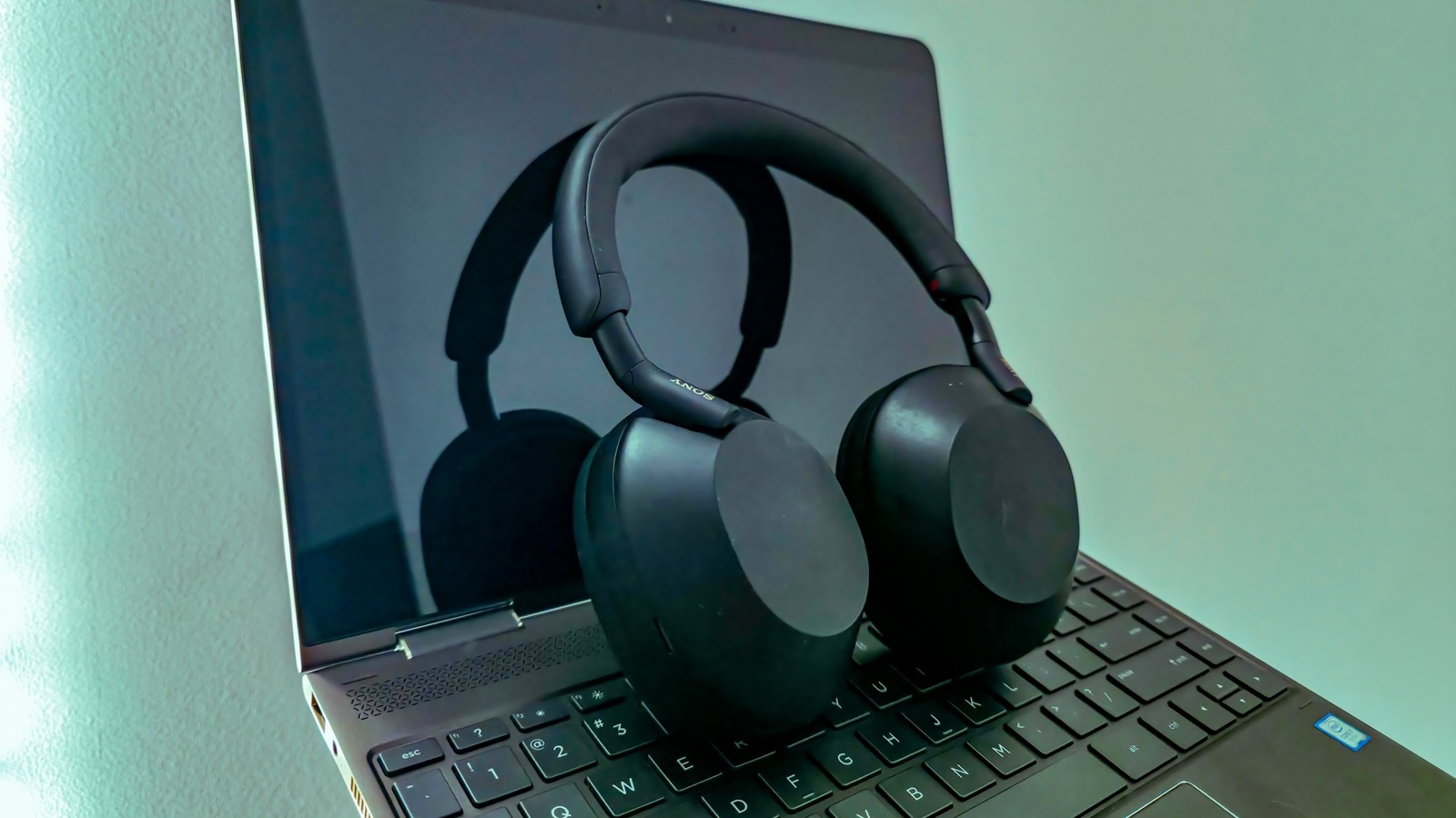
Bluetooth headphones and earbuds are now incredibly common, and more people than ever own a pair. But despite how long Bluetooth has been around, pairing Bluetooth headphones to a computer can still be fiddly. Microsoft hasn't helped, either, with Windows 11's Bluetooth stability a constant bugbear, too, making things even worse — but more on that later.
On paper, connecting headphones to a Windows 11 computer is relatively straightforward. The simplest way is to click the speaker icon in the bottom-right of the taskbar to open the quick settings panel, click the arrow next to the Bluetooth icon, and make sure the Bluetooth toggle is set to…
Read the full article at ENGADGET.COM