
A few settings changes can stop your iCloud from filling up again.
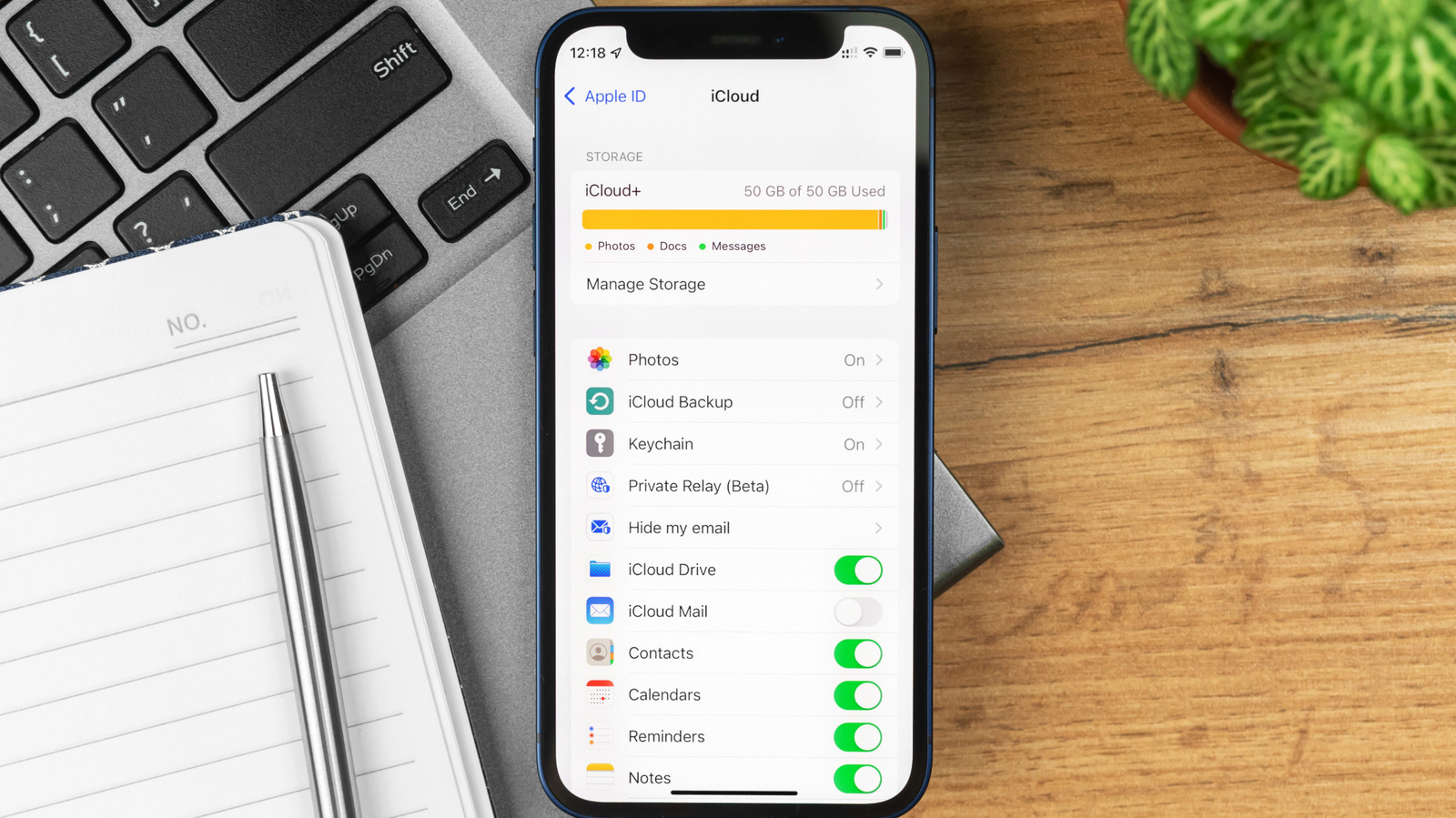
Apple doesn't give you very much iCloud storage when you purchase one of its products, and no matter how many of its devices you buy, you never get more than a stingy 5GB. Since almost everything you sync or back up with Apple shares that space, how do you free up space once iCloud gets full?
That space is occupied by all your photos, videos, backups, mail, mail attachments, data from apps like Messages and Notes, the contents of your iCloud Drive and some third-party app data — even images stored in Shared Albums, which began to count against your storage with iOS 27.
You can…
Read the full article at ENGADGET.COM