
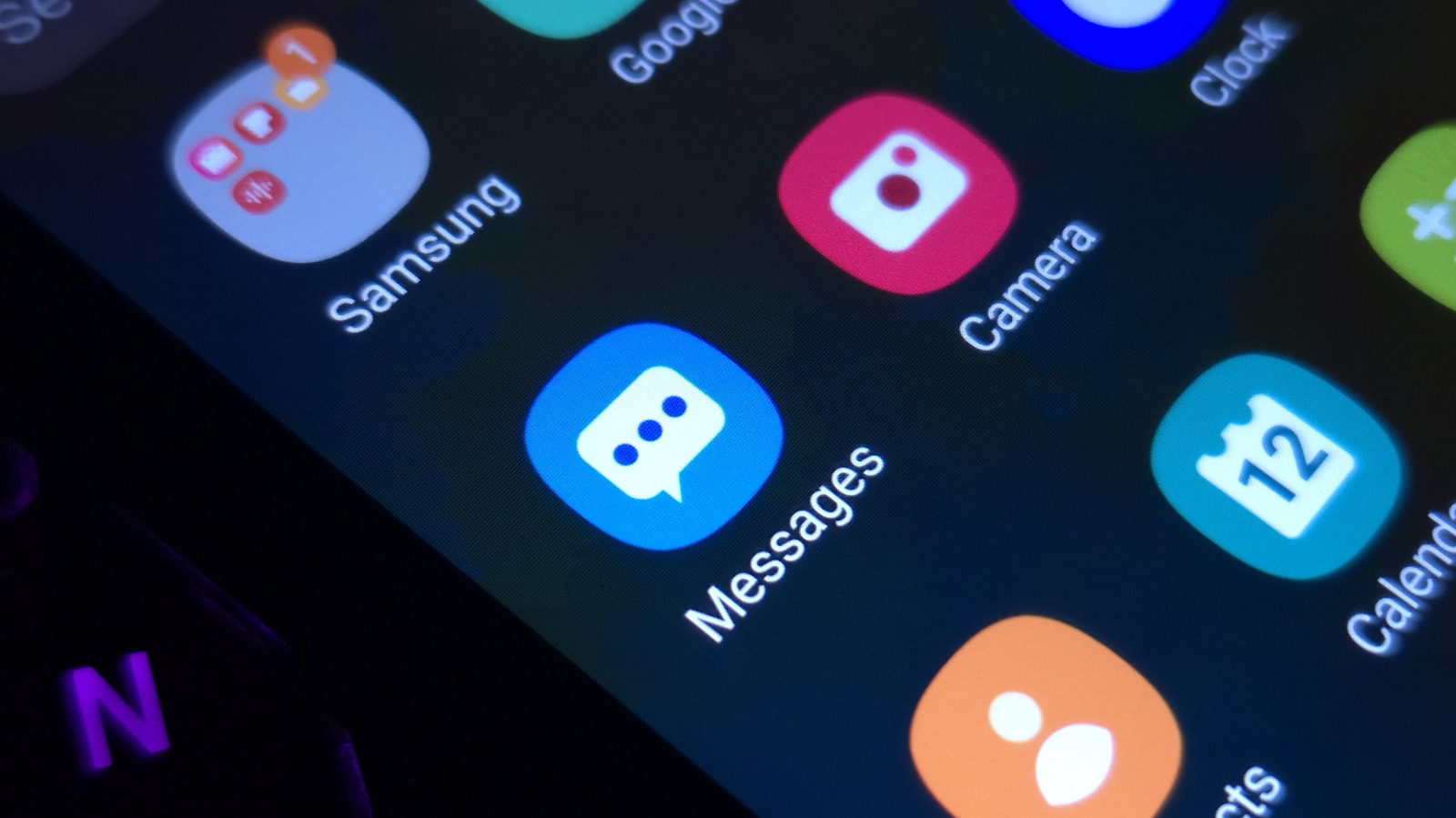
Cozy fireplaces, reimaginations of tourist destinations or even abstract concepts: Pick from these and more when you get to tinkering with app icons and unique customizations on Samsung Galaxy smartphones . Change them up to keep your phone looking fresh and to match your current mood or outfit.
In addition to changing the icons you interact with, themes also change the color scheme on system apps like Contacts, Settings and Messages. Swipe down, and you'll also notice a sprinkle of color on your Quick Panel.
Here's how you can get started with app icon customization. On the Home screen, right after unlocking your Galaxy phone, hold an empty…
Read the full article at ENGADGET.COM