
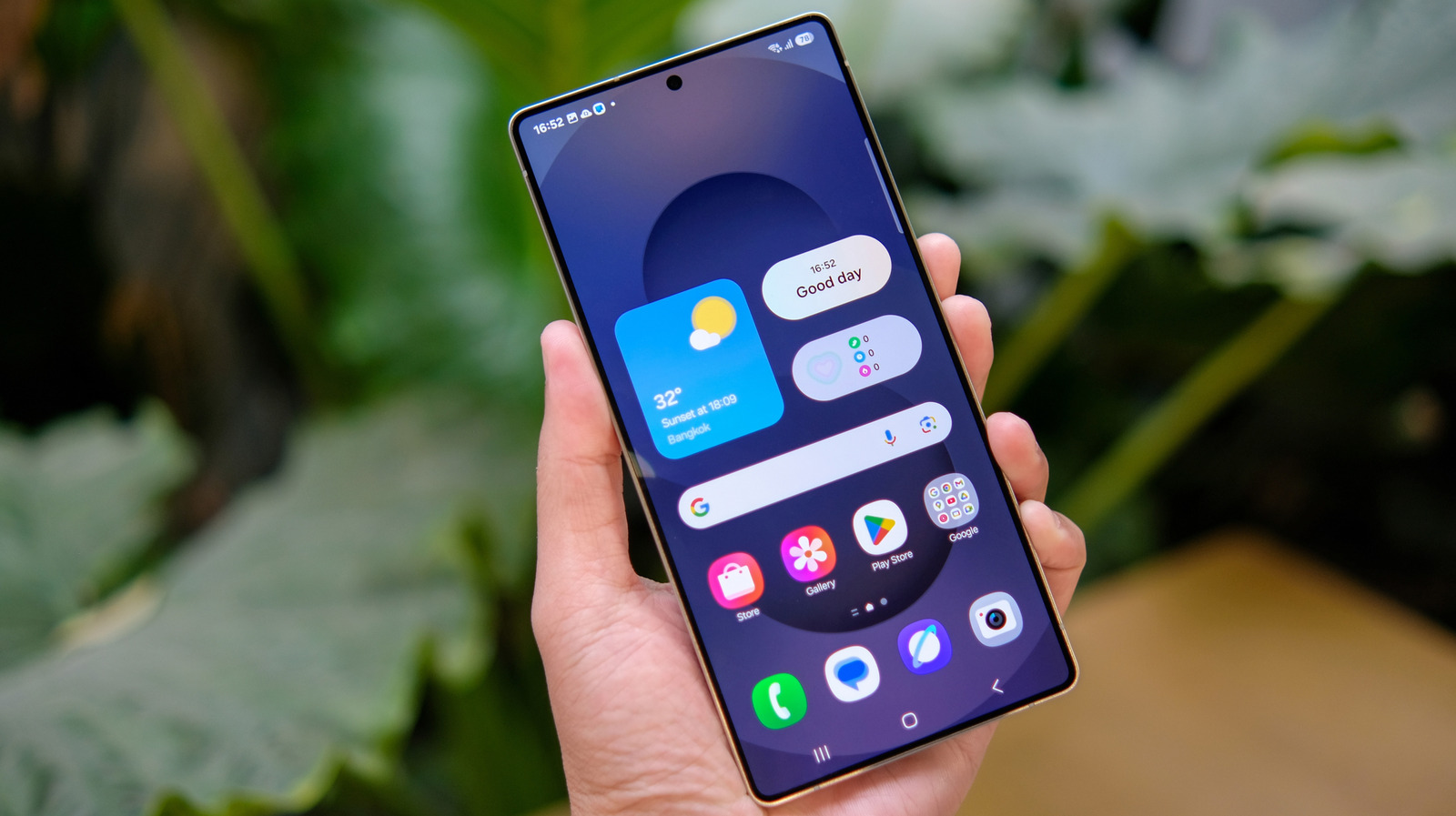
Android phones offer plenty of customization options to help you organize your apps. Some settings, unbeknownst to users, can reorganize your phone's icons or prevent you from moving them at all. A home screen that keeps changing can be frustrating, but the good news is you can fix it without much troubleshooting.
Many Android phones can auto-arrange icons in your app drawer, usually called automatic sorting. This causes your phone to organize icons in alphabetical order, by install date or by other listed criteria. App or OS updates can also change your home screen grid, so don't be alarmed if icons rearrange after a major software update.
If…
Read the full article at ENGADGET.COM