

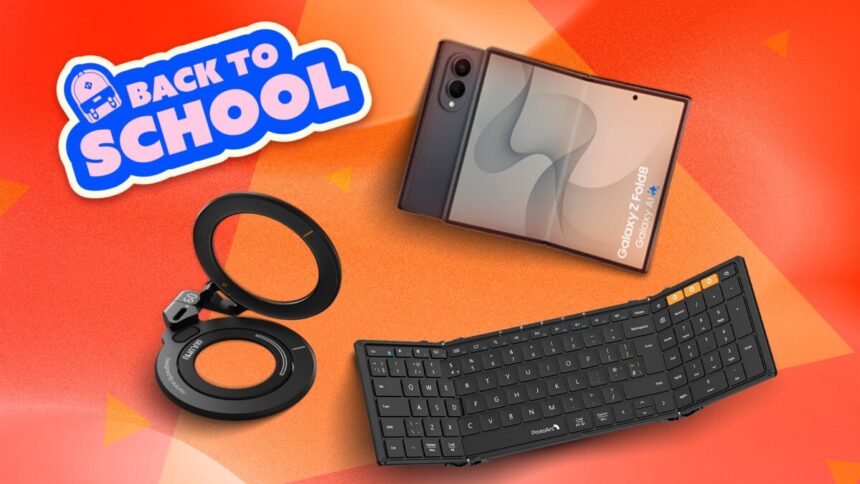
A solid laptop is a must-have for students going back to school. But what if you’re a bit of a rebel, a weirdo who just prefers to do things differently? What if your foldable phone could replace your laptop?
What was once a dream is now more possible than ever thanks to the advancements in foldable hardware and improvements to foldables’ software for things like multitasking. With the right accessories, you can swap out the large clamshell computer and fit everything into a smaller bag or even your pockets, depending on the gear.
This kind of setup isn’t for everyone, and you may face some limitations to getting work done, but for basics like accessing websites, downloading files in the cloud, notetaking, and writing reports, it works. Go forth and be bold and strange and have fun experimenting.
Samsung Galaxy Z Fold 8 or Motorola Razr Fold
I’m gonna be upfront about this: whatever book-style foldable that you choose to replace your laptop will probably cost one to two bands. That’s just the reality of a foldable that unfolds into a tablet. I recommend not paying MSRP and looking for a sale, trading in a device to lower the price, buying used, or getting an older model. Check places like eBay, Amazon, and Swappa for deals if you’re going used.
Samsung’s Galaxy Z Fold 8 or Motorola’s Razr Fold are my top picks. I really like the Z Fold 8’s 7.6-inch inner screen with a 4:3 aspect ratio. It’s closer to a widescreen than most other book-style foldables with a square-ish inner screen. If a square inner screen doesn’t bother you, you might want to consider the Motorola Razr Fold or Samsung’s Galaxy Z Fold 8 Ultra.
See Galaxy Z Fold 8 at Samsung
See Galaxy Z Fold 8 at Amazon
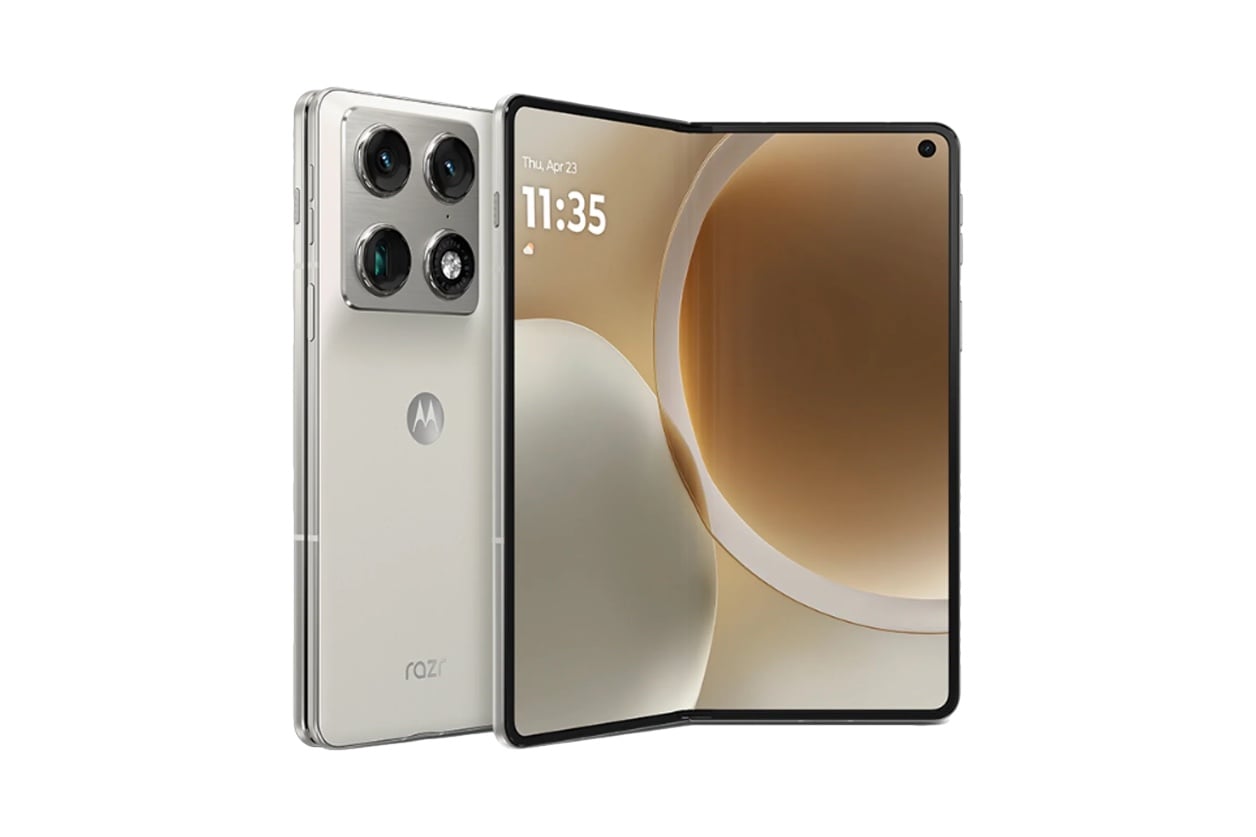
There’s another important reason I chose both of these models to be the centerpieces of your laptop replacement setup: They support desktop-like modes when connected to an external monitor. The Z Fold 8 and 8 Ultra have DeX and the Razr Fold has Smart Connect. I say desktop-like because they sort of function like a desktop operating system when you have a wireless keyboard and mouse hooked up to them. You’ll get resizable and movable app windows.
You can still get resizable and movable app windows on the inner screens without connecting to a monitor. On the Z Fold 8, you need to open an app in “Pop-up” view, and on the Razr Fold, you open it up as a “Freeform” window.
Magnetic Ring or Stand
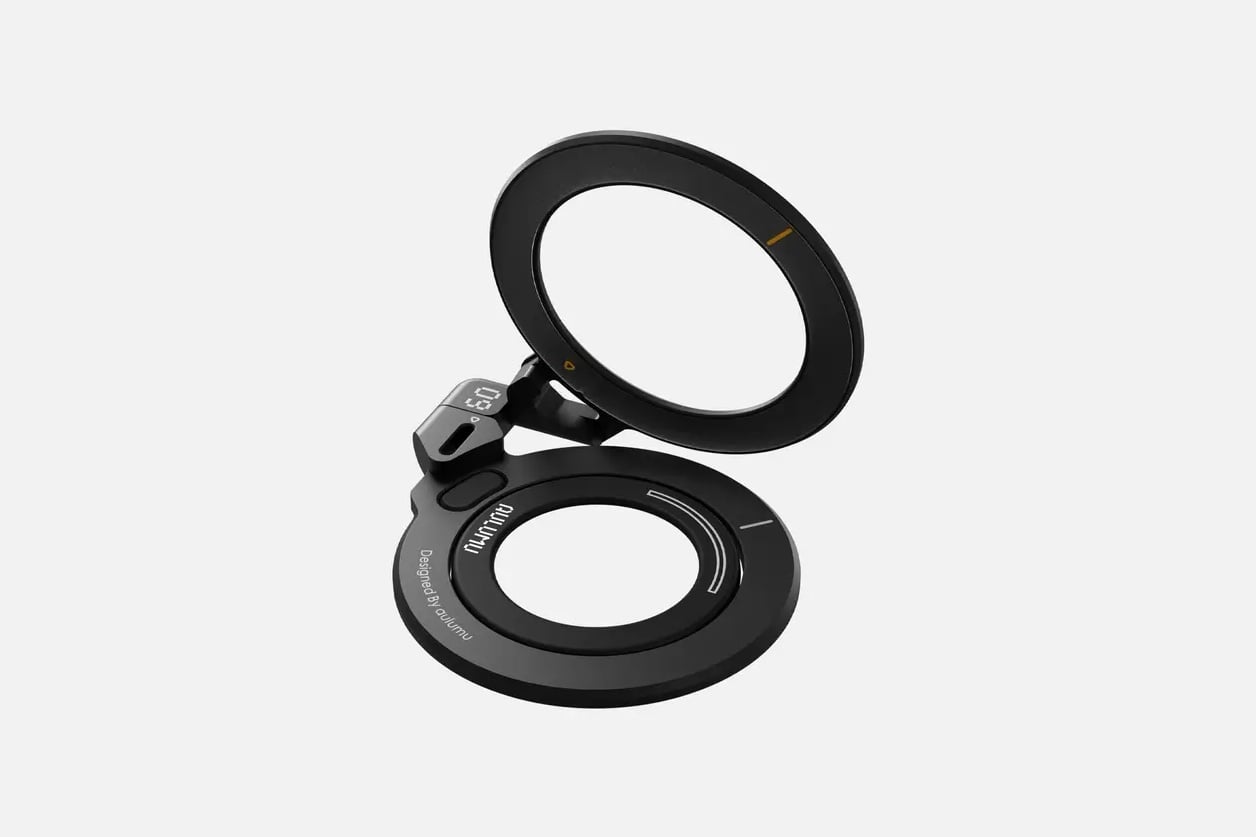
To prop up your foldable, I suggest getting a magnetic ring or stand that snaps onto the back. Unfortunately, neither the Z Fold 8 nor the Razr Fold has built-in magnetic rings for attaching accessories to them. You’ll need to get a case that has a built-in magnetic ring or affix a magnetic ring to your case or naked device.
The best kind will be something that’s slim and can be placed at various angles. Samsung’s official 360 Stand Magnet is a good option. Aulumu’s G09 Infinite 360 Magnetic Stand with 3-axis rotation is another good-looking choice that I’ve seen many foldable users recommend. This Ulanzi MA60 Magnetic Tripod is more for content creation, but it’s possible it might be enough to hold up your foldable. I also found this metal portable stand/riser with a built-in magnet ring that collapses down to easily fit in a bag or pocket. It’s bigger than the others, but it also supports larger tablets and laptops.
See 360 Stand Magnet at Samsung
See Aulumu G09 Magnetic Ring Grip at Amazon
Here’s some inspiration:
360 Stand Magnet(+Hinge Protection Magnet Case) pic.twitter.com/IBiLnIYPXE
— ACCN|矢崎飛鳥 (@ACCN) August 9, 2026
Foldable Keyboard
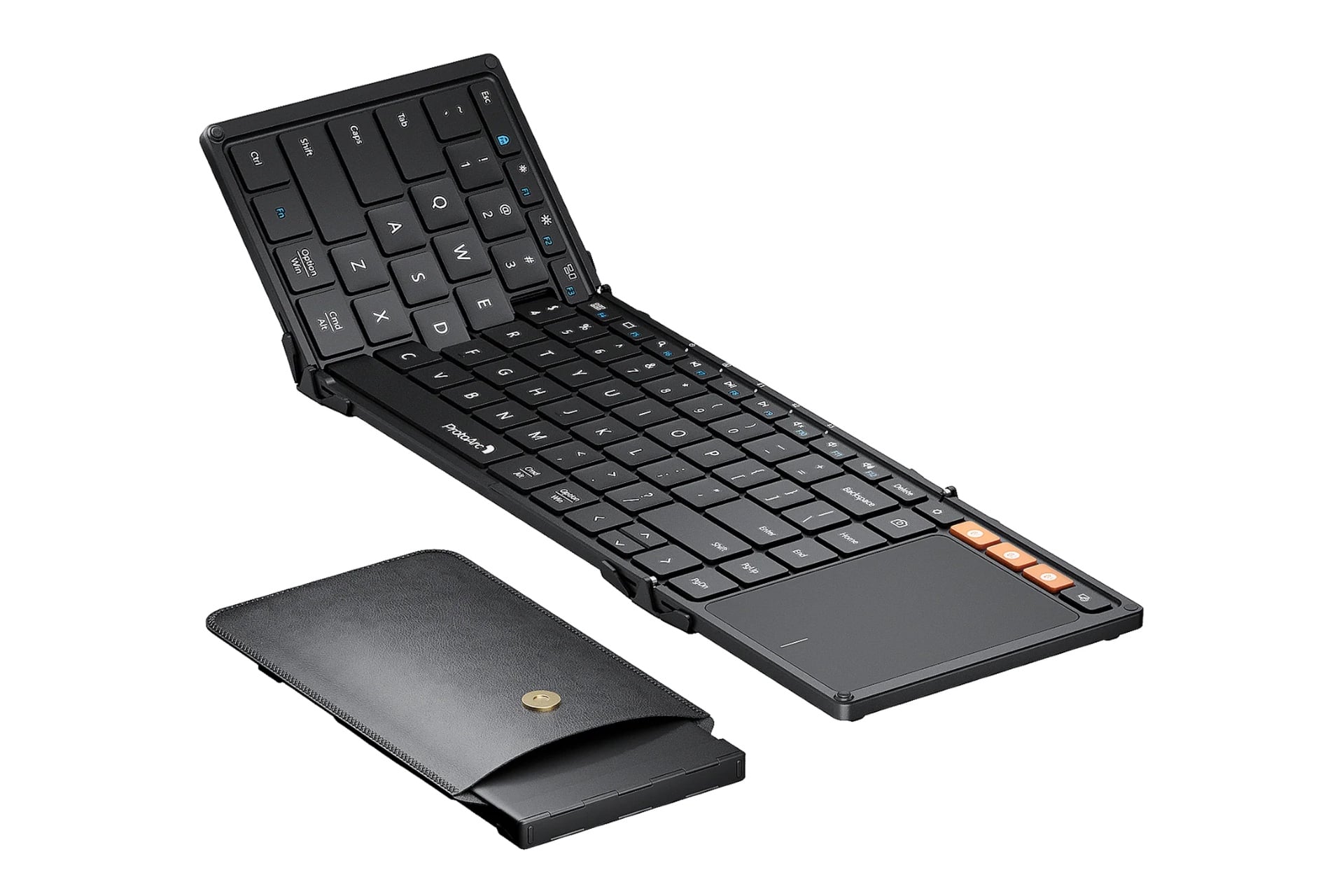
Replacing your laptop means you’ll need a way to type more quickly than pecking at an on-screen keyboard. I know a few creators and reviewers who recommend the ProtoArc XK01 TP Bluetooth keyboard for its foldable design and built-in trackpad. ProtoArc also makes the XK04, which doesn’t come with the trackpad. Targus also makes a foldable keyboard with a more ergonomic, angled design, and Keychron has its B11 Pro. I’ve also tried Microsoft’s Universal Foldable Keyboard, which works similarly but only doesn’t have the angled shape.
If you don’t care for a keyboard that folds down, Logitech’s Keys-to-Go is thin, light, and types smooth.
See ProtoArc XK01 TP Foldable Keyboard at Amazon
Flat Wireless Mouse
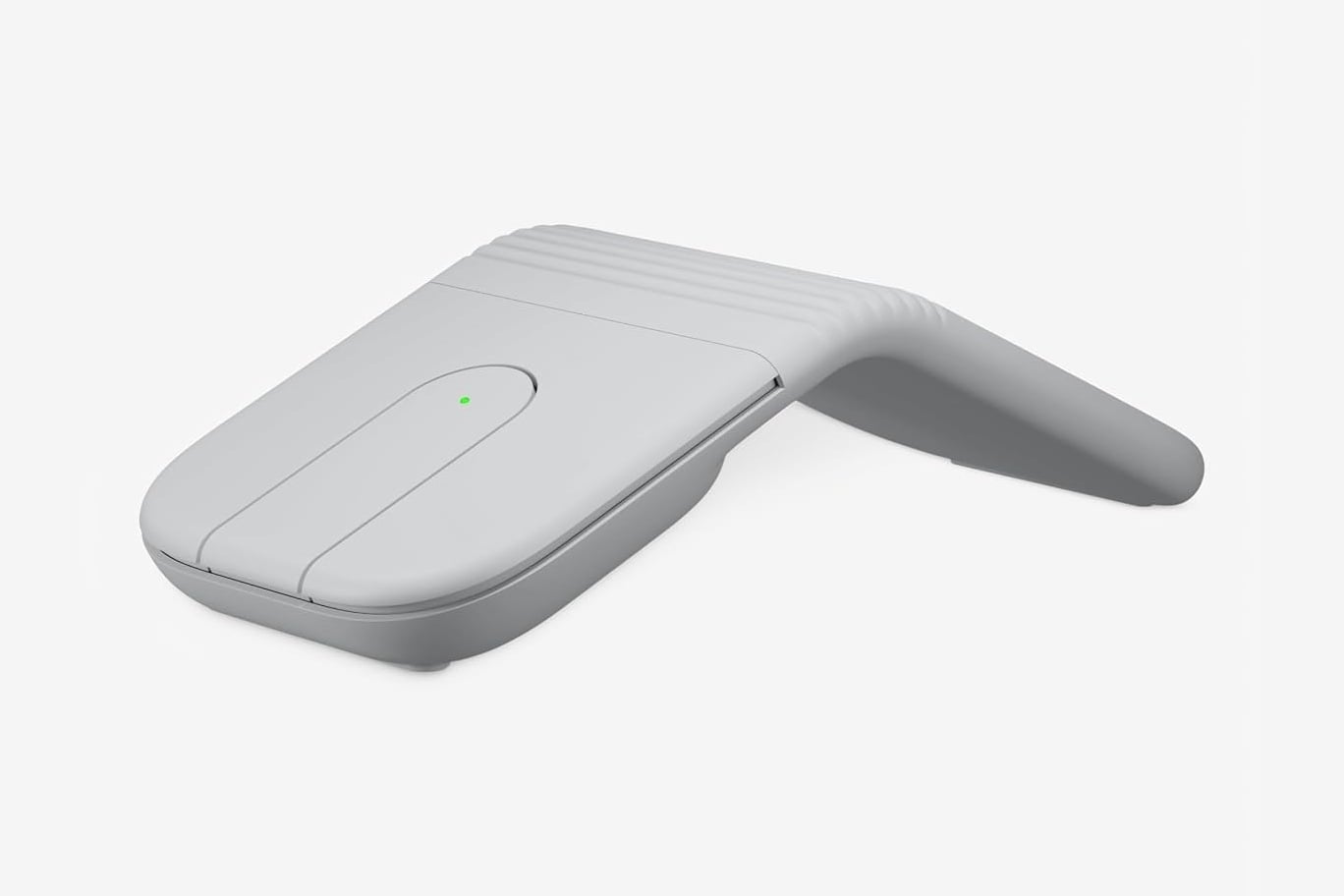
Should you get a keyboard without a built-in trackpad, you’ll want a wireless mouse to make point-and-clicking and text entry easier. I would advise something that doesn’t take up much space. Remember: you want everything to be as compact as possible; otherwise, what’s even the point of replacing your laptop with a foldable? Logitech’s Mobi Fold folds in half when it’s not in use and snaps into an angled position for more palm support. Microsoft also makes a similar wireless product called the Surface Arc Mouse; the only difference is that it doesn’t fold and only flattens when it’s off.
See Logitech Mobi Fold Mouse at Amazon
High-Capacity Battery Pack
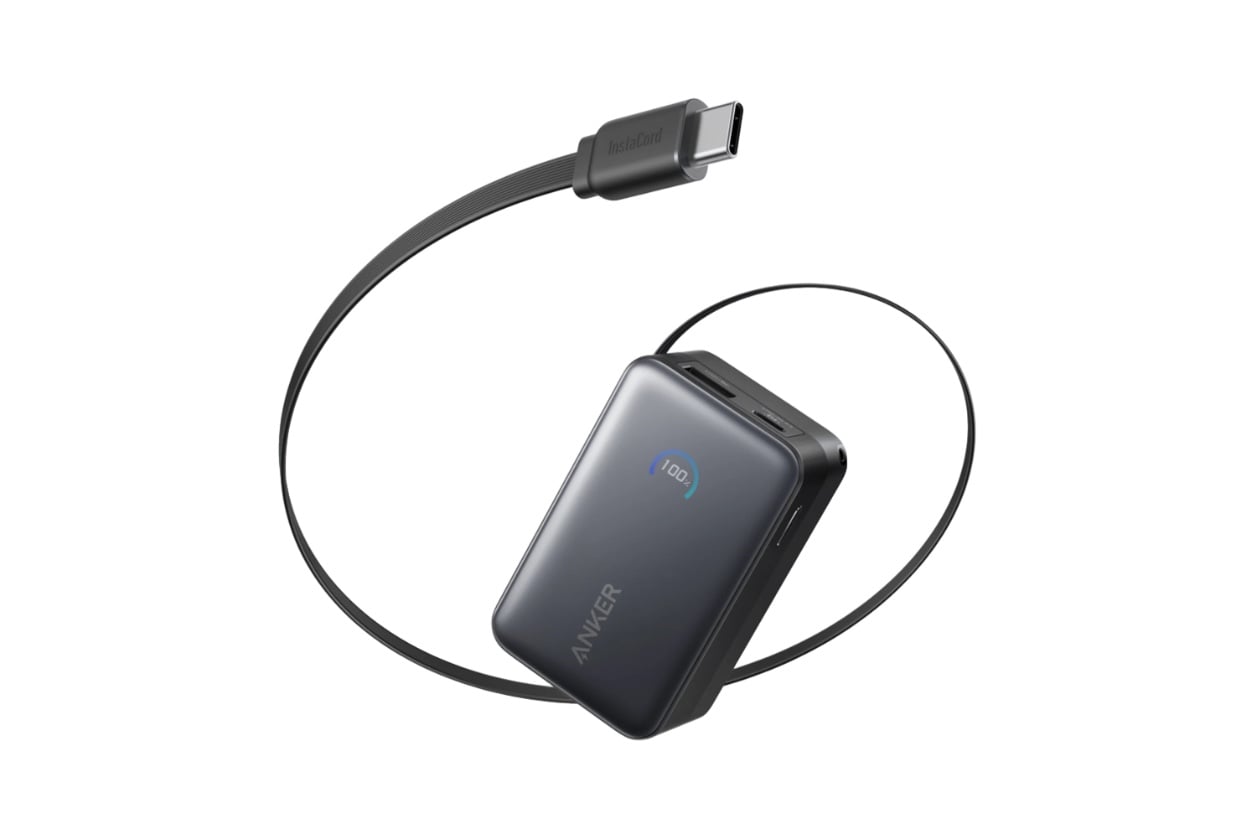
Using your phone like a laptop will for sure tax your foldable’s battery life. The simplest solution is to get a battery pack. A magnetic one won’t work with a stand, and you don’t want to deal with a wire that you also need to keep track of. This Anker Nano Power Bank has 10,000mAh and comes with a retractable USB-C cable. That should be more than enough to keep your foldable powered for a few hours.
See Anker Nano Power Bank at Amazon
Read the full article here